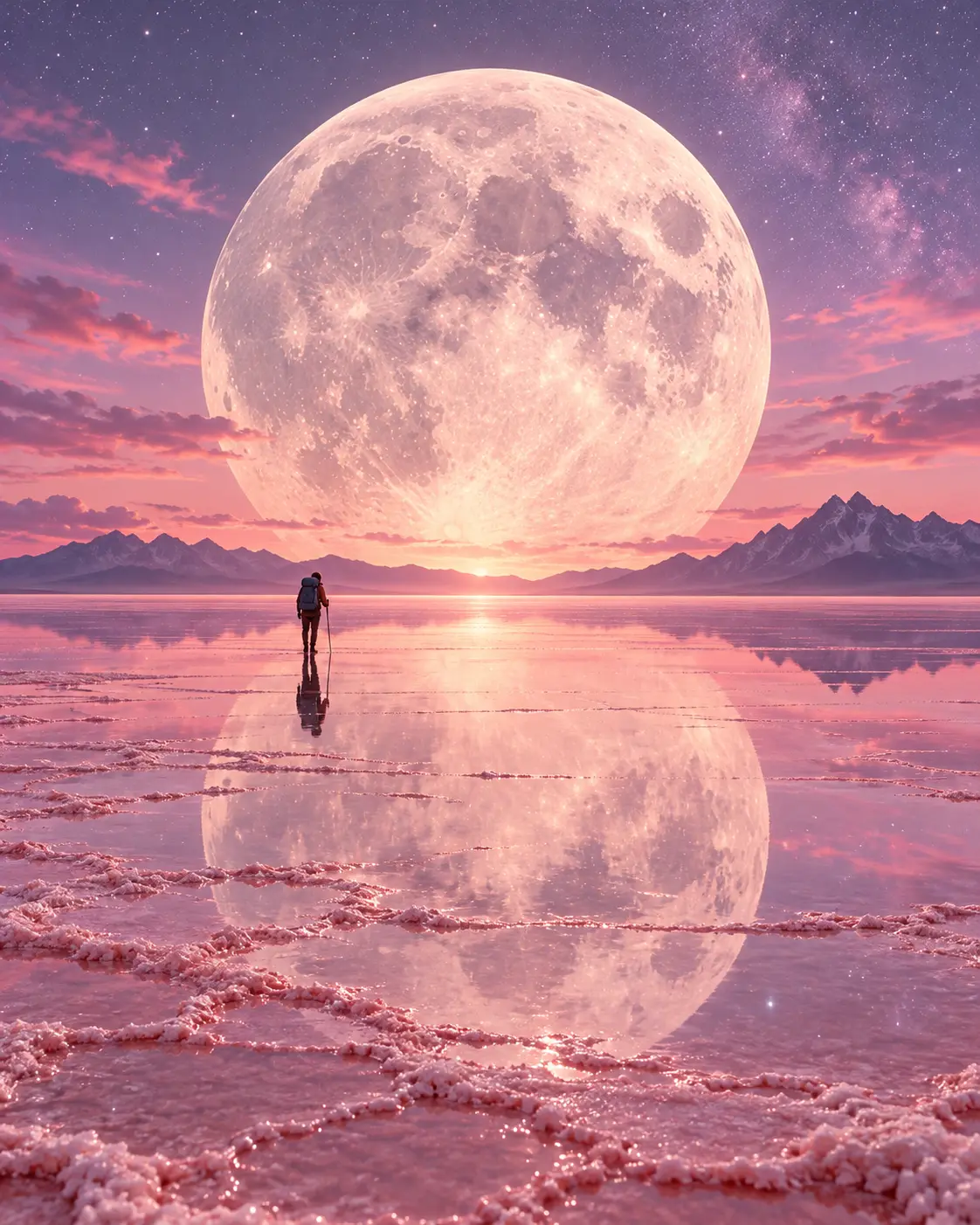
Before · idea“A giant moon on a pink salt lake and a tiny traveler”
After · promptMidjourney
Surreal landscape of vast pink salt flats with a thin mirror layer of water, an enormous full moon low on the horizon, a tiny lone traveler casting a long shadow, 24mm…
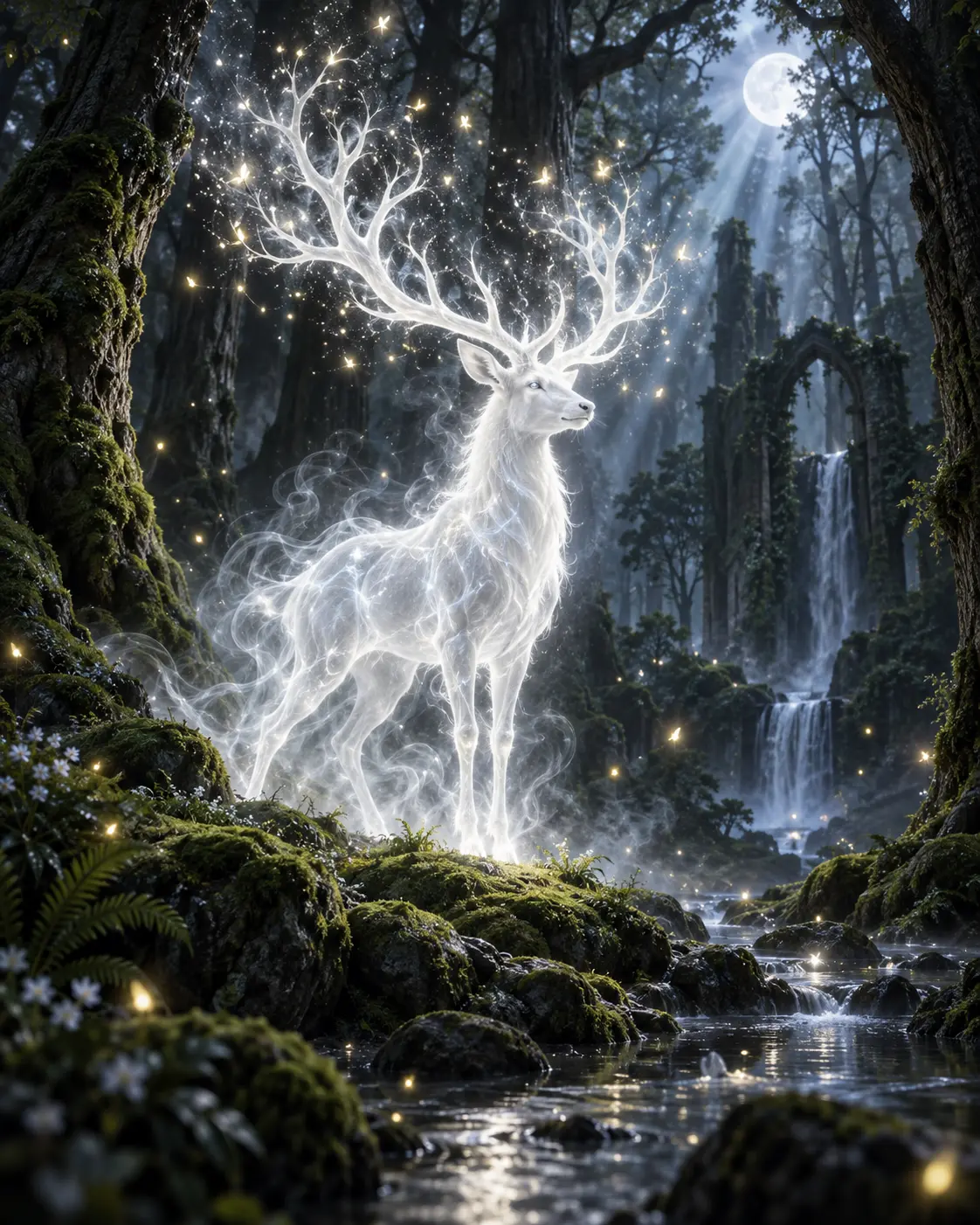
Before · idea“A stag made of light in a dark forest”
After · promptChatGPT Image
Fantasy art of an ethereal white stag made of glowing light and translucent mist, vast antlers dissolving into floating sparks, dark ancient forest, soft volumetric light…
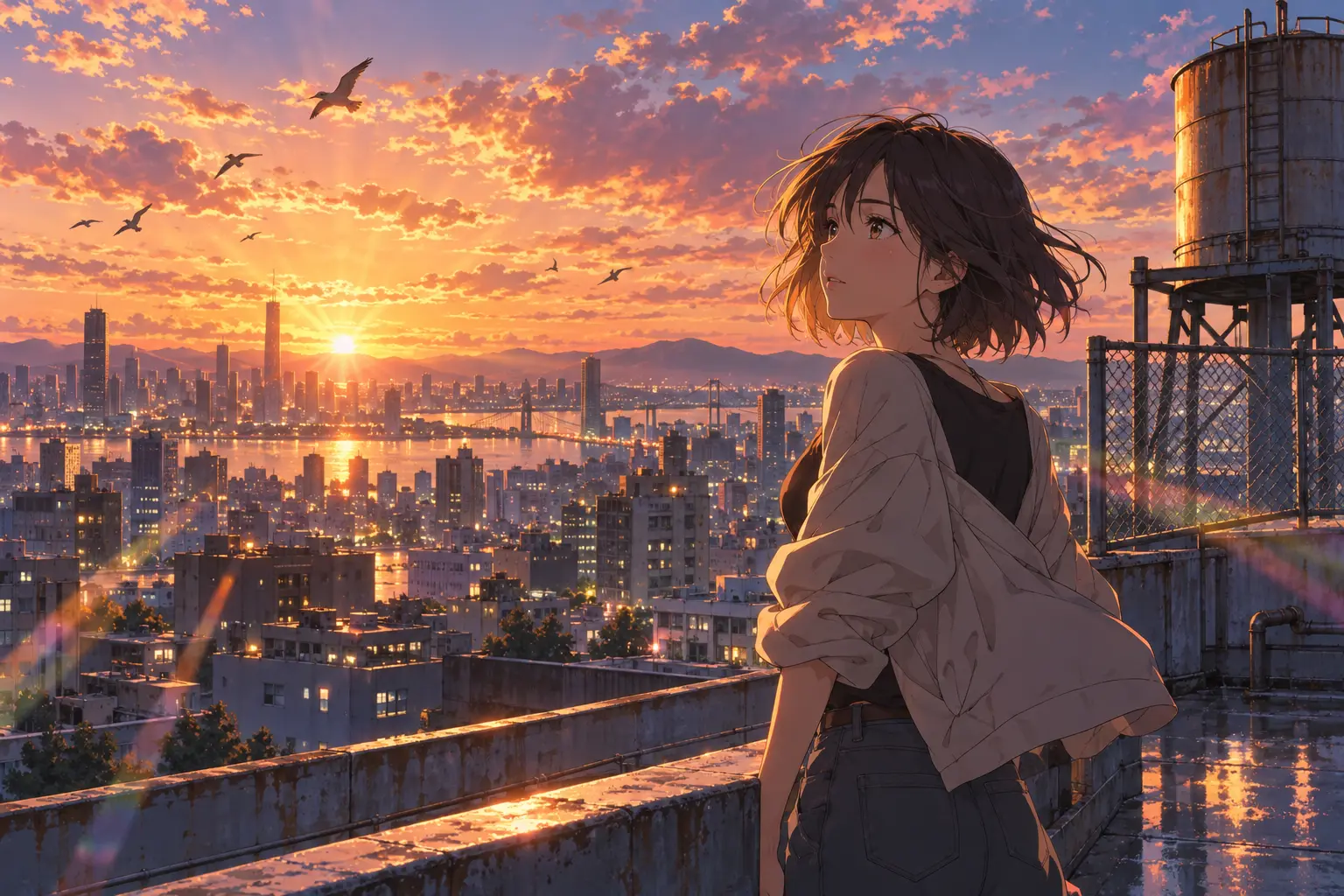
Before · idea“A girl on a rooftop at sunset, anime”
After · promptNano Banana
Anime key visual of a young adult woman with short windswept hair on a city rooftop at golden hour, glowing orange and pink clouds, theatrical anime background art…
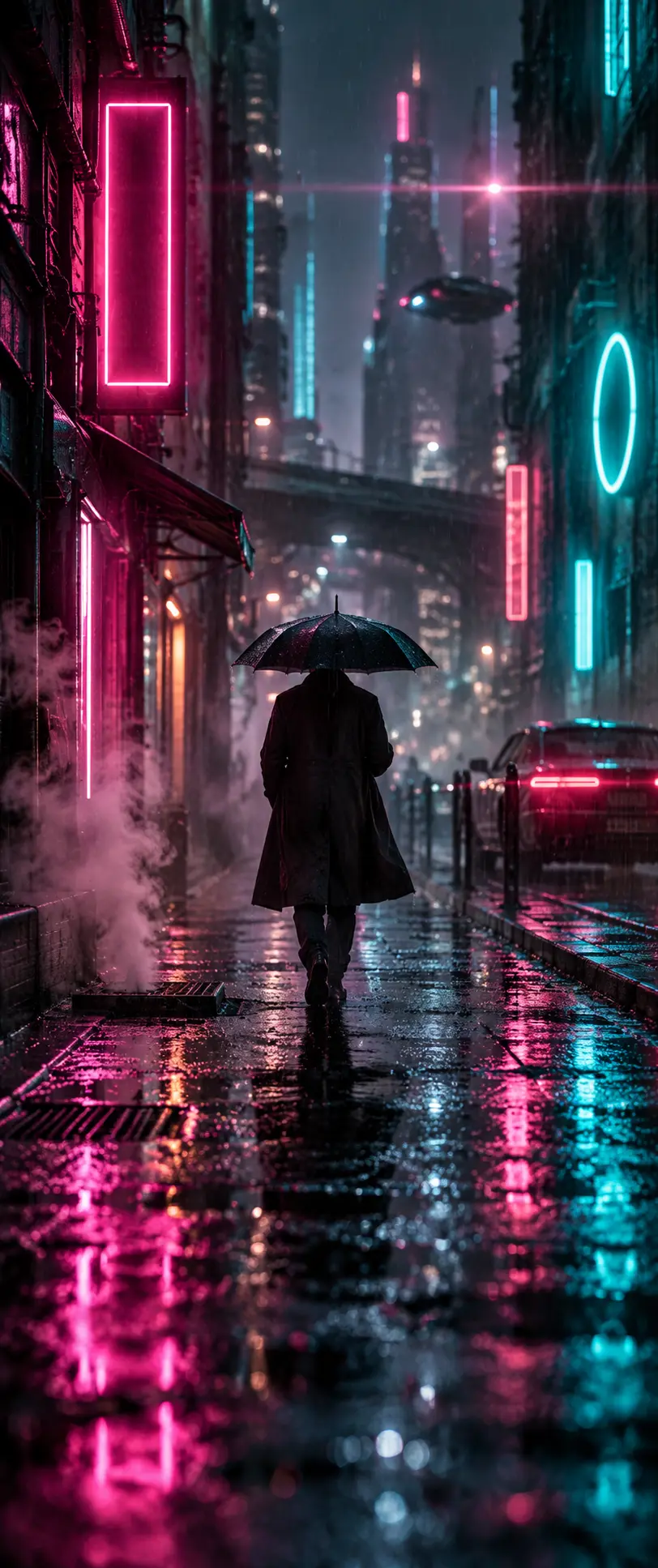
Most weak prompts are really incomplete prompts. “Someone with an umbrella on a rainy night” is a good start, but the model has to guess the light, framing and texture. The prompt enhancer fills those gaps in order and always keeps your idea as the first sentence. You end up with a prompt that keeps your idea and completes what was missing.
How should you write your idea?
The more concrete your idea, the more the result feels like yours. Try to say in one sentence who or what is shown, where, and what feeling it should carry. Write “a misty morning, a single boat by the lake” instead of “a beautiful landscape” and the tool builds light and composition for that scene instead of guessing.
Four layers: subject, light, lens, composition
A good prompt usually has four layers. The subject sets what's visible, light the atmosphere, the lens the point of view, and composition where the eye goes. The tool keeps your subject as it is, adds the other three to fit your style, and lists every addition under “what was added”.
What does the style change?
Cinematic: anamorphic lens, volumetric light, film grain and wide framing.
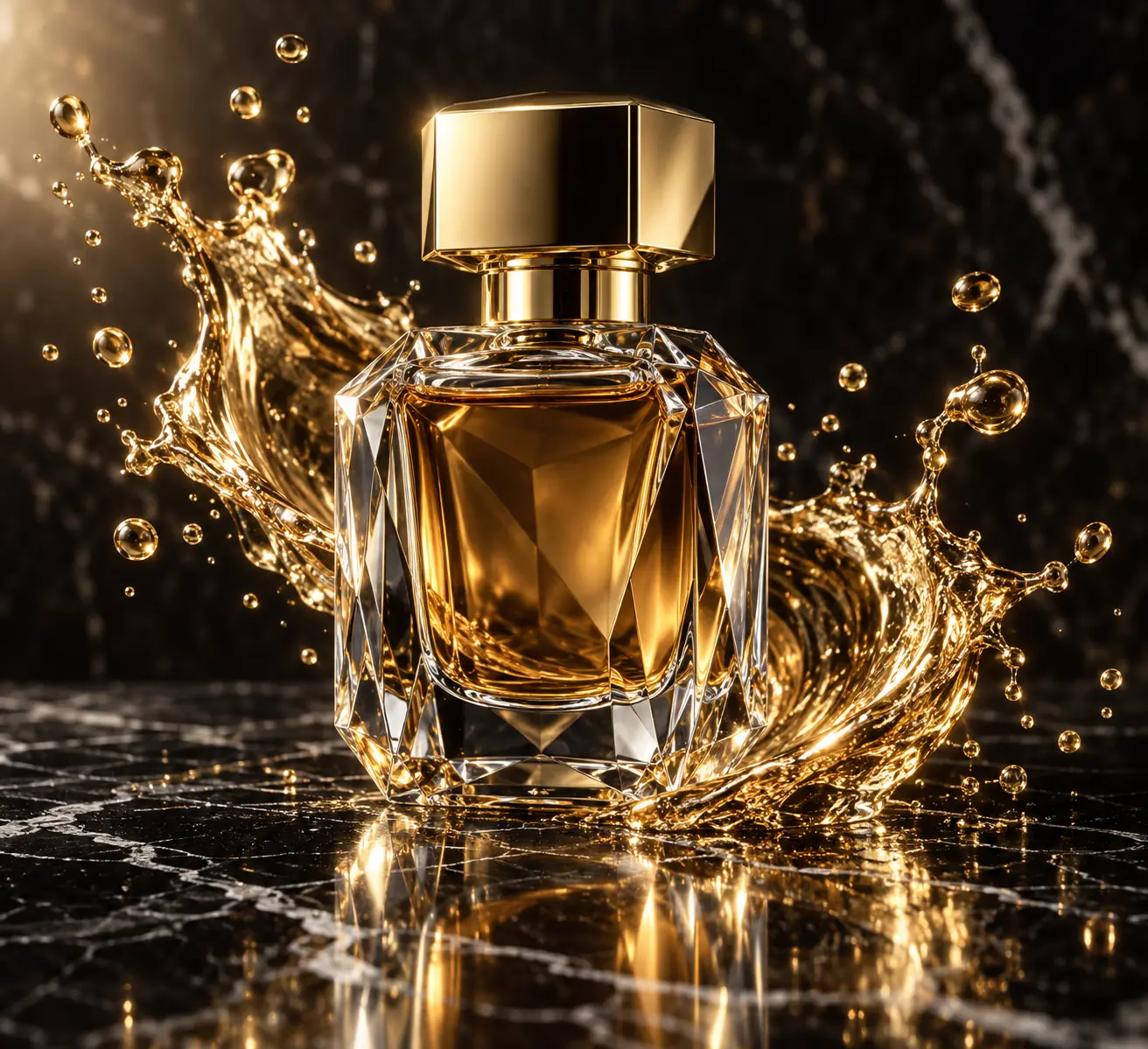
Product: clean surface, controlled reflections and macro detail.
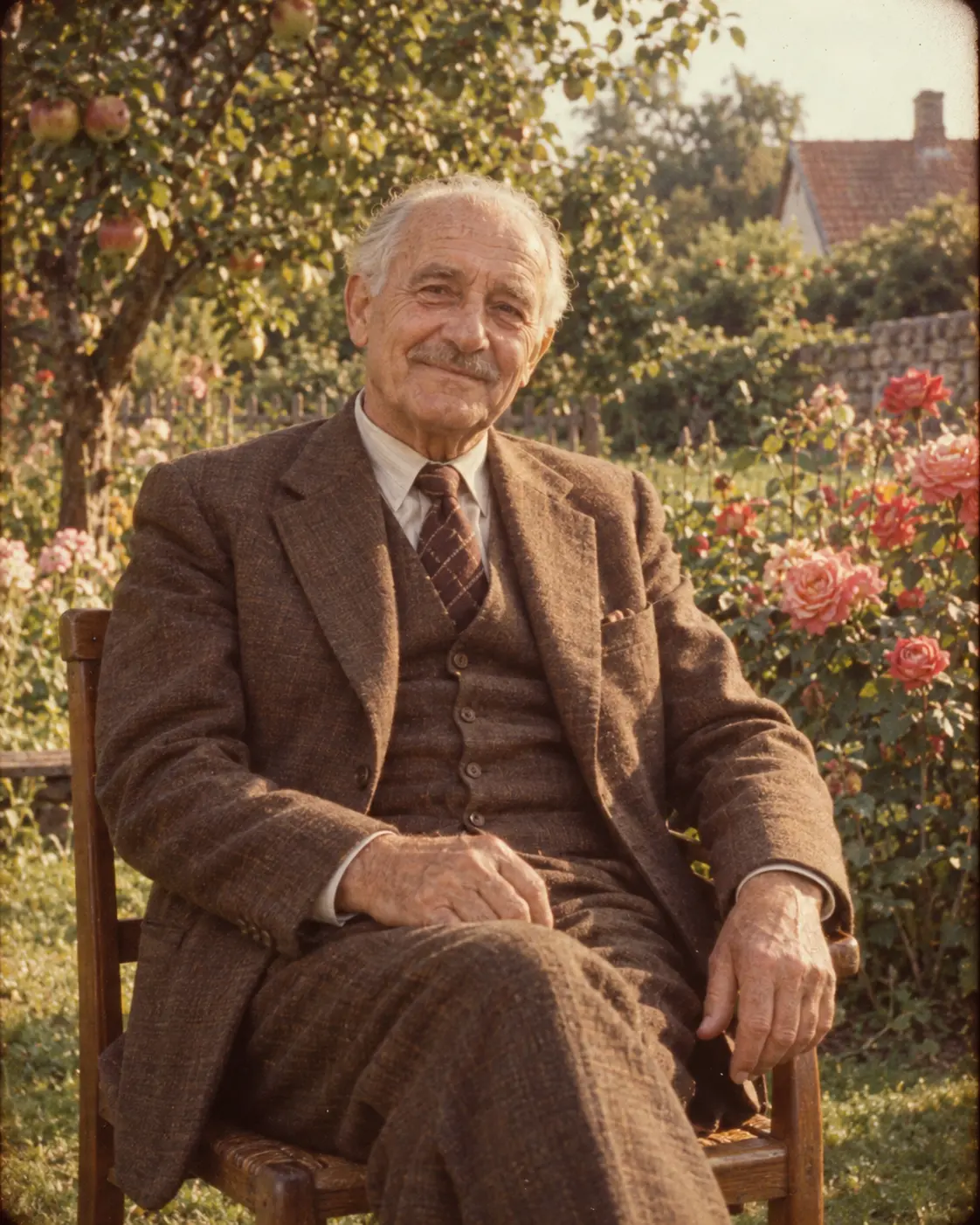
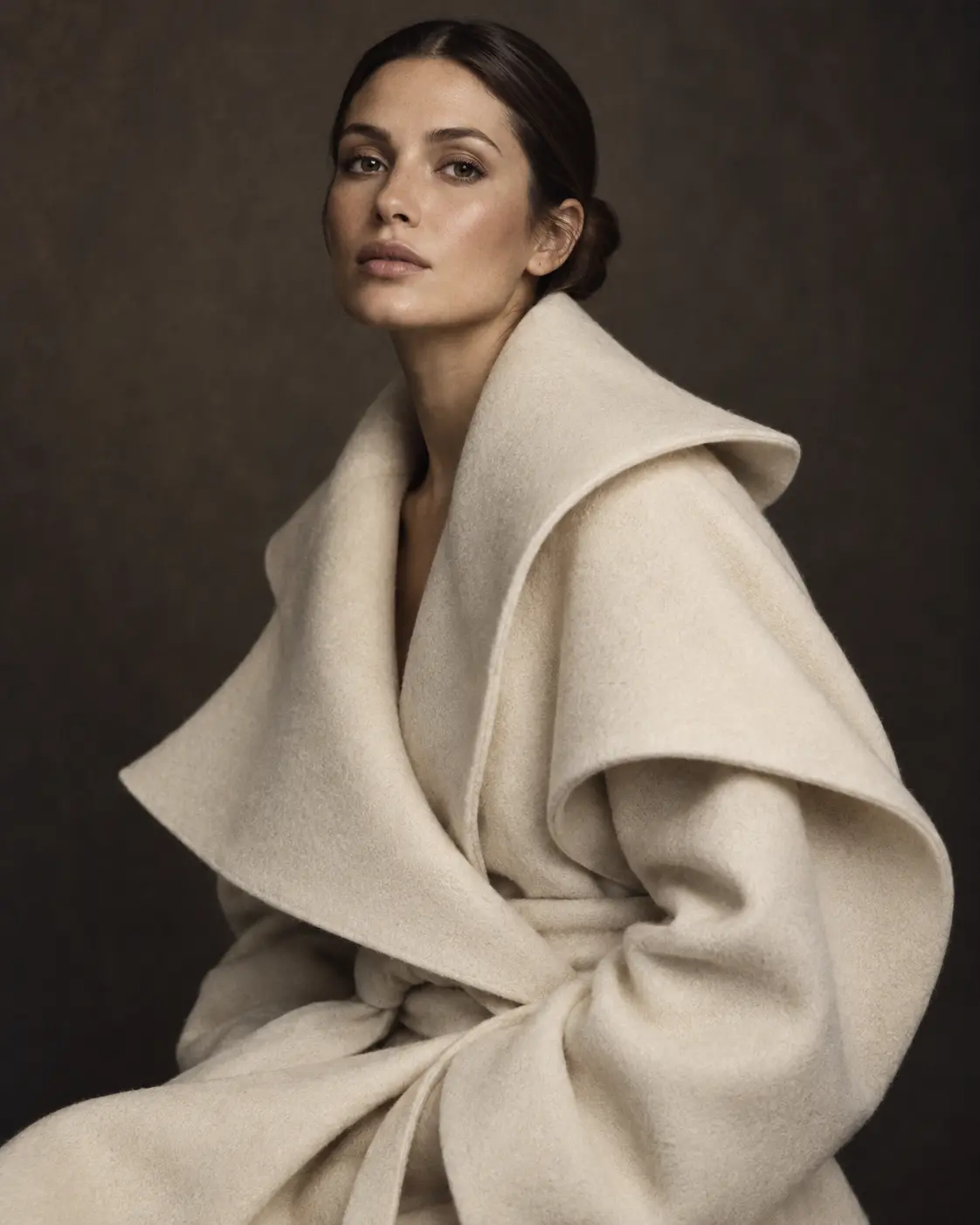
Portrait: 85mm lens, soft key light and eye-level framing.
Anime: cel shading, vivid colors and emphasis on background art.
Write in your language, use it in English
You can write your idea in your own language. Most image models give more consistent results with English prompts, so the enhanced prompt comes out in English. Parts you may want to change stay in square brackets; fill them with your own words after copying. Brand names and proper nouns are kept as they are.
Build your own skeleton
Note the light and lens combinations you use often. After a while you'll have a prompt skeleton of your own that you can reuse. The tool is there to speed that skeleton up, not to decide for you.
Try it right awayWrite your idea and get the added layers and the full enhanced prompt.Back to the tool
Each enhancement uses credits, which come with the Pro and Elite plans every month. You can write your idea without an account; the run itself needs a plan. You get the full prompt and can copy it again any time from My generations.
Can I write my idea in another language?
Yes. Write in your own language; because image models work more consistently in English, the enhanced prompt is written in English.
What if I don't pick a style?
The tool picks the best-fitting style from the hints in your idea. If you don't like the result, pick a style and enhance again.
Which platform does the prompt work on?
It's arranged for the platform you pick: parameters are added for Midjourney, plain sentences are used for ChatGPT Image.
Can I edit the prompt afterwards?
Of course. Variables in square brackets are left for you to fill, and you can change the rest however you like.