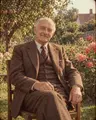
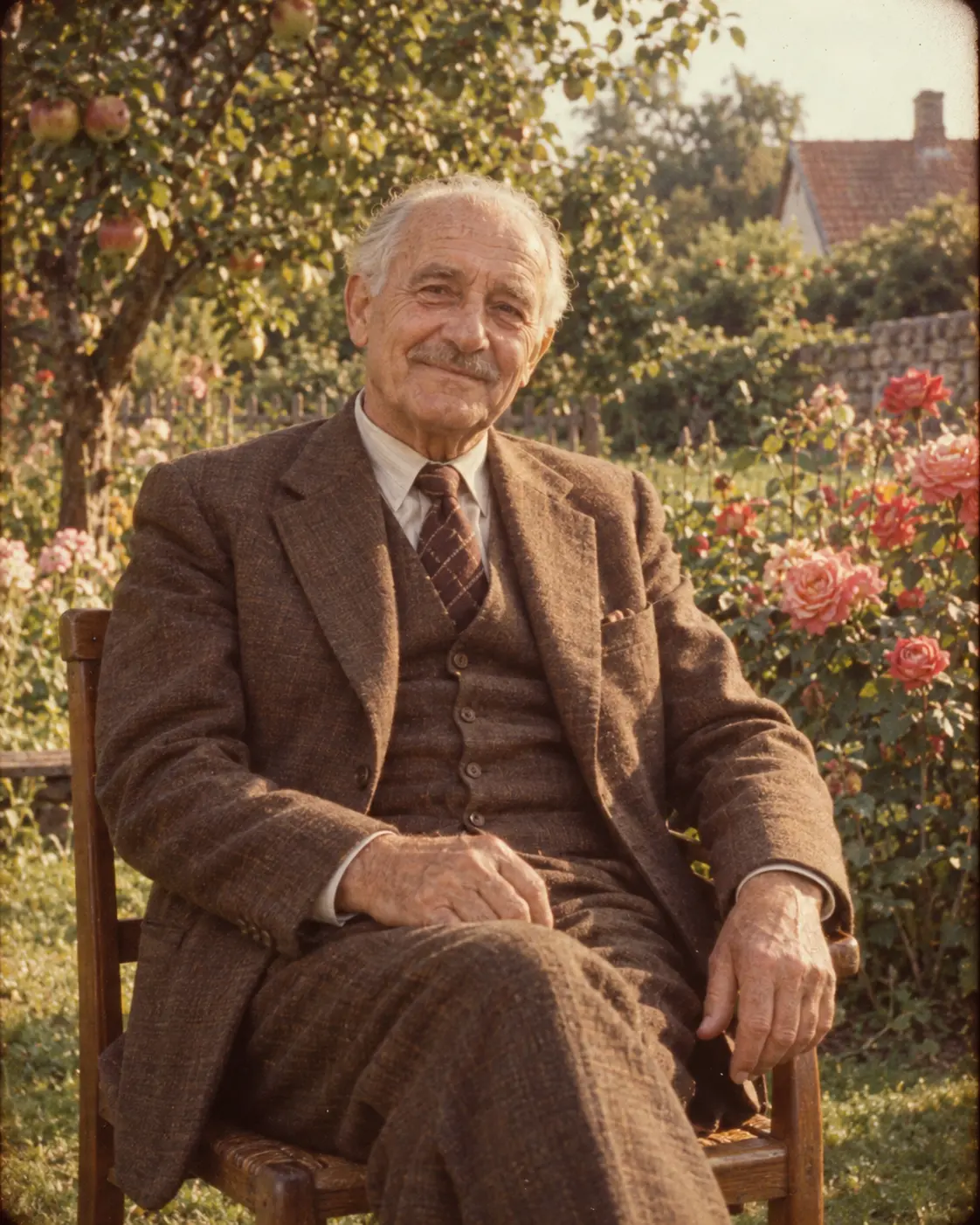
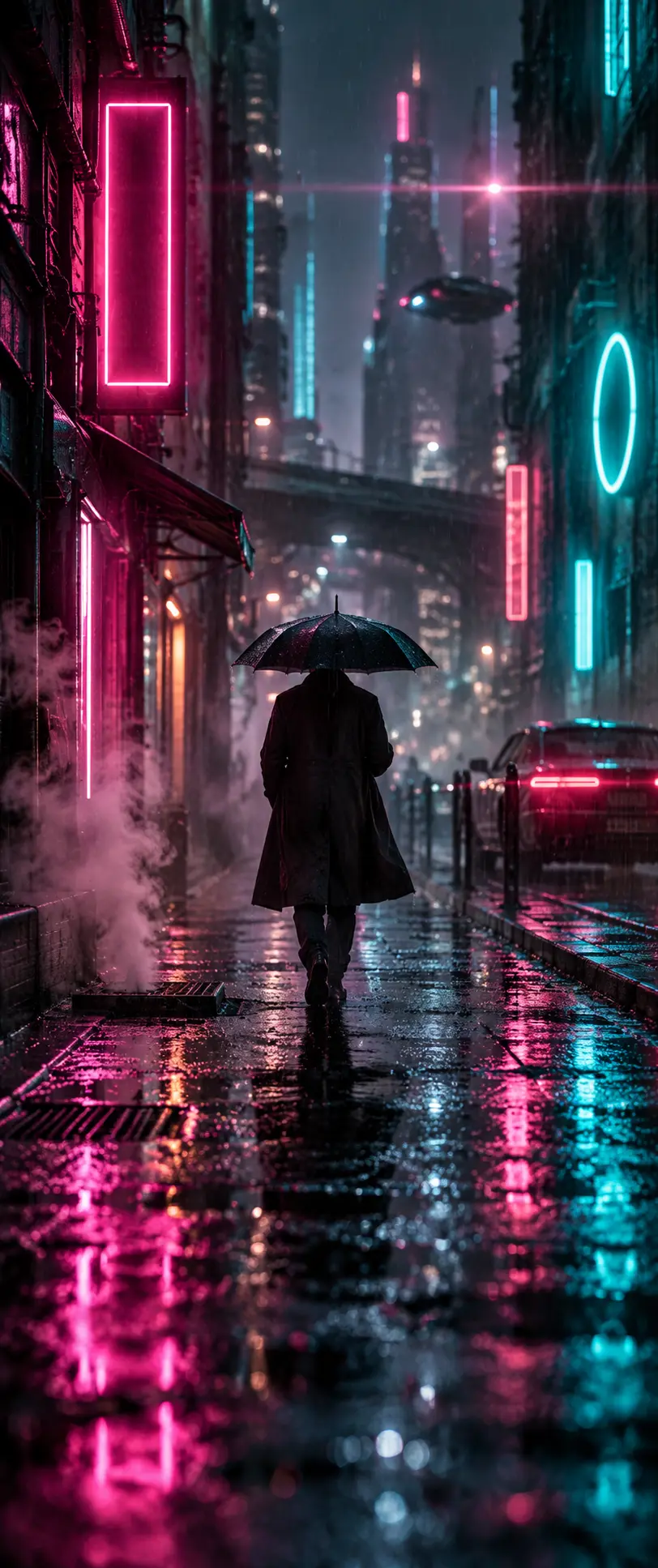
Retro 35mm film photograph of a kind elderly man in a vintage brown three-piece suit, seated on a wooden chair in a lush summer garden, warm late-afternoon sunlight, soft grain…
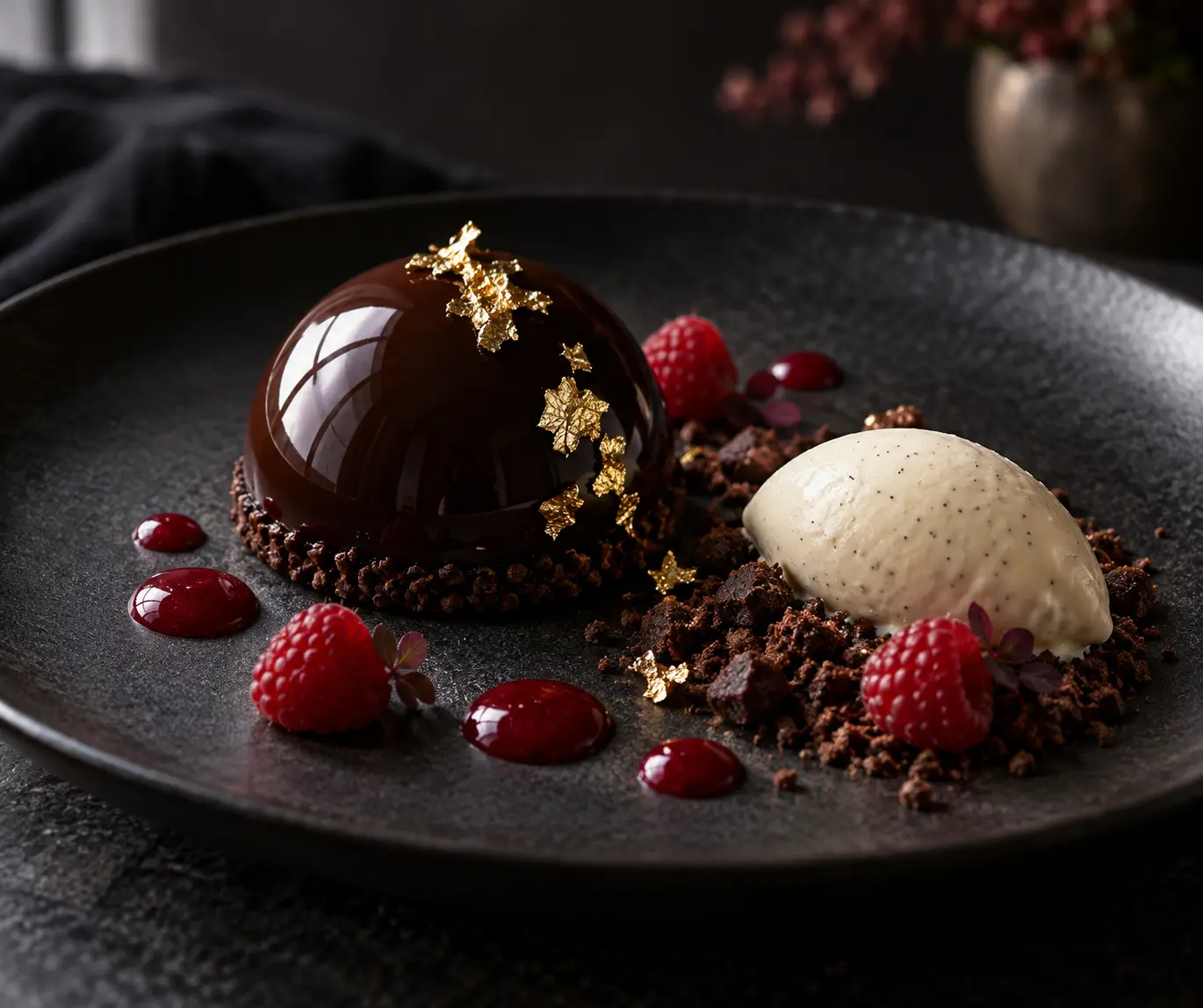
Fine-dining dessert photography, glossy dark chocolate dome with mirror glaze and gold leaf flakes, single soft window light from the side, chiaroscuro, 100mm macro…
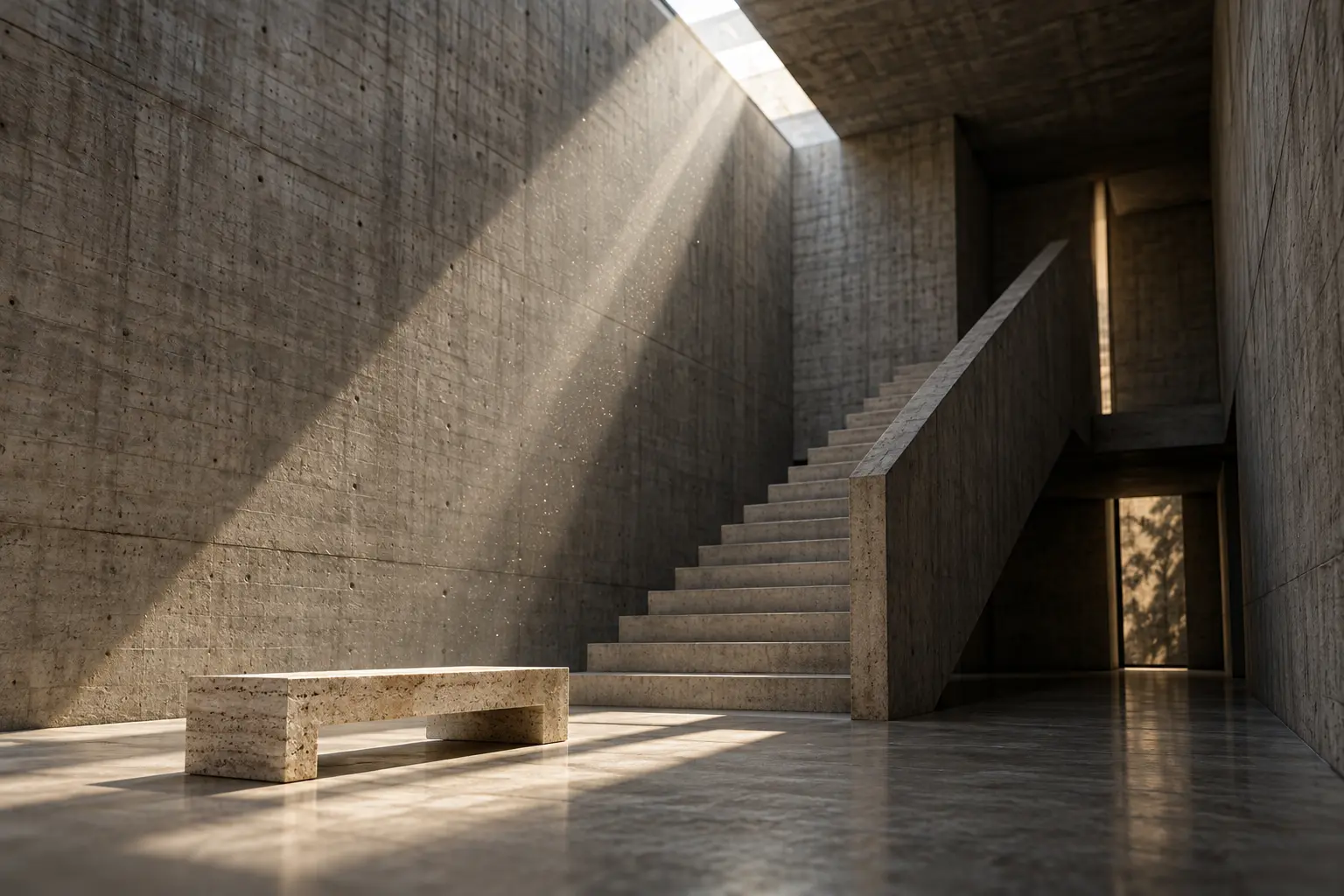
Minimalist brutalist interior, board-formed concrete walls and a monolithic staircase, crisp shafts of sunlight through a skylight slit, floating dust, 24mm tilt-shift…
The shortest way to recreate an image you like is to name the decisions behind it, one by one. A model doesn't copy an image; it reaches a similar result when you give it clear instructions about subject, light, camera and style. This tool reads those decisions for you and turns them into a prompt skeleton: subject, light, camera, style and palette each get their own line, and it's clear why every line is there.
Which images work best?
Sharp, well-lit images with a single main subject give the most consistent analysis. In tiny, heavily compressed images, or ones covered in text and watermarks, light and texture information gets lost. Upload a single frame instead of a collage or screenshot; if you're inspired by several images, analyze each separately and combine the layers yourself.
Subject first, atmosphere second
Models give more weight to the words at the start of a prompt. So use the first sentence to say who or what is shown, what it's doing and where. Atmosphere — light, color, texture — comes second. The tool builds the prompt in that order: a format line, then the subject sentence, then light and camera.
Light and camera language make the difference
Instead of “nice light”, write its direction and character: soft window light from the left, hard midday sun, or a rim light from behind. For the camera, focal length and depth of field are usually enough; 85mm keeps faces natural in portraits, 24mm adds space to architecture. These two details usually explain why an image looks the way it does.
Small tweaks per platform
ChatGPT Image understands plain, explicit sentences; state the format and restrictions (no text, no logos) clearly.
Midjourney likes short, comma-separated phrases and parameters such as --ar.
Nano Banana keeps faces and clothing when used with a reference image; say what must not change.
Improving the result
If the first generation isn't what you expected, don't rewrite the whole prompt. Change one layer — only the light, for example — and try again; that way you see what works. Keep the previous version too: putting two results side by side is the fastest way to learn what each word does.
Try it right awayUpload an image and get its attributes and a full, reusable prompt.Back to the tool
Each analysis uses credits, which come with the Pro and Elite plans every month. You can prepare your image without an account; the run itself needs a plan. You get the full prompt, and you can copy it again any time from My generations.
Is my uploaded image stored?
No. Your image is only used for the analysis and is deleted when it's done. It doesn't appear anywhere unless you save it to your account.
Which platforms can I generate prompts for?
ChatGPT Image, Midjourney and Nano Banana for images; Seedance and Kling for video. When you switch platforms, the prompt is rewritten in that platform's language.
Will the prompt give me an exact copy of the image?
Not an exact copy, but a similar result built on the same decisions. Models pick different details every time; light, framing and style are kept.
Can I use someone else's image?
For analysis, yes — but we recommend adapting the prompt to your own subject. Don't recreate someone else's work exactly and share it as your own.