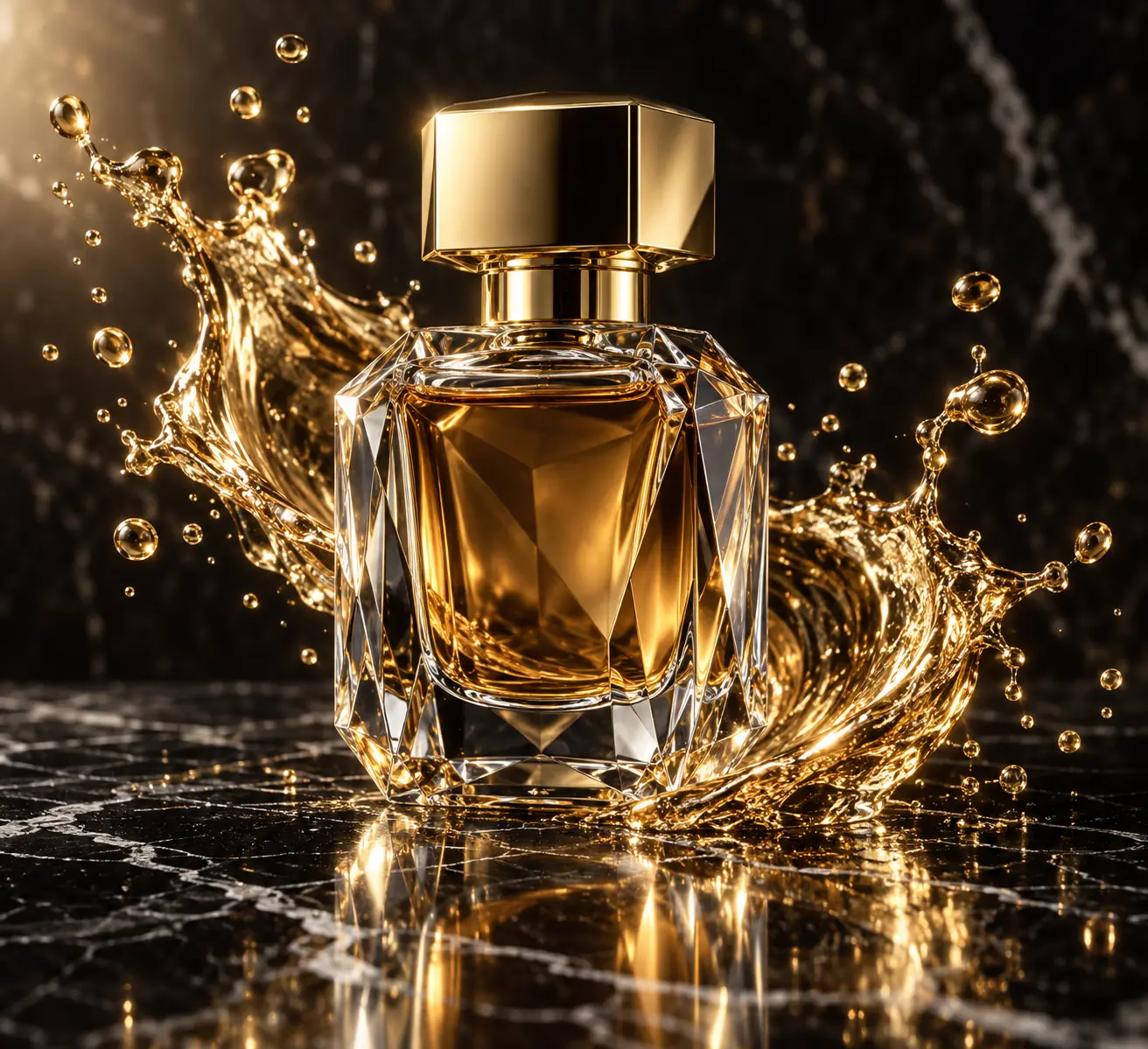
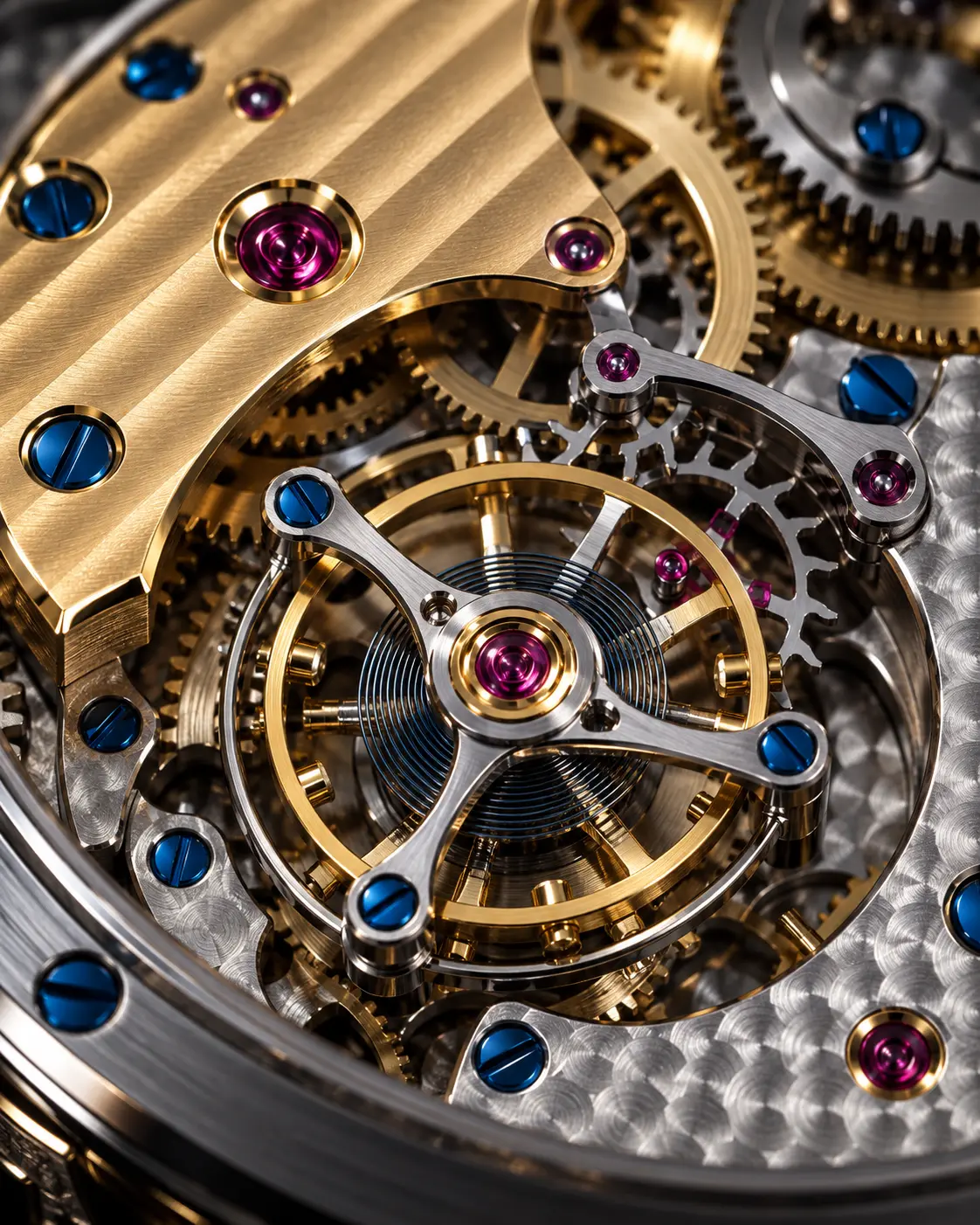
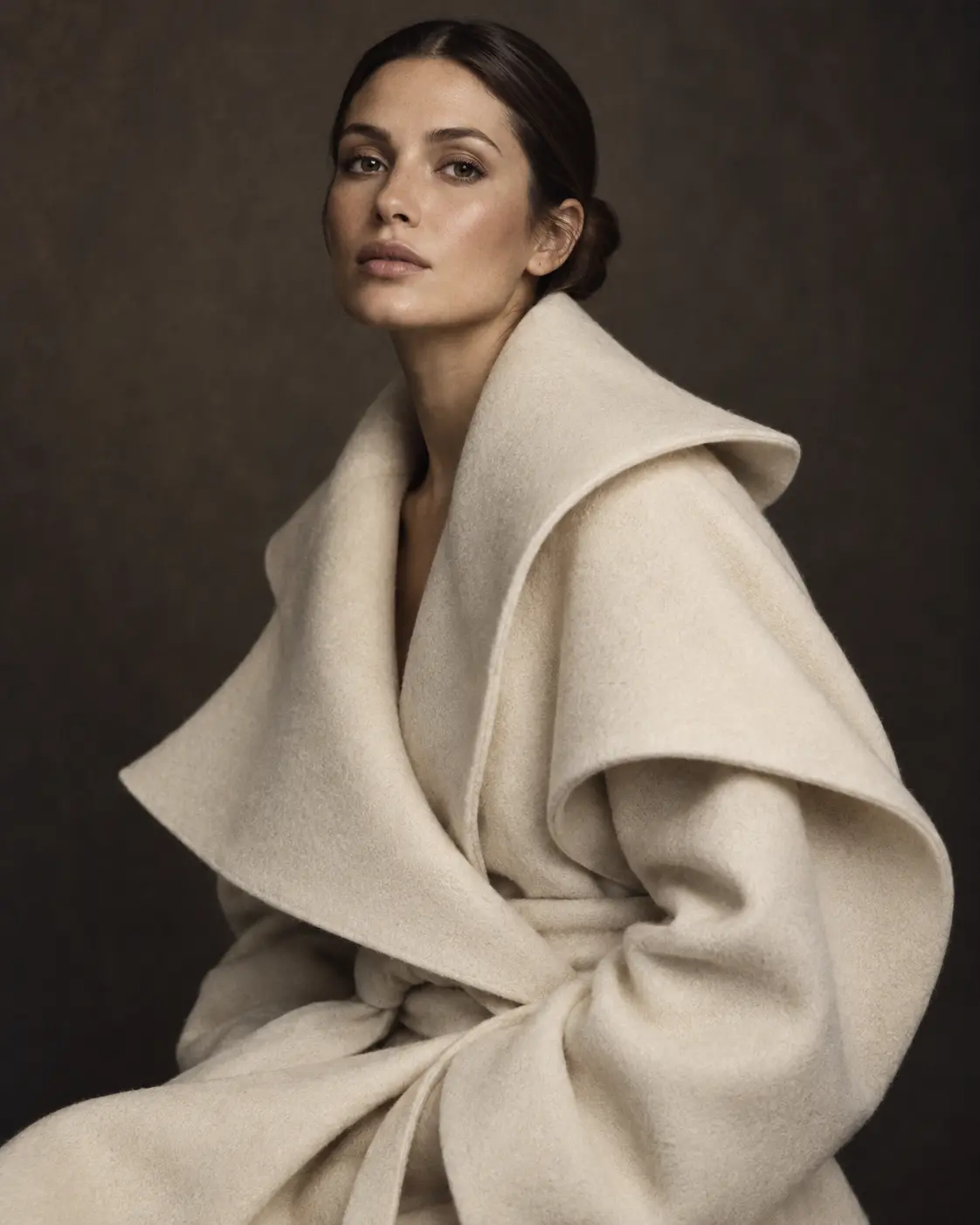
Before · choicesPerfume · Black marble · Rim light · 4:5
After · promptChatGPT Image
Luxury studio product photograph of a faceted crystal perfume bottle on polished black marble, crisp rim light tracing the silhouette, frozen splash of liquid gold, 100mm…
What to watch for when writing a product photo prompt
In e-commerce and ad visuals the goal is to show the product as it is, at its best. This wizard asks for the decisions made in a studio shoot — surface, light, angle and ratio — one by one, and combines them into a consistent prompt template. The result is a template whose variables you fill, usable on any platform.
The surface tells the product's story
Black marble feels luxurious and weighty, raw concrete speaks a modern, plain language, satin fabric adds softness to cosmetics and jewelry. Pick the surface for the product's price segment and the brand's tone. Avoid busy scenes: one surface and at most one supporting object is usually enough.
Light: soft or dramatic?
Soft box light shows labels and colors accurately; it's ideal for catalog images. A rim light defines the silhouette of glass, metal and glossy surfaces and gives perfume or watches a premium feel. Golden-hour light adds warmth to lifestyle shots. If unsure, start with the soft box, then change only the light to try dramatic options.
The right angle and ratio
Eye level: shows the packaging and the product's front clearly.
45° angle: the angle that conveys volume and depth best.
Top-down: suits flat products, food and set arrangements.
Ratio: 1:1 or 4:5 for product pages, 9:16 for stories and short-video covers.
Controlling reflections and shadows
Glass, metal and glossy plastic reflect everything around them. Say in the prompt that you want clean, controlled reflections; phrases like “clean specular highlights” and “controlled reflections” work. For shadows, write direction and softness: a soft contact shadow under the product grounds it and stops it from looking like it floats.
Consistency across a series
If you're generating several images of one product family, keep surface, light and angle fixed and change only [product]. The catalog page will look like it was shot in the same studio on the same day.
Try it right awayMake your choices and generate a studio prompt for your product.Back to the tool
Making your choices needs no account. Generating the prompt uses credits, which come with the Pro and Elite plans every month. Copying your result is free, and you can find it again in My generations.
Can I upload my own product photo?
Yes, optionally. Add a photo and the prompt describes your actual product; without one, the product name and your choices are enough. To turn any image into a prompt, use the image to prompt tool.
Which platform gives the best results?
The template is written for ChatGPT Image, Midjourney and Nano Banana. If you want the product to stay consistent with a reference image, Nano Banana is a good choice.
Can I add a logo and label text?
Because models often distort text, the template generates the product unbranded. We recommend adding the logo in a design tool after generating.
Can I use the images commercially?
That depends on the terms of the platform you generate with. We add no extra restrictions on prompts built with the wizard.