Lewati ke konten
Kasus penggunaan · Gambar

E-commerceproduct photoprompts

Catalog-quality product images without renting a studio. Copy a prompt, type your product and surface, generate.

prompts
214
platforms
3
Reserve prompts
48

Prompts that creators tested for marketplace hero images, lifestyle scenes and campaign visuals. Every result you see on a card was made with that prompt; fill in the variables for your own product and you are done.

Langkah demi langkah: how to make a product photo

Empat langkah, logika yang sama di setiap platform.
  1. 01

    Pin down the product

    If you have a product photo, shoot it in flat light on a plain backdrop; the model uses it as reference. If not, describe the product in two sentences: material, color and size.

  2. 02

    Copy a matching prompt

    Pick a result close to your category. The prompt text is never shown on the page; when you press Copy it lands on your clipboard with its variables.

  3. 03

    Fill in the variables

    Type your product and the surface you want into [product] and [surface]. Leave the light and camera parts alone and the whole series stays consistent.

  4. 04

    Generate, compare, pick

    Get a few results from the same prompt and check details like the logo and label against the real product. The best one is your hero image, the rest go into the gallery.

Anatomi prompt yang bagus

Lima bagian, masing-masing punya satu tugas.
Contoh promptEN · 5 bagian · 2 variabel

1SubjectStudio product photograph of [product], centered, label facing the camera, 2Lightsoft key light from the upper left, a gentle rim light separating the edges, no harsh reflections, 3Camerashot on a 100mm macro lens at f/8, eye-level angle, everything in sharp focus, 4Surfacestanding on [surface] with a soft contact shadow, clean seamless backdrop, 5Stylepremium e-commerce look, true-to-life colors, 1:1 square, no text, no watermark.

The order is not random: first what, then how. Variables live only in the subject and the surface; while light, camera and style stay fixed, the whole catalog looks like it came out of the same studio.
Bagian
  1. 1SubjectSays what is shown and how it stands.
  2. 2LightMakes the material readable; sets highlights and shadows.
  3. 3CameraLens and aperture fix sharpness and perspective.
  4. 4SurfaceWhat the product stands on and how plain the backdrop is.
  5. 5StyleColor fidelity, format and what to leave out.

Satu variabel, empat hasil

Light, camera and backdrop stay fixed; only [product] changes.
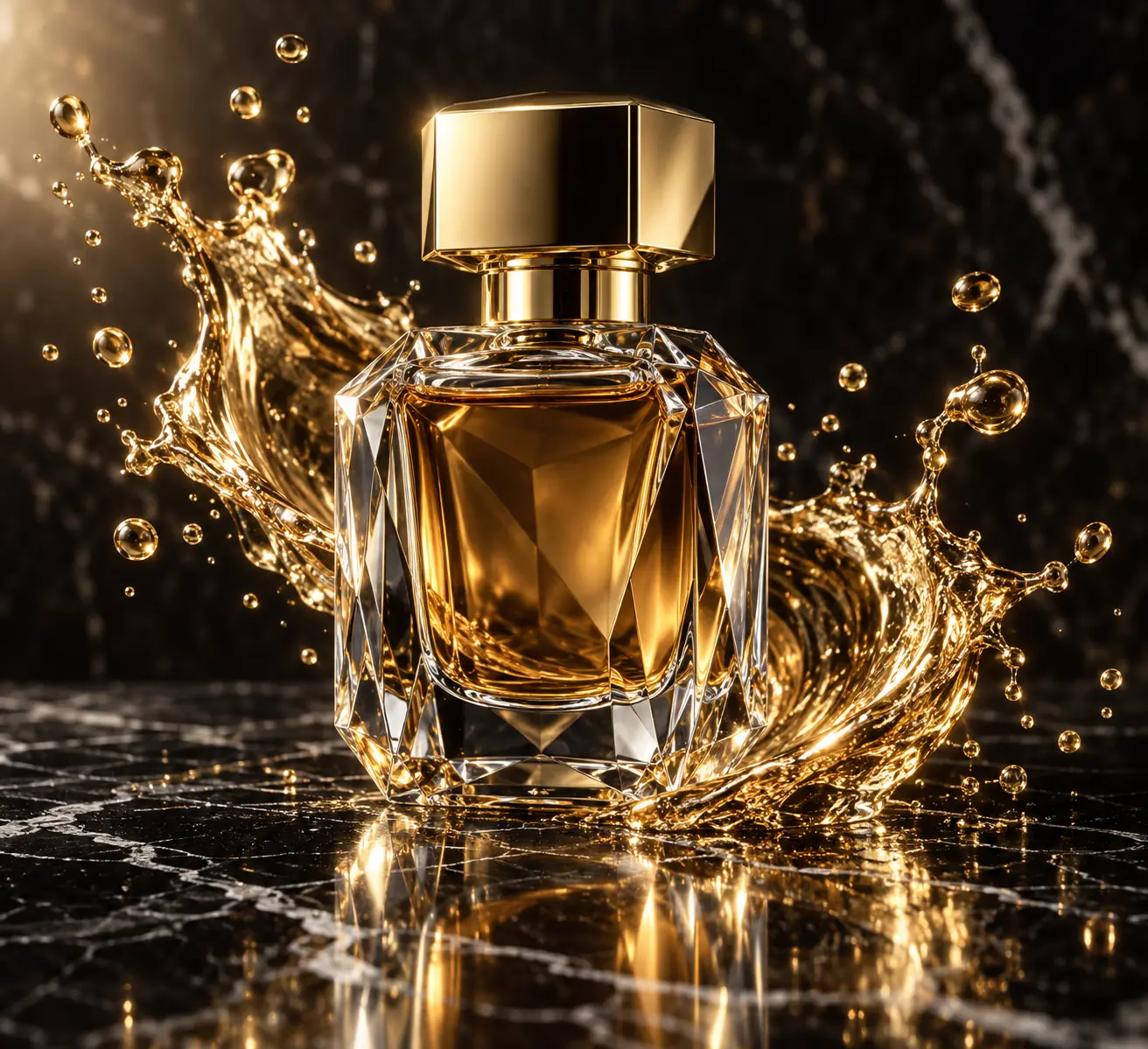
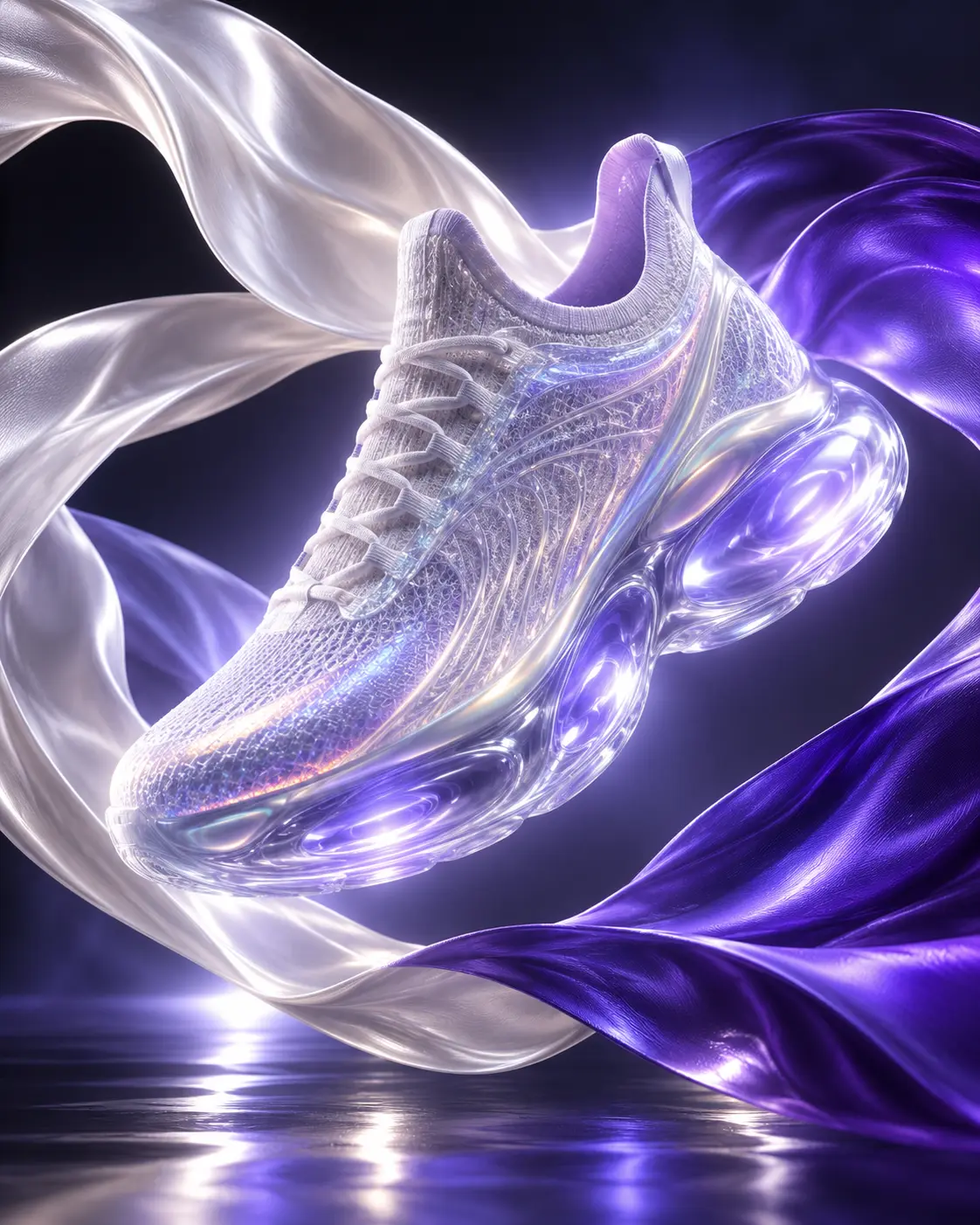
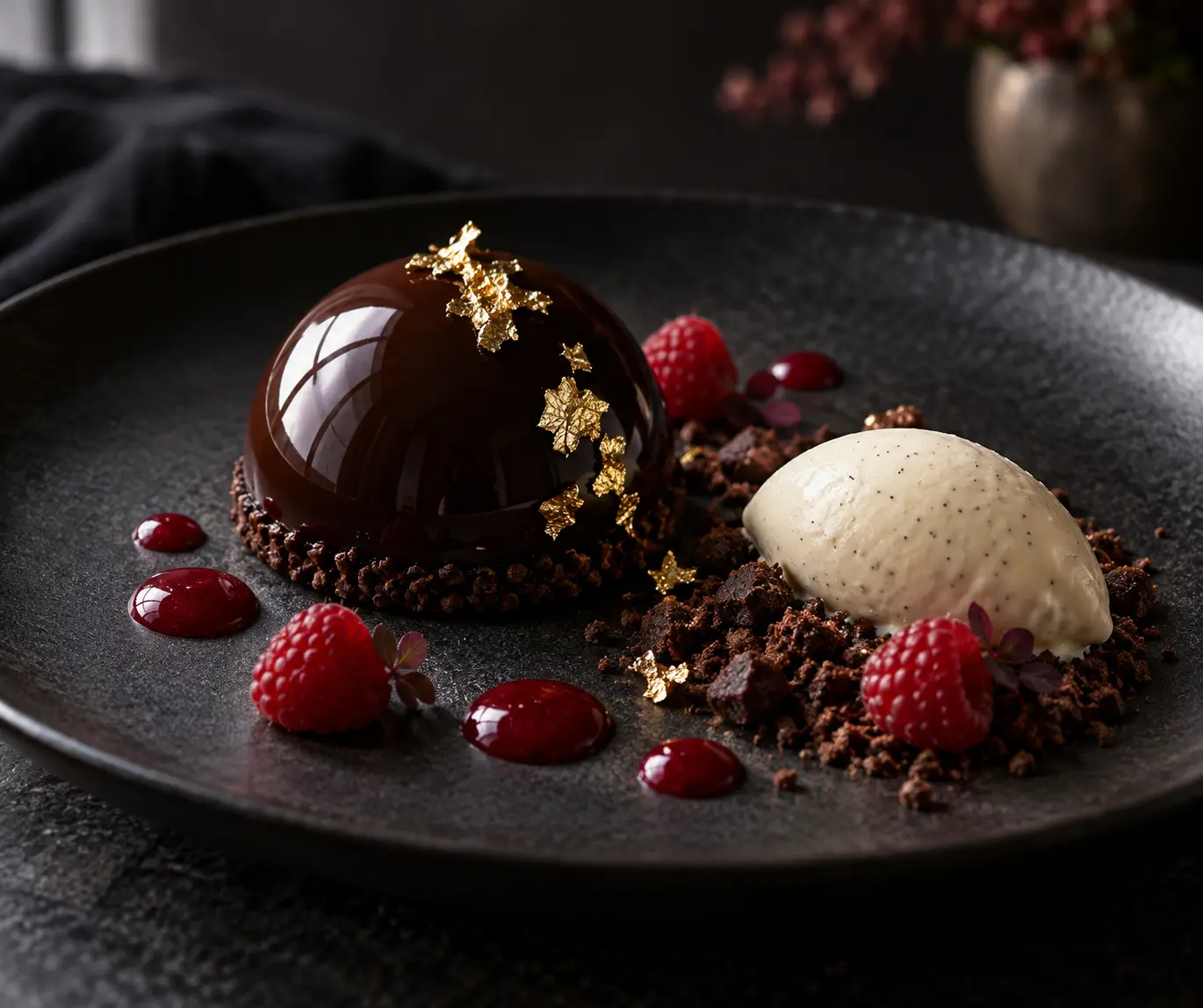
Kerangka tetapLuxury product shot of [product], dark moody backdrop, sharp rim lighting, warm specular highlights, 100mm macro, ultra-detailed, no text
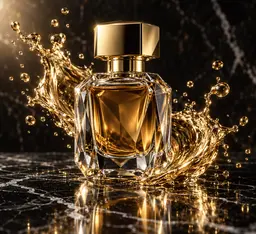
Crystal perfume bottle with a gold splash on black marble
[product] =“crystal perfume bottle”
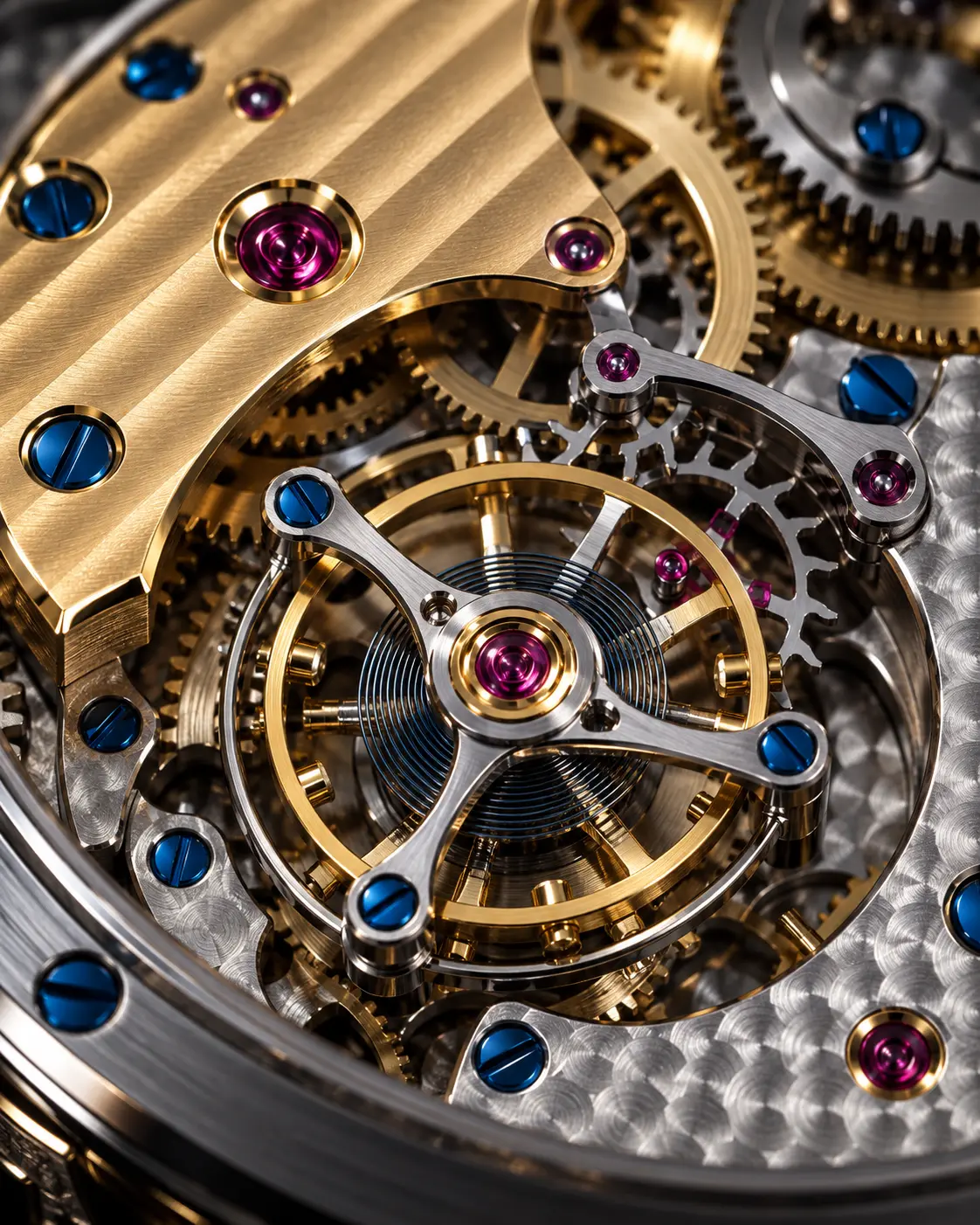
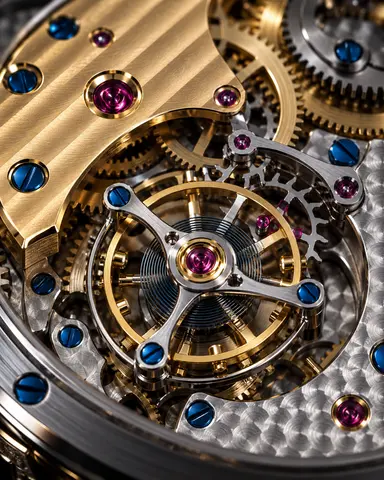
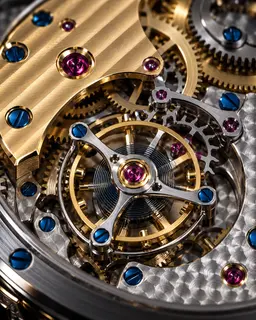
Macro shot of a gold and steel mechanical watch movement on a dark backdrop
[product] =“mechanical watch movement”
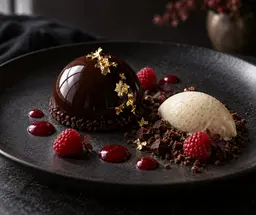
Glossy chocolate dome dessert on a matte black plate
[product] =“chocolate dome dessert”
Concept sneaker floating between satin ribbons
[product] =“concept sneaker”

Platform yang mana?

All three are good; the difference is where in the job they shine.

ChatGPT Image

92 prompt untuk kasus penggunaan ini
Paling cocok untukShots where packaging text and labels must stay readable
  • Follows long, detailed instructions in order
  • Edits your uploaded product photo inside the chat
  • Renders packaging text more cleanly than the others

Light can drift across a series; repeat the fixed block word for word in every image.

Prompt ChatGPT Image
Midjourney

71 prompt untuk kasus penggunaan ini
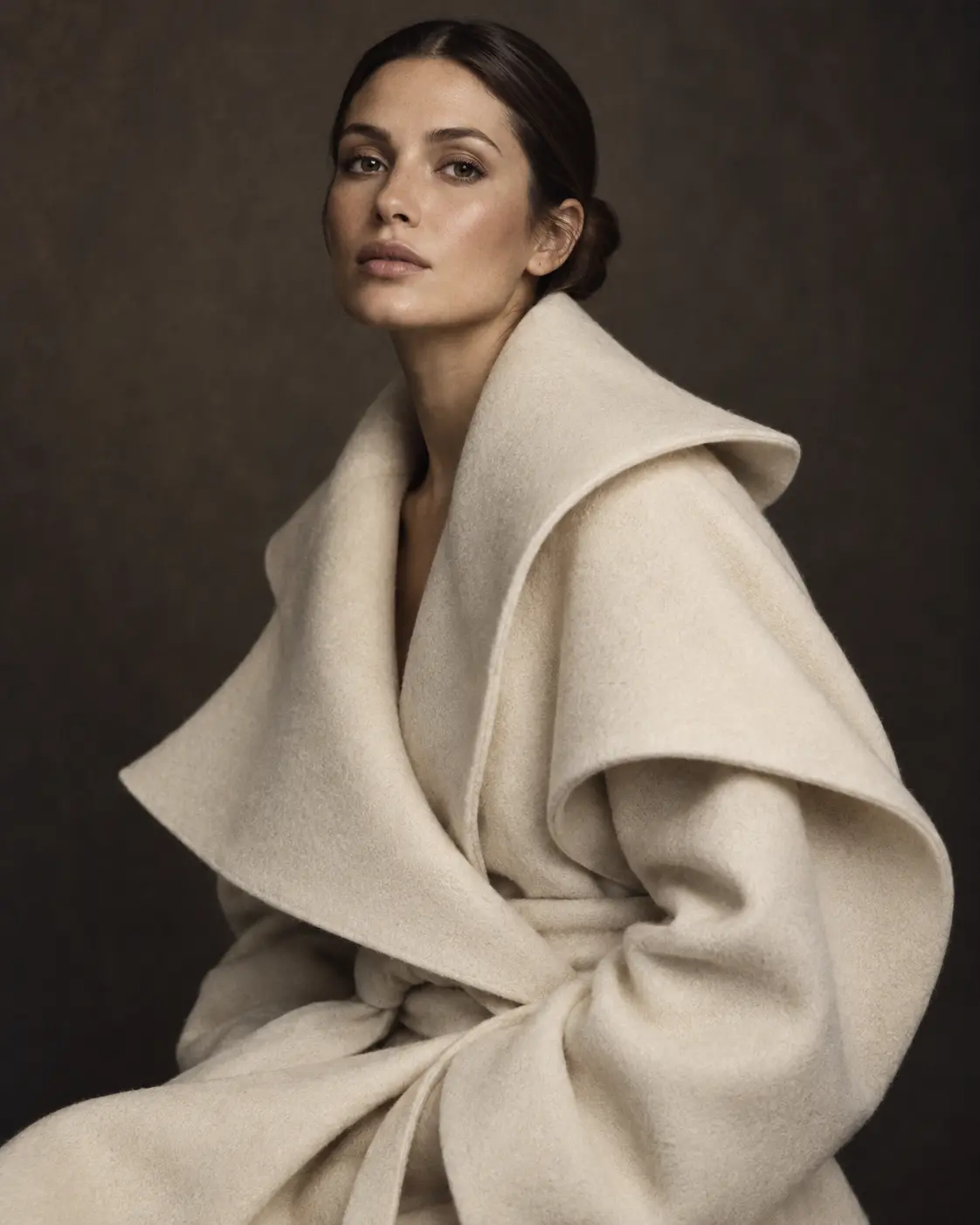
Paling cocok untukAtmospheric showcase images for campaigns and social media
  • Strong aesthetics in light, texture and composition
  • Set the ratio with --ar and realism with --style raw
  • Style references keep a series in the same mood

Can struggle to keep the product exactly identical; always check the details.

Prompt Midjourney

Nano Banana

51 prompt untuk kasus penggunaan ini
Paling cocok untukMoving your existing product photo into new scenes, fast variations
  • Keeps the shape and color of the reference product well
  • Combines several images into one scene
  • Small fixes happen quickly, in conversation

May miss details in very long prompts; write short, clear sentences.

Prompt Nano Banana
Panduan

What to watch for when writing a product photo prompt

Editor PeekPromptDiperbarui 13 Oktober 2026 · 5 menit baca

Generating product images with AI is the fastest way to build a catalog without renting a studio. But good results are not luck: the clearer the shot plan you give the model, the more consistently it works. The principles below explain why the prompts on this page work and how to write your own.

Describe the product first, then the scene

The first sentence of the prompt belongs to the product itself: what it is, its material, color and how it stands. Writing "a matte sand-colored ceramic coffee mug, handle on the right" instead of "a mug" narrows what the model has to guess. Scene, light and style follow after that sentence. This order helps the model set the right priority and keeps the product from getting lost in the frame.

Light sells the material

The same product feels completely different under different light. On glass and perfume bottles, a rim light from behind draws the edges; on glossy surfaces like metal and watches, a soft, broad source reduces unwanted reflections. On textured products like fabric and leather, side light brings out the texture. Stating the direction of the light ("soft key light from the upper left") makes every image in the series look like it was shot in the same studio.

Think about marketplace rules from the start

Most marketplaces want a plain, usually white backdrop on the main image, with the product filling most of the frame; no text, logos or watermarks. That is why it makes sense to use one prompt for the main image and another for gallery and social images. Keep patterns like "pure white backdrop, soft contact shadow, square format" fixed for the main image; let the surface and scene run free in lifestyle shots. Check the current image rules of the platform you sell on before uploading.

Keep a one-to-one match with the real product

AI can reinterpret details: logo letters can break, the number of buttons can change, a color can shift a shade. A gap between the image and the product the customer receives means returns and lost trust. If you can, upload your own product photo as reference and add the instruction "keep the product's shape, color and label exactly as they are". Never publish an image without putting it next to the real product first.

One skeleton, the whole catalog

Writing a prompt from scratch for every product takes time and leaves a catalog of disconnected images. The more efficient way is to find a skeleton that works once and lock it: the sentences for light, camera angle, backdrop and style stay the same, only the product description changes. The variable prompts on this page were made for exactly that. Keep the skeleton in a text file and only update the [product] field when a new product arrives. If you want similar results on another platform, adapt the skeleton to that platform's habits with small edits; do not break the structure.

Pertanyaan yang sering diajukan

Which prompt should I start my product photos with?

Start with a studio prompt on a plain or white backdrop for the main image; most marketplaces require it. Then complete the gallery with prompts that show the same product in lifestyle scenes. Keep the light and camera part fixed and every image looks like part of the same series.

Can I use a photo of my own product?

Yes. ChatGPT Image and Nano Banana work well with a reference photo. Upload the photo, paste the prompt and ask it to keep the product's shape, color and label.

Can I use the generated images to sell?

The terms of the AI platform you use apply; they decide commercial use. Make sure the image shows the product truthfully and does not infringe anyone else's trademarks.

Why are Reserve prompts locked?

Reserve prompts are the ones creators prepared for series shoots and tested the most. Pro and Elite members copy them with their daily copies.

How many prompts can I copy per day?

Free plan 1, Pro 10, Elite 30 copies. The prompt text is never shown on the page; each copy takes 1 from your daily allowance, which resets every night at 00:00.

What do [product] and [surface] mean?

They are variables. Before copying you type your own product and the surface you want; the rest of the prompt stays the same.

Tidak menemukan jawabanmu?Ada lebih banyak di panduan; tulis kepada kami untuk sisanya.
Semua kasus penggunaan

Panduan terkait

Semua panduan
Reserve

Every locked product prompt, in one membership.

The 48 Reserve prompts on this page, the weekly Reserve pick and every video template. 10 copies a day on Pro, 30 on Elite; your copies reset every night at 00:00.

  • Gratis1 / hari
  • Pro300 / bulan
  • Elite900 / bulan