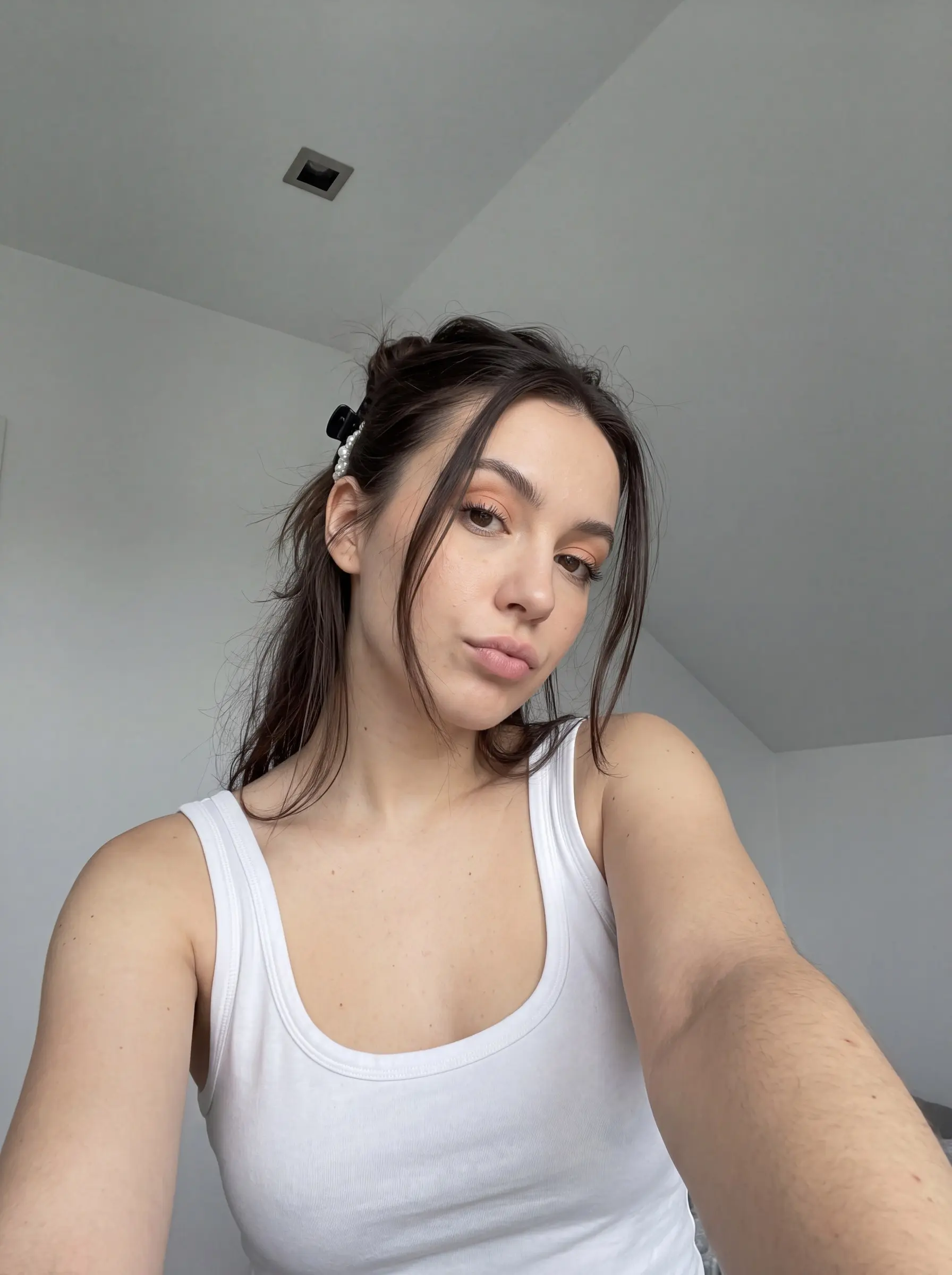
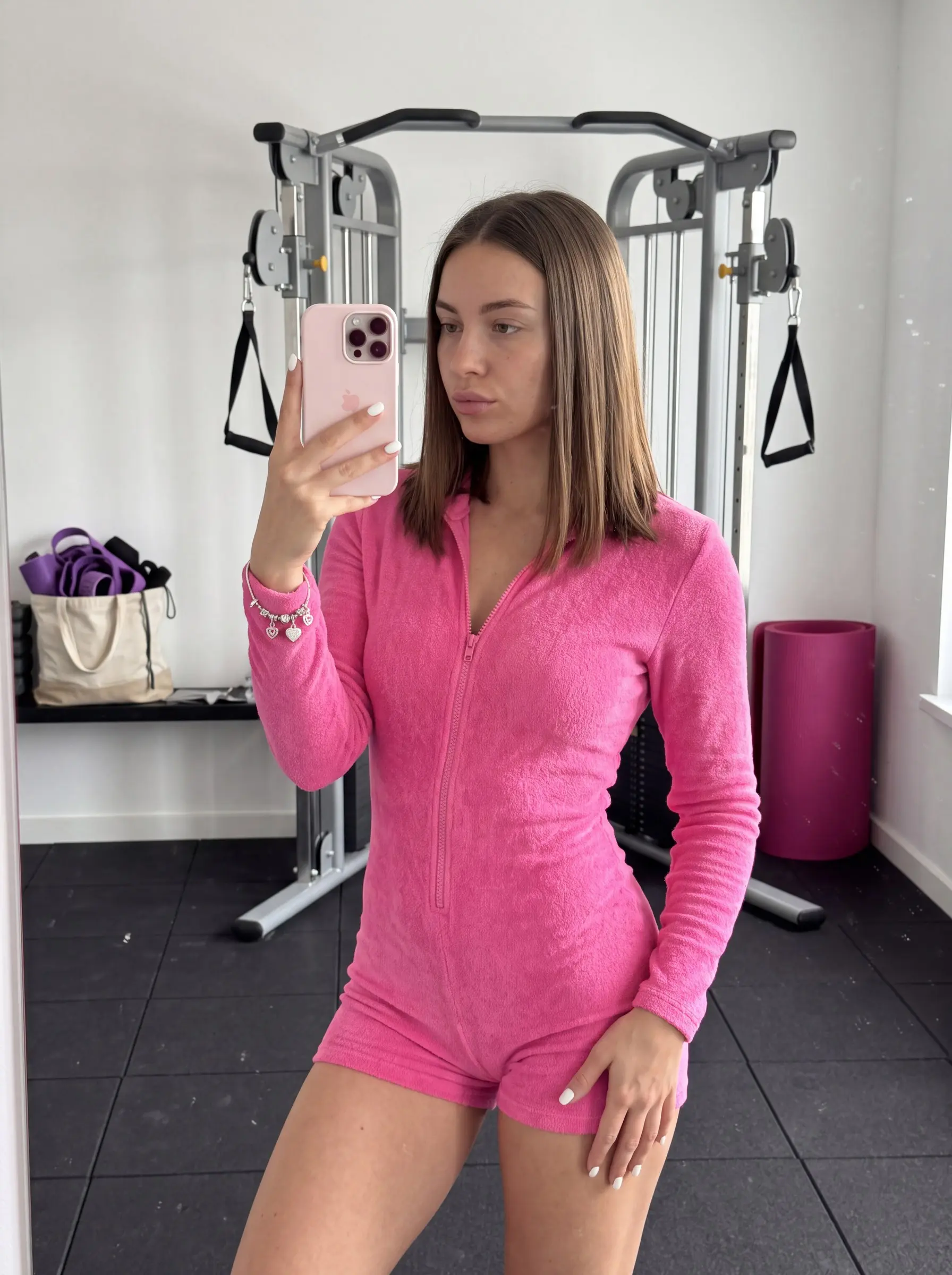
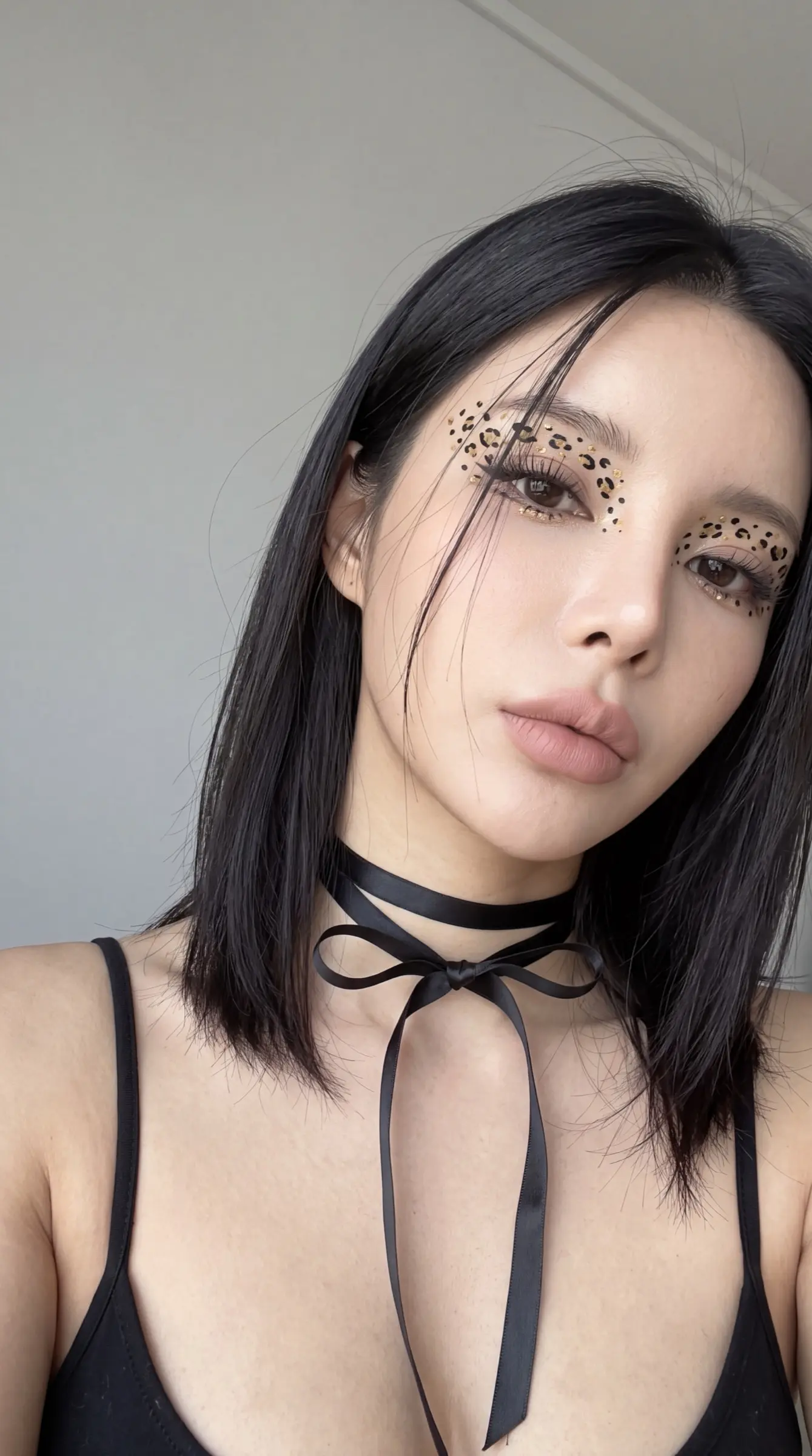
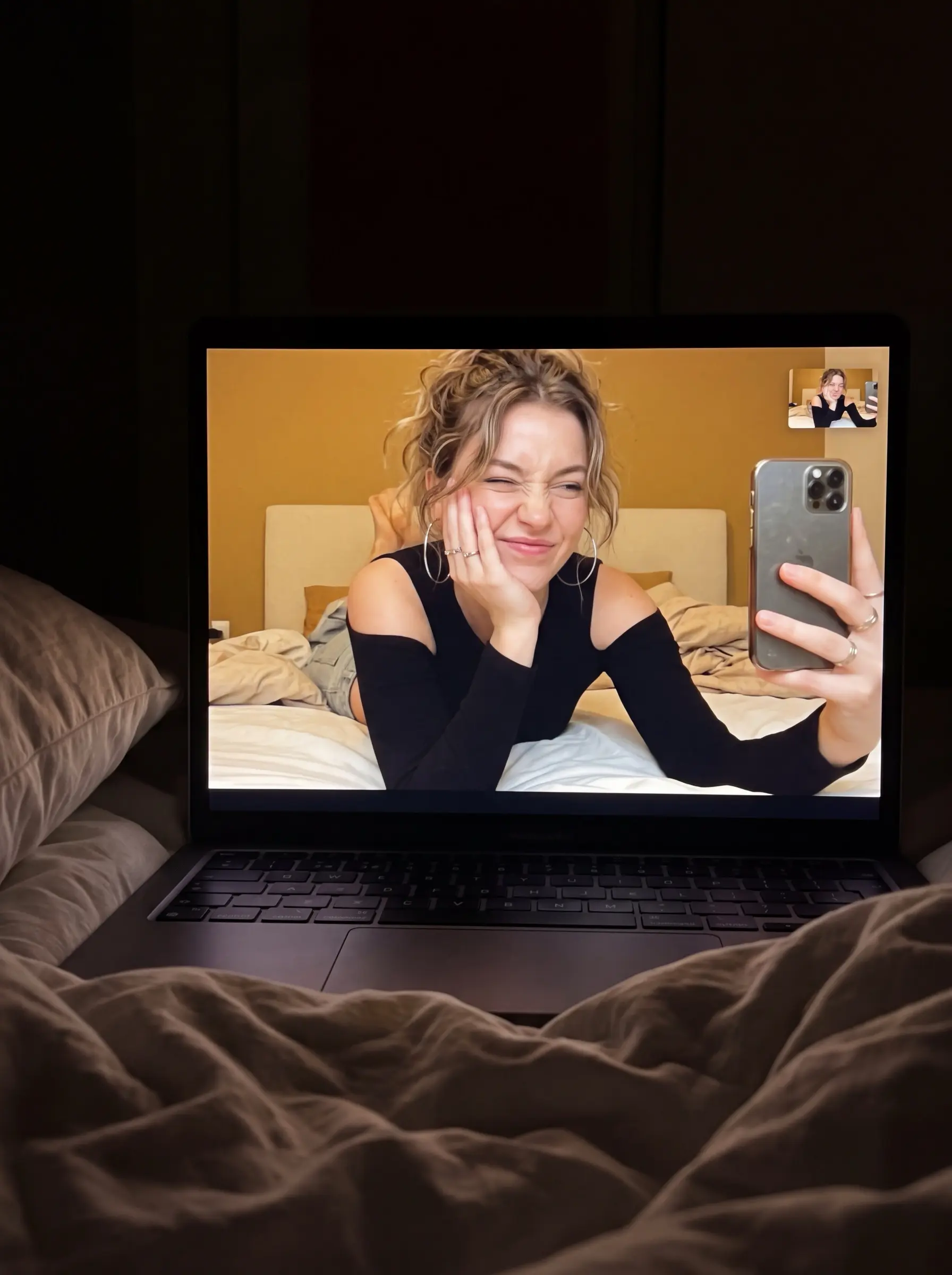
Nano Banana is Google's image model inside Gemini, strong at editing photos you upload and at keeping a person or product consistent across shots. The prompts here lean on that: clear instructions about what to keep, what to change and what the final frame should look like.
Panduan
Writing edit-first prompts for Nano Banana
Editor PeekPrompt
1. Start with the reference
Nano Banana shines when it edits a photo. Upload the image first, then describe the change as an instruction: “place this sneaker on a wet stone step at dusk”.
2. Name what stays
List the details that must survive the edit — face, logo-free packaging, colours. The model keeps what you name and is freer with the rest.
3. Iterate in conversation
Follow-up instructions keep context. Ask for small changes in sequence instead of one long prompt with every detail.