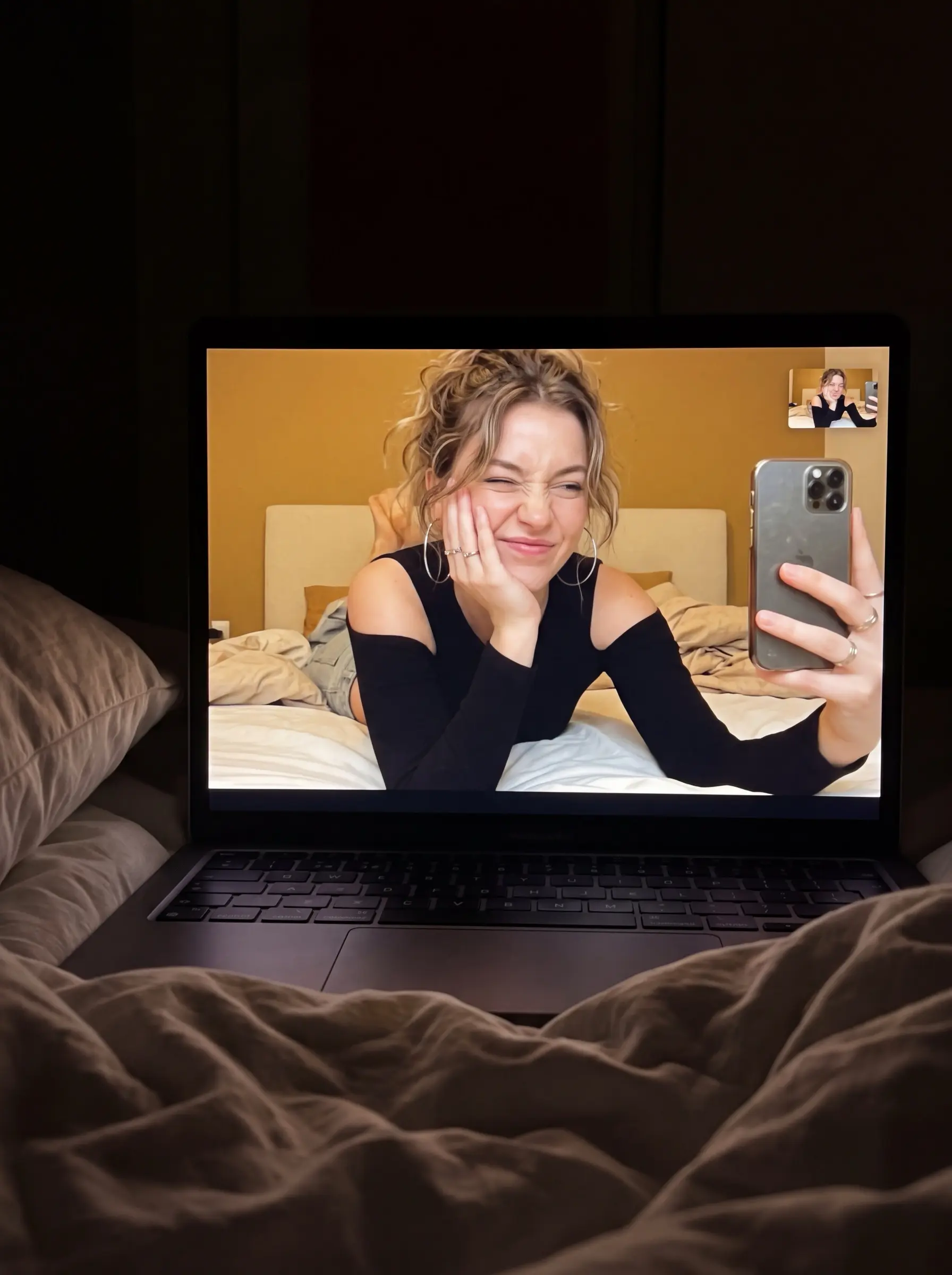
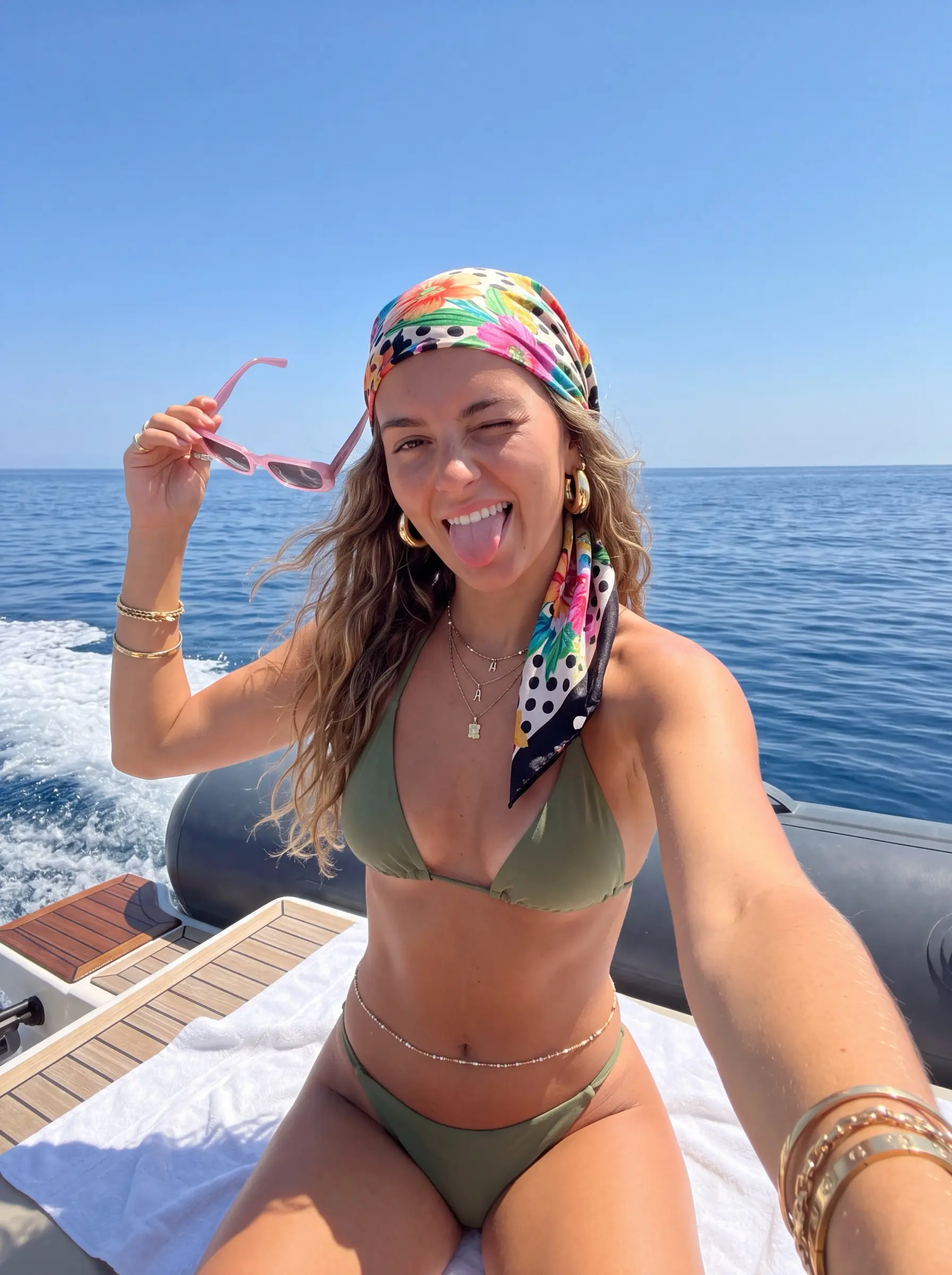
Tous les prompts d'images et de vidéos partagés par la communauté. Trouvez-en un qui vous plaît, copiez-le, appropriez-vous-le.
Every prompt on PeekPrompt was written by a creator and published together with a real result — the image on the card is what that prompt produced. Narrow the list by platform, media type, aspect ratio and access, then adapt the copied text to your own subject with its variables. Free prompts use your daily copy allowance; Reserve prompts open with a membership.
Guide
Three steps to make any prompt your own
Rédaction de PeekPrompt
1. Pick by result, not by title
The images on the cards are real outputs. Choose the one whose light, framing or texture is closest to what you want — a different subject is fine, because the subject is usually the part you swap. Check the platform label too: a prompt performs best in the tool it was written for.
2. Fill the variables, keep the skeleton
Bracketed fields such as [subject] or [background] are left open for you. The rest — light, camera and style sentences — is what gives the result its look, so leave it alone on the first run. Keep your variables short and concrete.
3. Adjust one thing at a time
If the first output misses, change a single detail and generate again instead of rewriting everything; you will see which sentence controls what. Save the version that works. Reusing one skeleton across subjects is the easiest way to build a consistent series.
Open a card, fill in any variables and press “Copy prompt”. The full text never appears on the page — it goes straight to your clipboard and uses your daily copy, or 1 credit on Pro and Elite. Then paste it into the tool the prompt was written for.
How many prompts can I copy per day?
Free accounts get 1 copy a day, reset every night at 00:00. Pro gets 300 credits a month and Elite 900; a copy costs 1 credit.
What does the Reserve label mean?
Reserve prompts are the most tested prompts from our creators and make up the weekly selection. Pro and Elite members copy them with their monthly credits.
Can I share my own prompts?
Yes. Use “Share a prompt” in the sidebar, add the platform you used and at least one example result, and submit it for review.