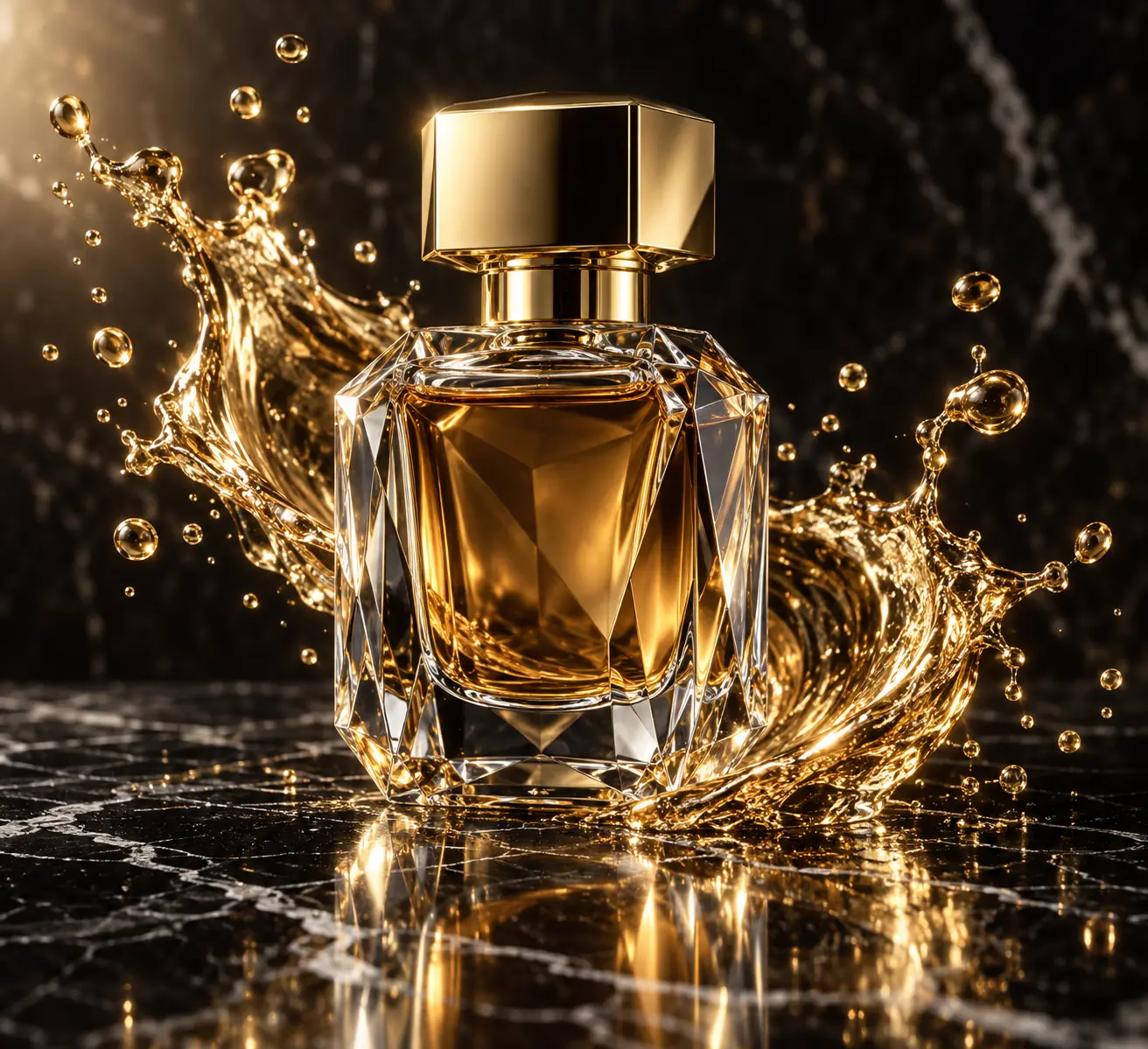
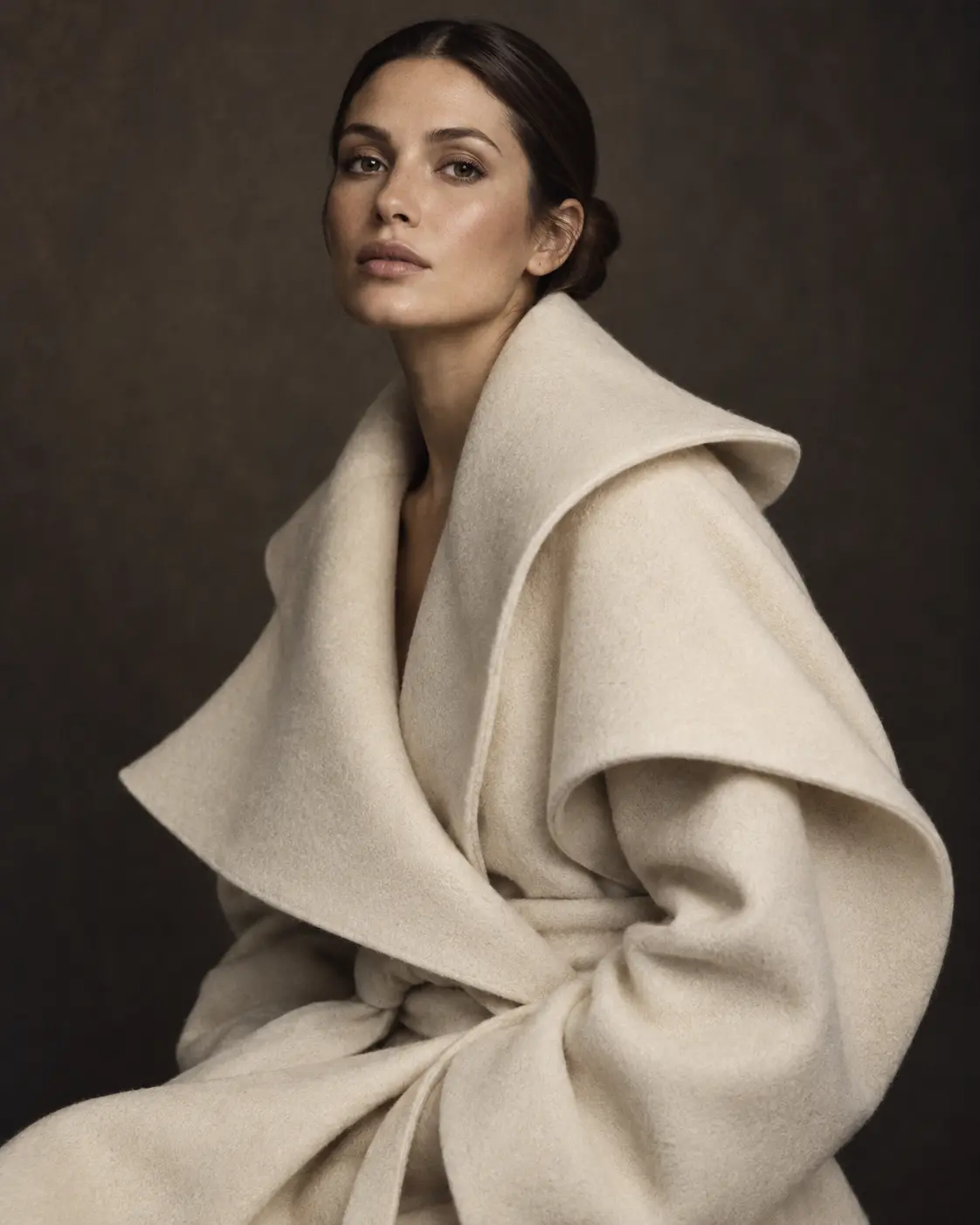
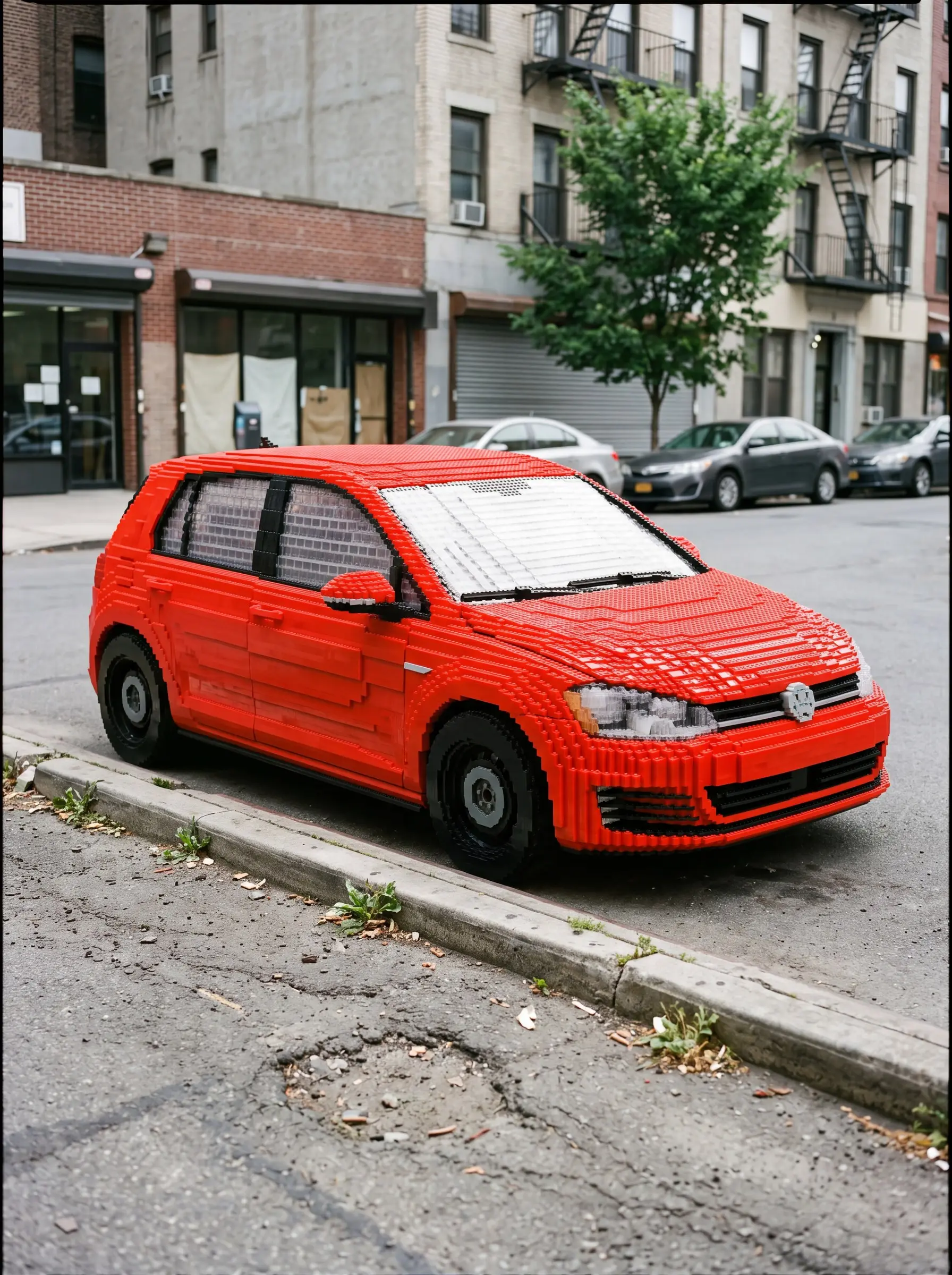
ChatGPT Image creates pictures inside ChatGPT with OpenAI's GPT Image models and can use a photo you upload as a reference. The prompts here were written for those models and work with a plain-sentence style: describe the scene the way you would brief a photographer, for portraits, products, posters and illustration.
Guía
Three rules for better ChatGPT Image prompts
Editores de PeekPrompt
1. Describe the scene in sentences
GPT Image models follow clear sentences better than long comma-separated tag lists. Two or three sentences that answer who, where, doing what and in which light give steadier results. State the format first: aspect ratio, single frame or collage, and whether there should be text.
2. Say what must stay the same
With a reference photo, the model guesses what to keep. One sentence such as “keep the facial features, hairstyle and glasses exactly” or “do not change the bottle shape or label” removes the guesswork. Then describe what should change.
3. Fix things in the same chat
Rather than starting over, ask for one change at a time in the same conversation: a darker background, a corrected word. Small steps keep the parts that already work.
Open a new ChatGPT conversation, attach a reference photo if the prompt needs one and paste the prompt. The same prompts work with OpenAI's image API; results may vary slightly between models.
Do I need a reference photo?
No — most prompts run from text alone. Prompts written to keep your face or product say so on the card; upload the photo together with the prompt.
The text in my image came out wrong. What now?
Give the text in quotes, keep it short and say where it goes. If a mistake remains, ask in the same chat to fix only that word instead of regenerating the whole image.