Product photos with Nano Banana: 12 ready prompts and techniques
Studio-quality product images from a single phone photo: structure, ready examples and common mistakes.

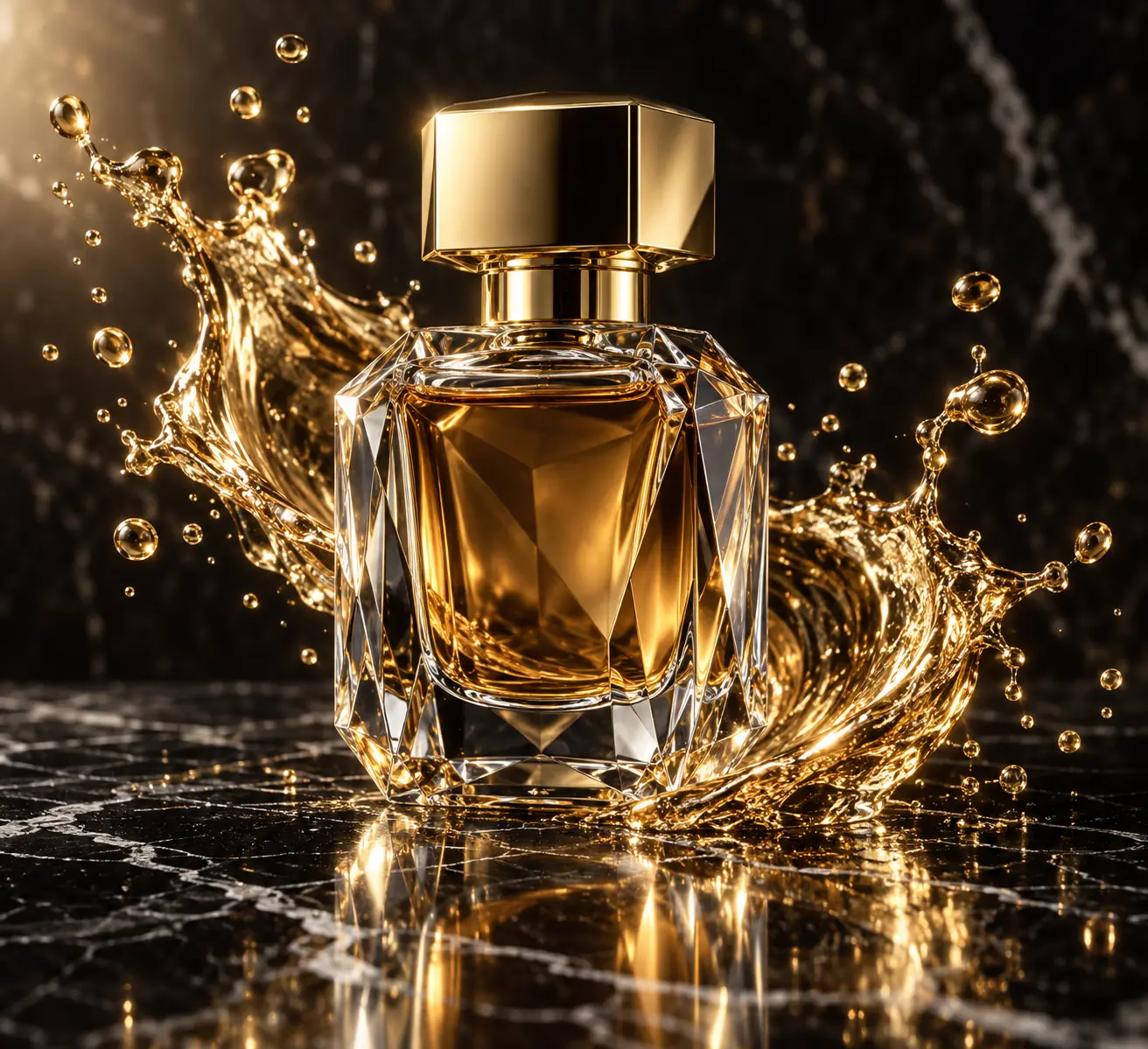
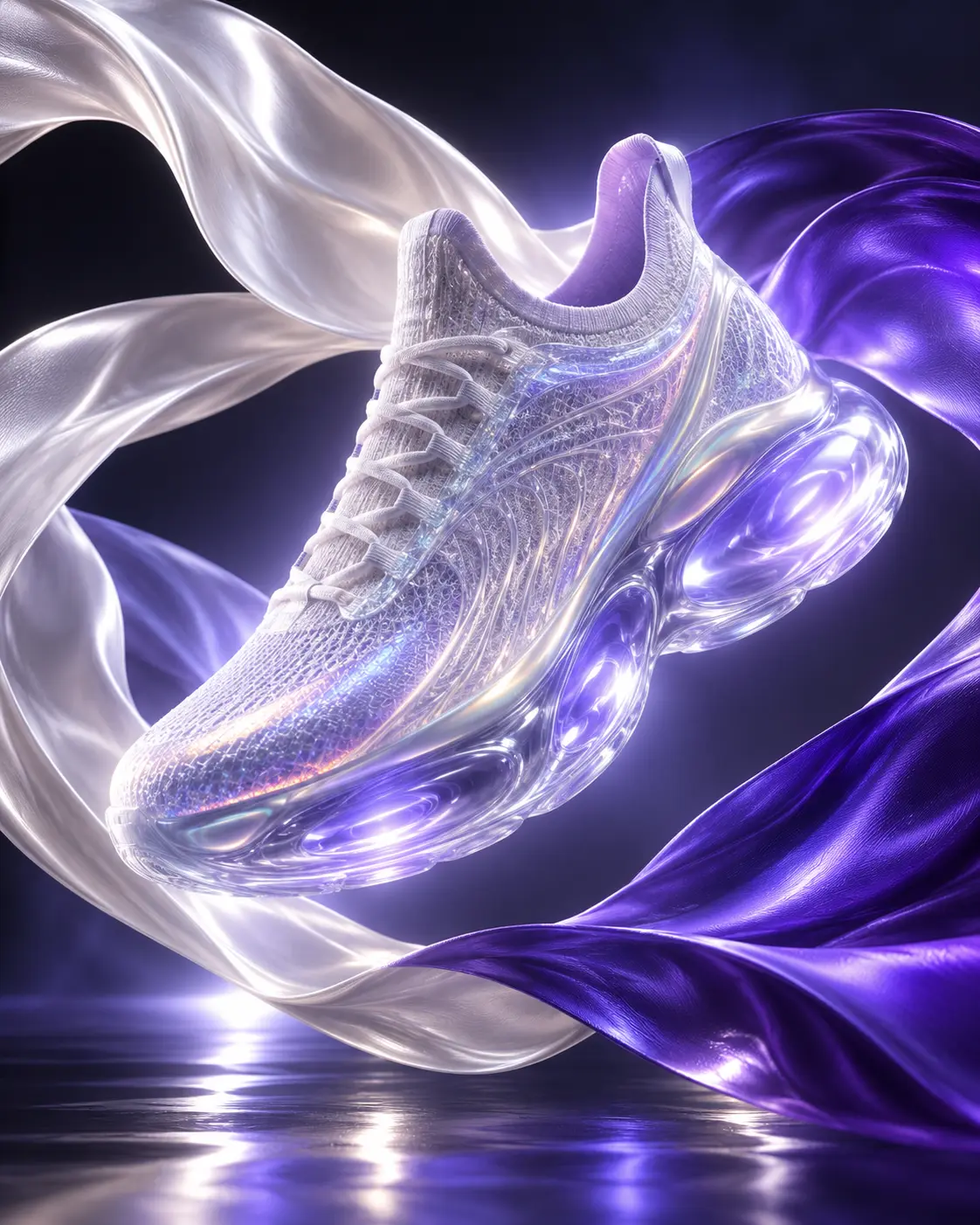
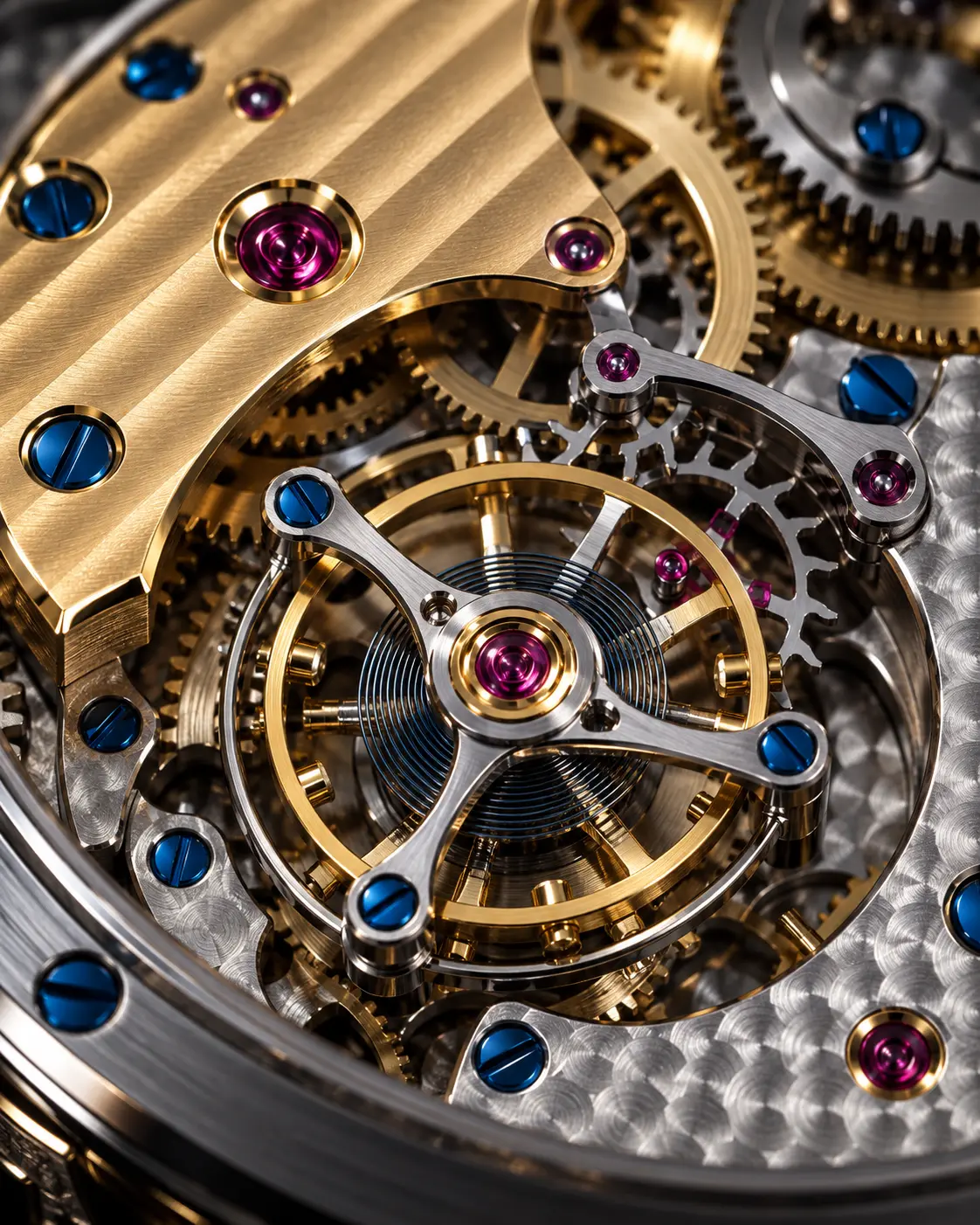
Product photography is one of the jobs AI image tools respond to fastest. With a single phone photo you can try dozens of variations in studio light, on a clean backdrop or in a living space.
Nano Banana is the image generation and editing model in Google's Gemini family. What sets it apart for product shots is that it can change only the part you ask for while largely keeping the reference photo you give it. In this guide we first build the structure of a good product prompt, then share a selection of the community's most copied prompts, with their variables.
Why Nano Banana?
The hard part of a product image is changing everything around the product without breaking the product itself. The text on the label, the shape of the bottle or the texture of the fabric must stay the same in every frame. When you give Nano Banana a photo of your product and ask it to change only the scene, the light or the camera angle, it usually keeps the form.
Another advantage is that you can keep going in the conversation. Once you have the first result, you ask for short fixes like “soften the shadow” or “lower the camera a little” in the same chat; you don't have to rewrite the prompt every time.
Before you start: preparation
A good result starts with a good reference. Complete these four steps before generating:
- Photograph the product in flat, soft light, ideally on a white or grey surface. Hard reflections can make the model misread the form.
- Fill the frame with the product but don't crop its edges. The model has to guess whatever it can't see.
- If the logo or label matters, add a separate close-up and say clearly in the prompt not to change them.
- Decide where the image will be used: a store listing, a social post or a poster. The aspect ratio and backdrop depend on that decision.
The structure of a good product prompt
Most product prompts that work are made of the same five parts. The order isn't strict, but when all five are there, results become noticeably more consistent.
- Keep instruction — Say how to use the reference: “Don't change the product's shape, label or proportions.”
- Scene and surface — Describe where the product stands: marble, raw concrete, linen, a water surface.
- Light — Give the direction and character of the source in one sentence: “large softbox from the upper left, thin rim light from behind”.
- Camera — Lens and angle: 85–100 mm for the whole product, eye level or slightly from above.
- Output format — Aspect ratio, where it will be used and what you don't want: “4:5, no text, no extra objects”.
Copy-ready prompts
The prompts below are two of the twelve in this guide's collection. Fill in the variables, copy, and paste into Nano Banana together with your product photo.
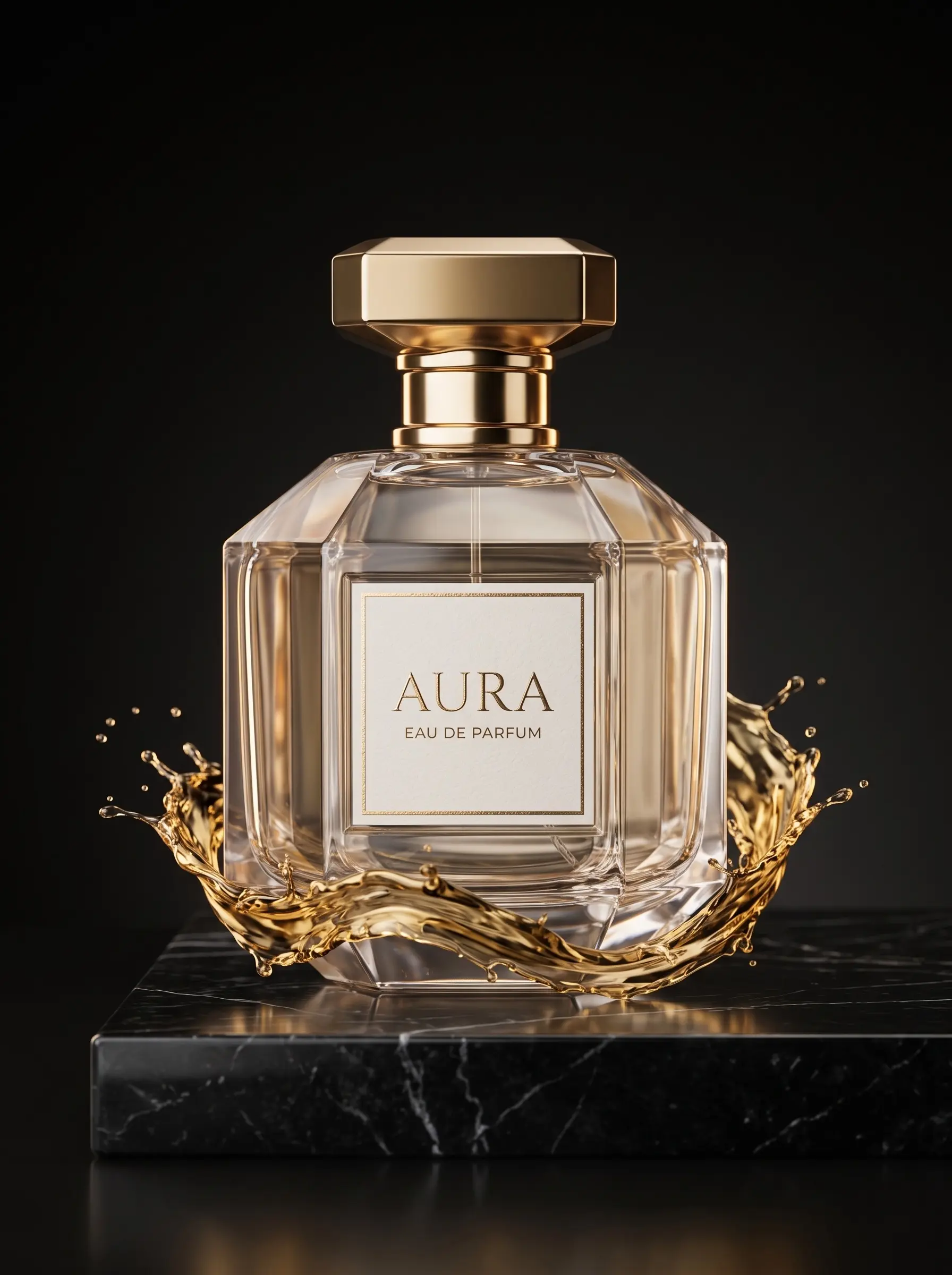
1. Luxury product shot in a dark studio
For glossy products like perfume, cosmetics and jewelry. A single key light and a thin rim light from behind separate the glass form from the black backdrop.
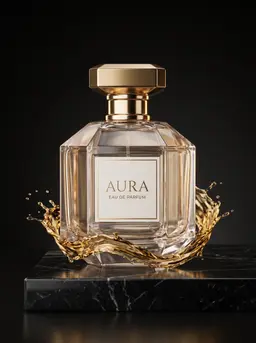 Luxury product shot in a dark studio
 peekprompt · Nano Banana · 0 copiasDetalles
Use the attached photo as the product reference. Keep the [product] exactly as it is: shape, label, cap and proportions unchanged. Place it on a polished [surface] slab in a dark studio.…
If you don't want the liquid effect, just delete that sentence; the rest of the structure works for any glossy product.
Light and camera techniques
Describe light together with its direction
Phrases like “nice light” or “professional lighting” give the model no direction. Write where the light comes from, how soft it is and where the shadow falls. A single hard light brings texture forward; a large, soft source gives a clean, catalog-style look.
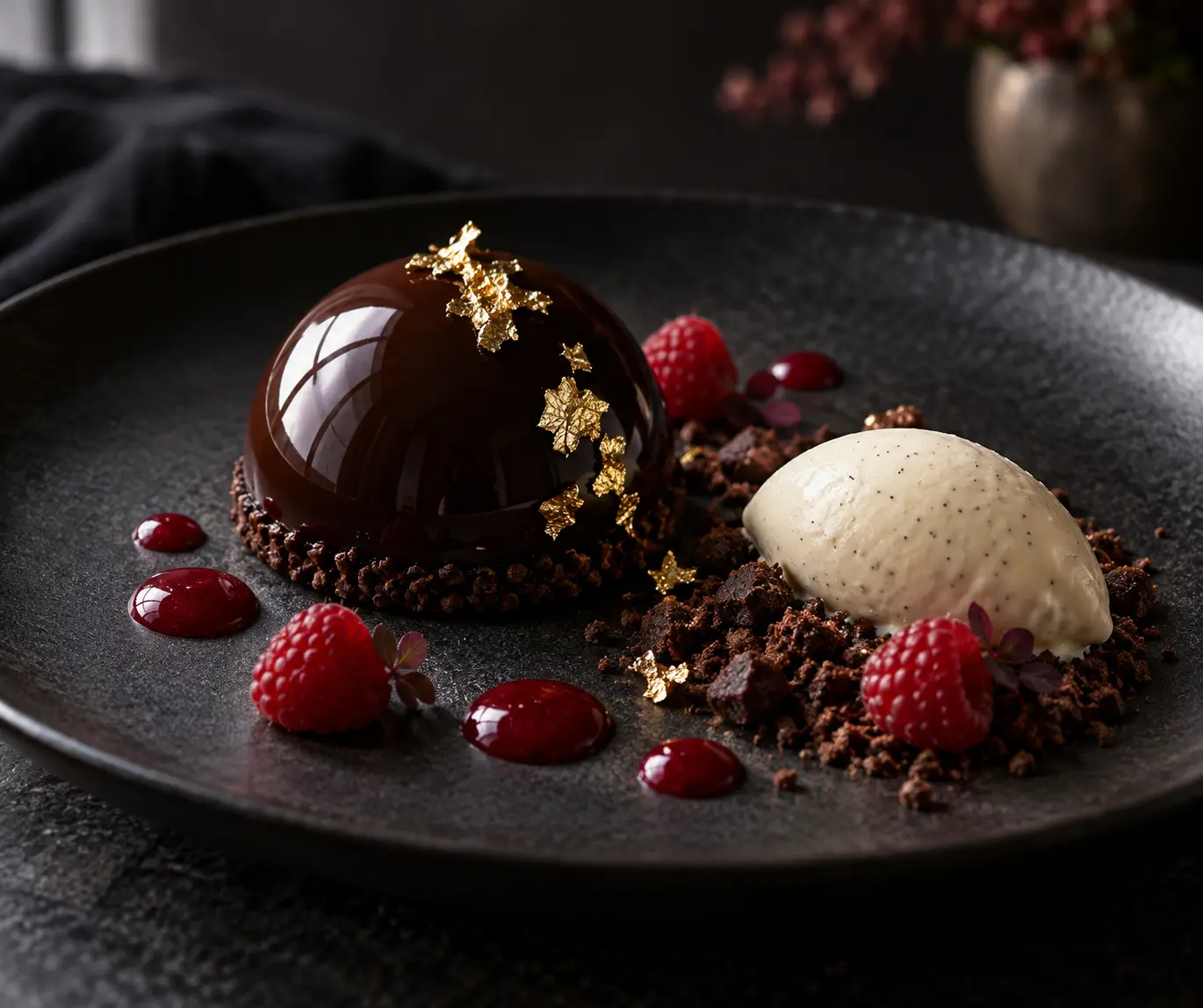
Macro for detail, medium distance for the whole
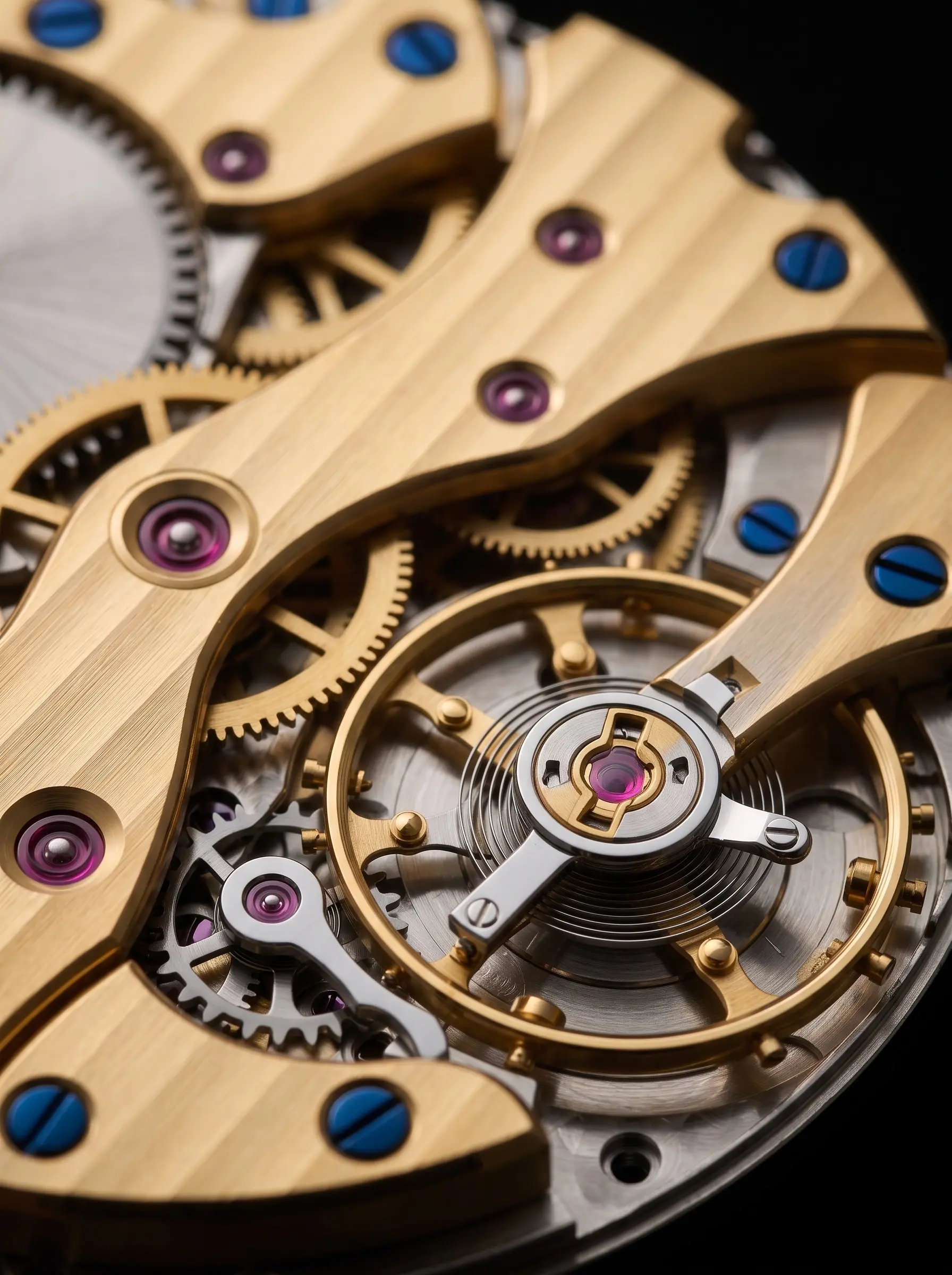
When you show the whole product, 85–100 mm and an aperture around f/8 keep everything sharp. If you want to show a texture or craftsmanship, ask for a macro shot and name the focus point; the model doesn't have to guess what should be sharp.
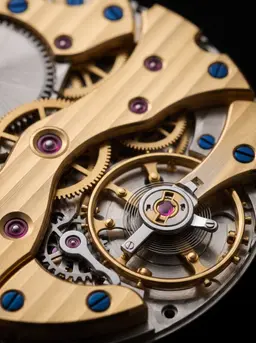 Macro detail shotpeekprompt · Nano Banana · 0 copiasDetalles
Use the attached photo as the product reference and do not redesign it. Extreme macro detail shot of the [product detail], filling the frame. Focus point: the [focus point]; everything else…
Ask for reflection and shadow separately
On glossy surfaces a reflection can make the product look bigger or blurrier than it is. Short additions like “controlled reflections” or “soft contact shadow on the surface” seat the product in the scene and keep it from looking pasted in.
Which platform for which job?
The same structure works in other tools too, but each one is more comfortable at a different job. A short road map for product images:
| Platform | Most comfortable at | |
|---|---|---|
| Nano Banana | Changing scene and light while keeping the product | Image |
| ChatGPT Image | Long instructions, text on the image | Image |
| Midjourney | Artistic campaign and mood images | Image |
| Kling | Short promo video from a product photo | Video |
| Seedance | Product video with camera movement | Video |
Common mistakes
- Not describing the product at all. Even with a reference, a short description like “matte black glass bottle” helps keep the form.
- Asking for everything in one message. Set up the scene first; fix light and details in the following messages.
- Conflicting light descriptions. “Soft daylight” and “hard neon rim light” in the same frame cancel each other out.
- Publishing without checking the text. Small letters on the label can break; zoom in and check the image.
- Changing the ratio afterwards. Cropping breaks the composition; state the aspect ratio in the first prompt.
Conclusion
Good product photos with Nano Banana come from order more than luck: a clean reference, a five-part prompt and fixing in small steps. Use the prompts here as a starting point; once you find one that suits your product, you can produce a whole catalog in the same light and the same language by changing the variables.
Preguntas frecuentes
Do I have to upload a product photo to Nano Banana?
No, but you need one if you want your own product to appear. Without a reference the model designs the product from scratch; with a clear photo it tries to keep the form and the label.
Do these prompts work in ChatGPT Image or Midjourney?
The structure stays the same. Since ChatGPT Image can edit with a reference, you can use them largely as they are; in Midjourney the scene, light and camera parts do the work instead of the keep instruction.
How many copies does copying a prompt cost?
Each copy costs 1. The Free plan has 1 copy a day, Pro 10 and Elite 30; your copies reset every night at 00:00.
Can I use the images I make commercially?
That depends on the terms of the platform you generate with. Check the current terms of the tool you use before publishing.