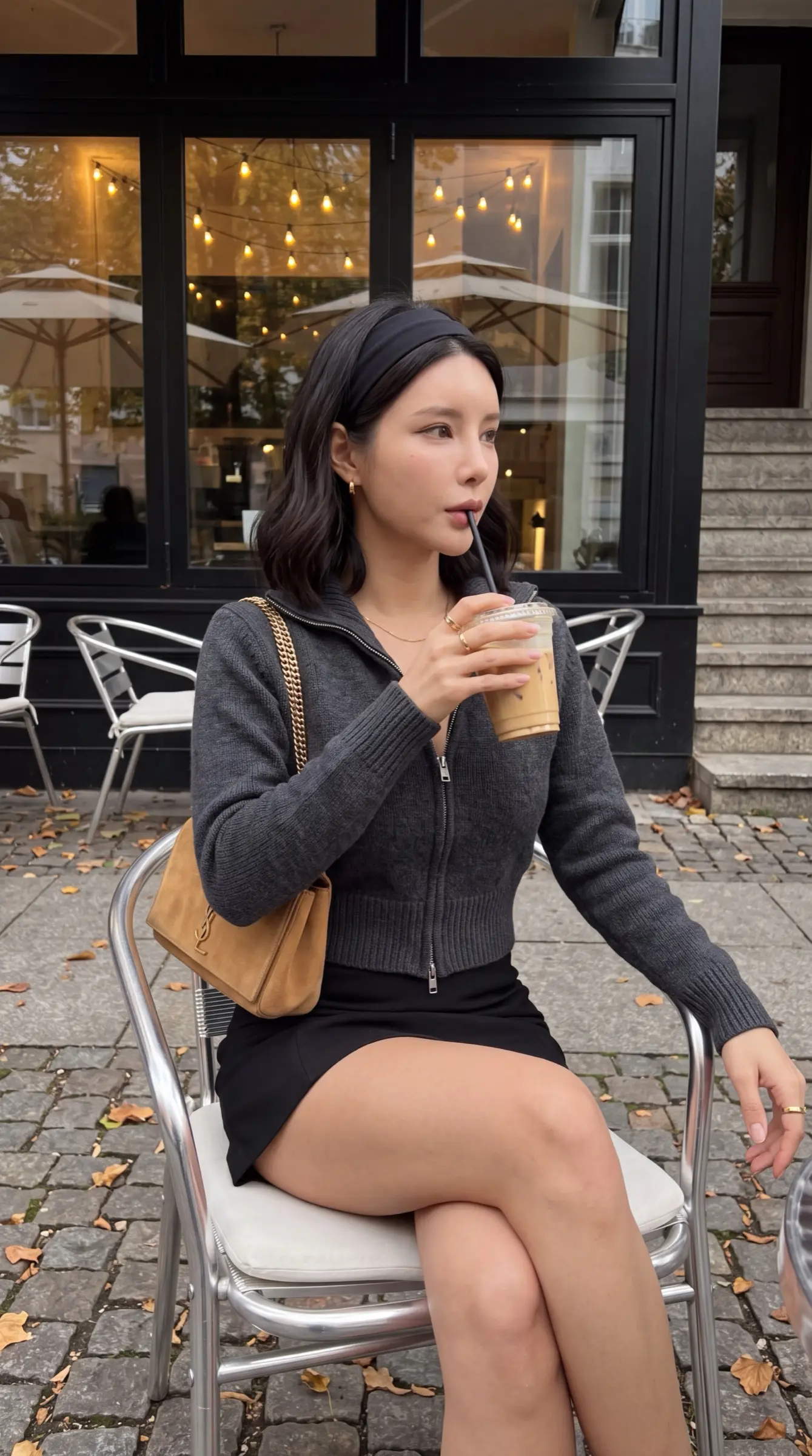
Three steps to make any prompt your own
1. Pick by result, not by title
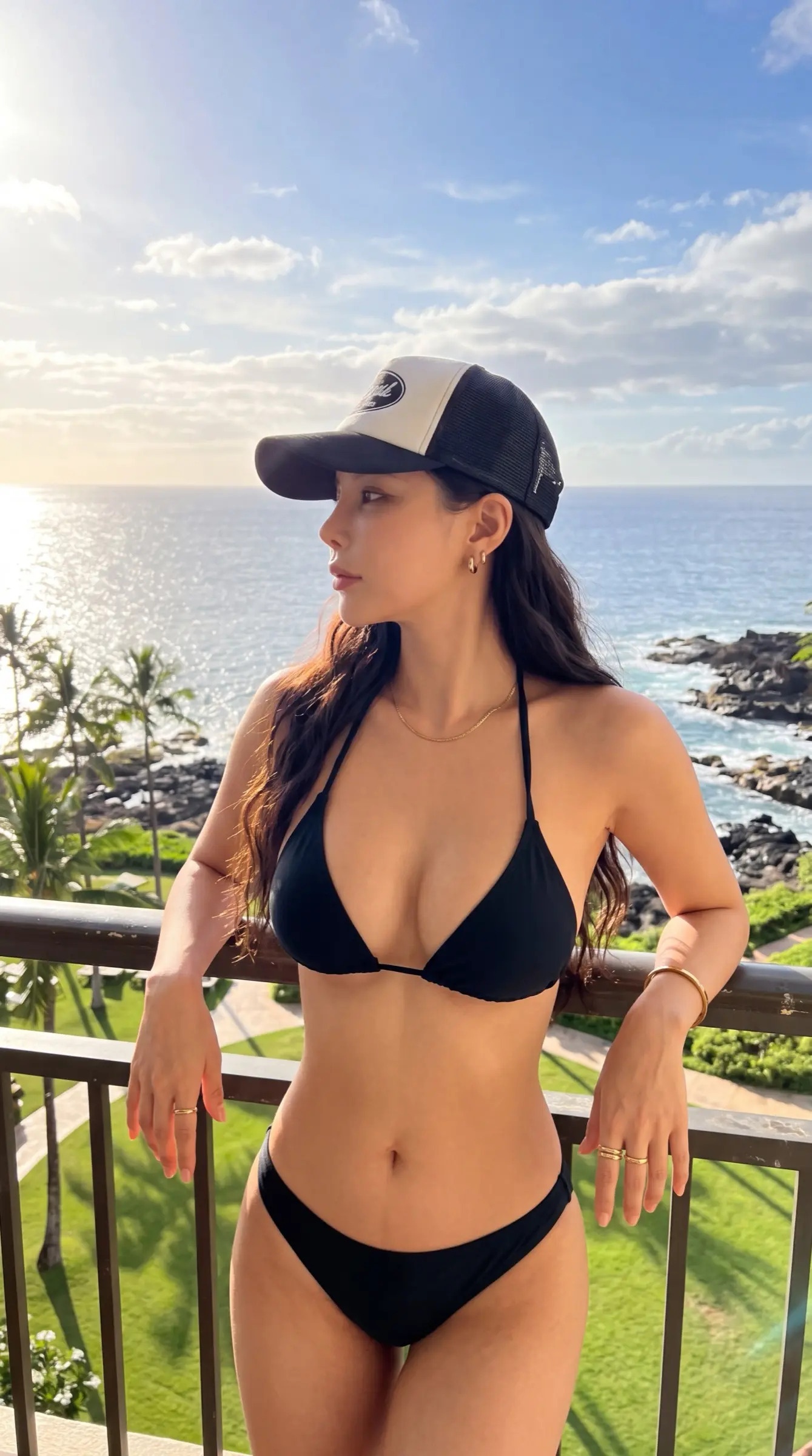
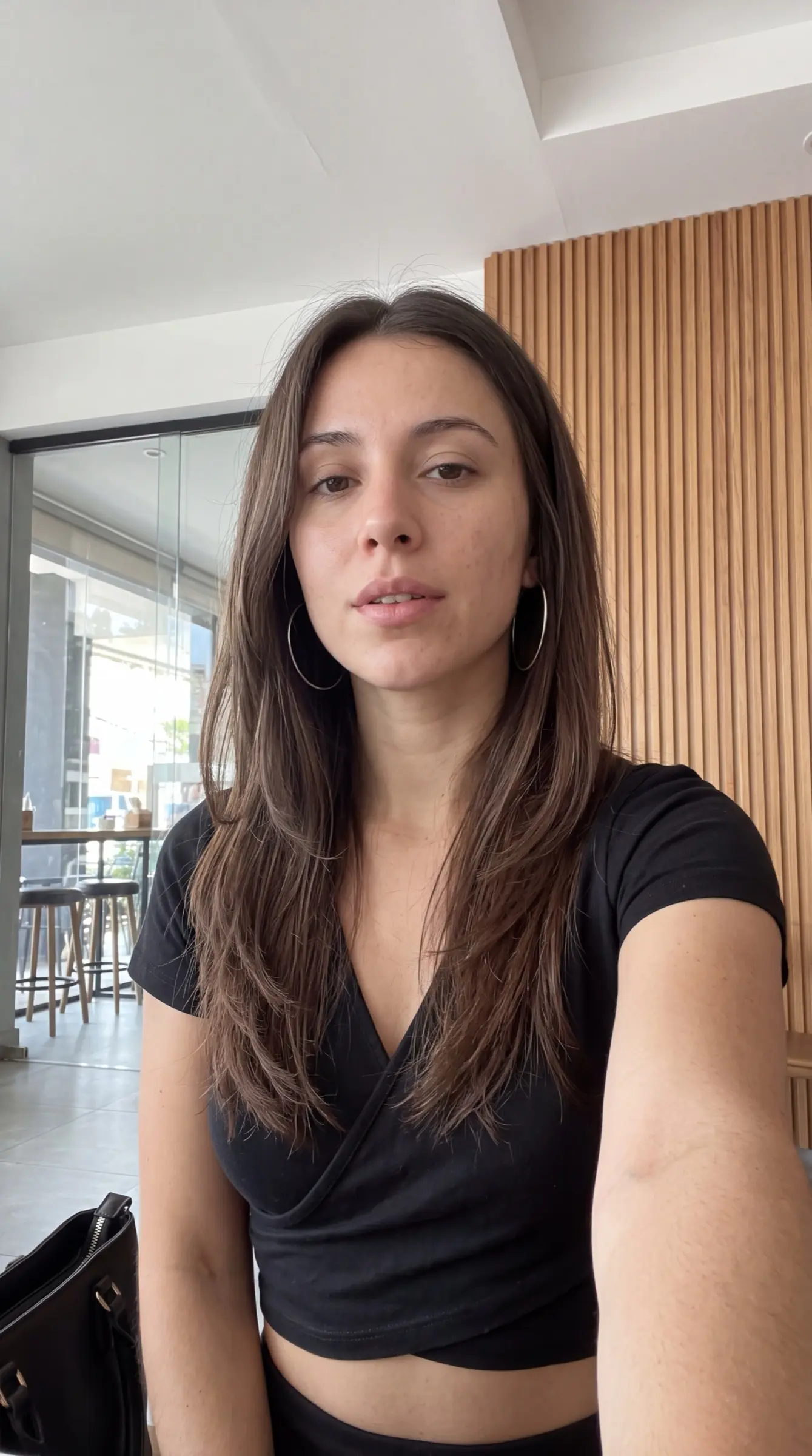
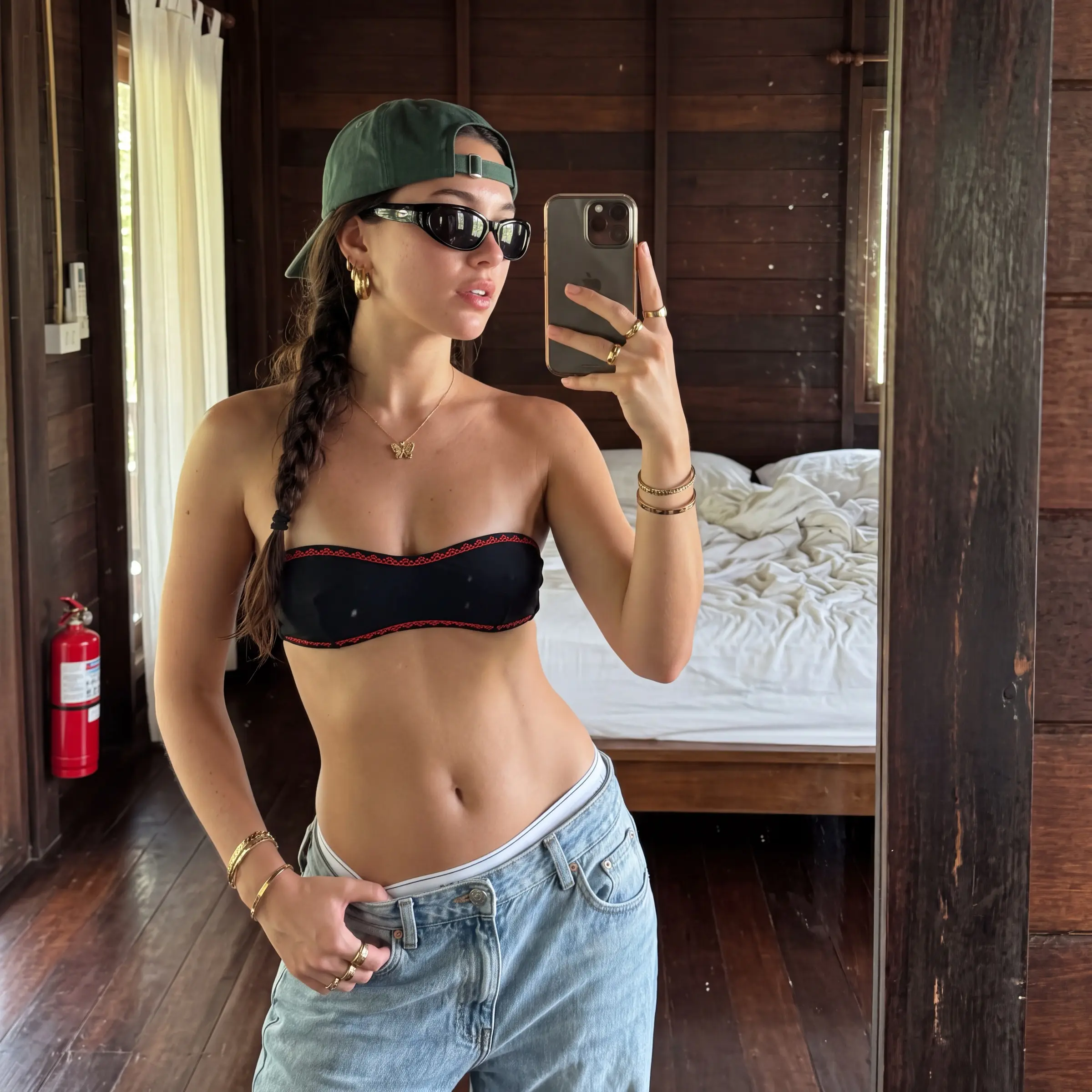
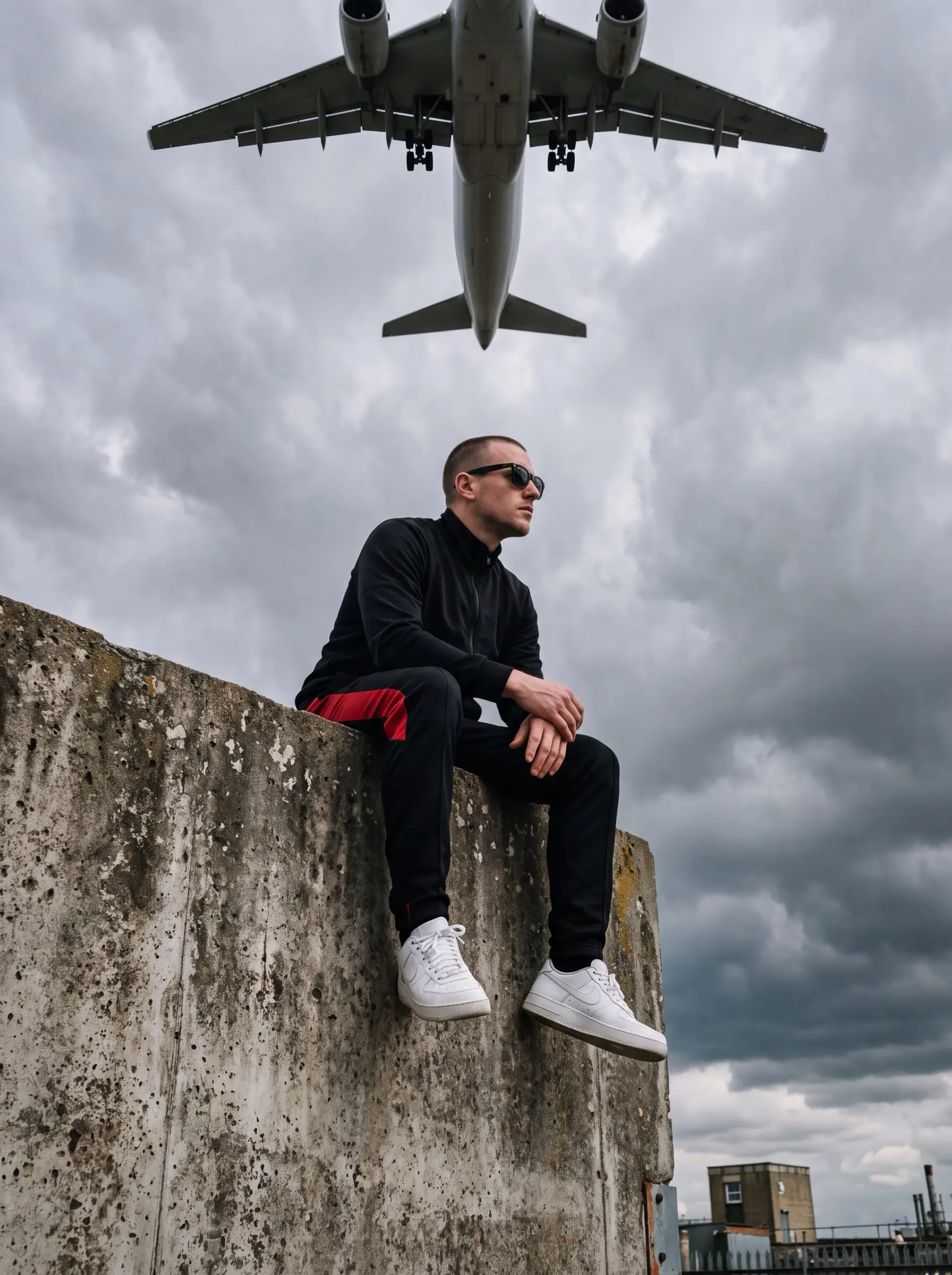
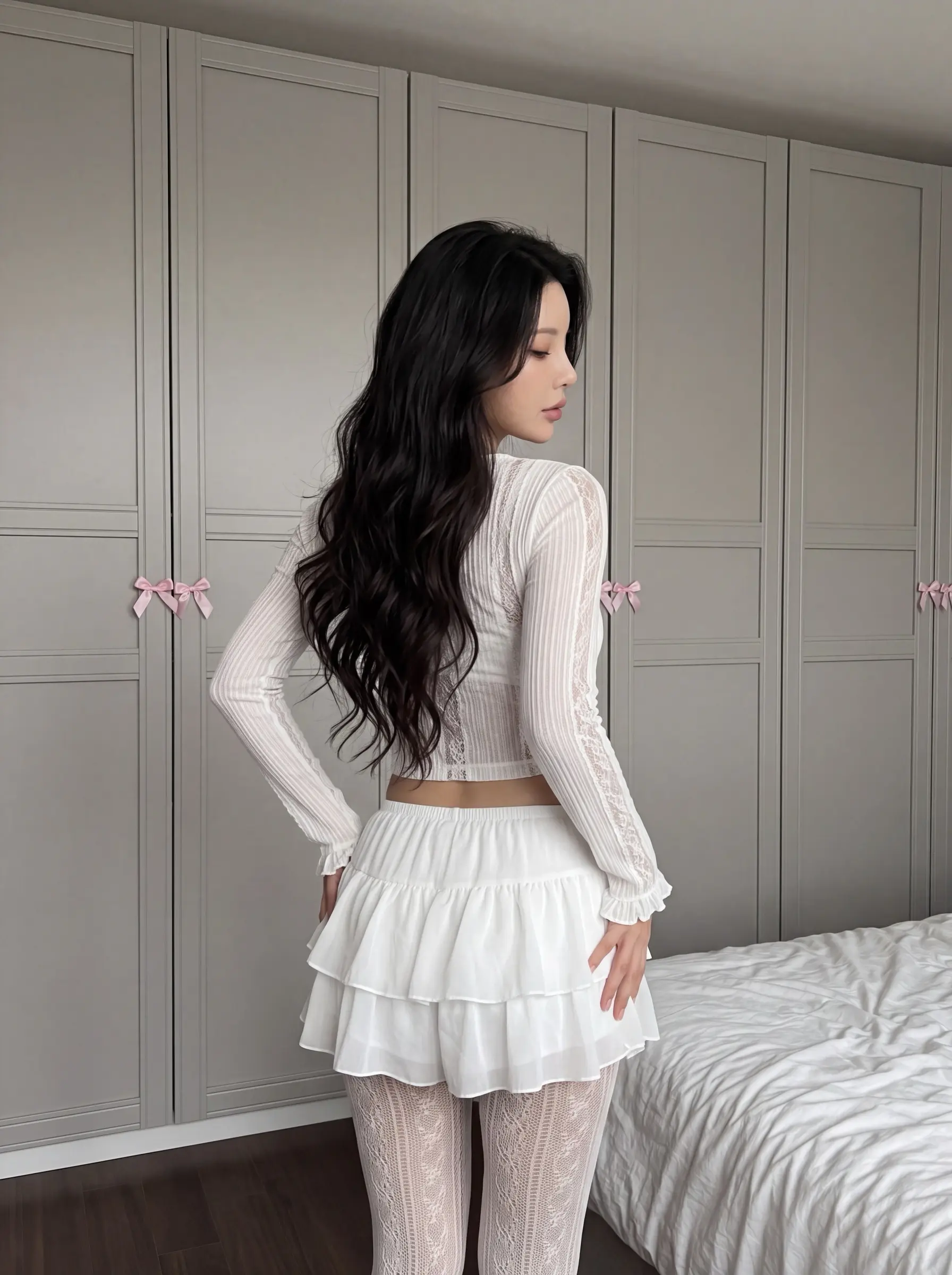
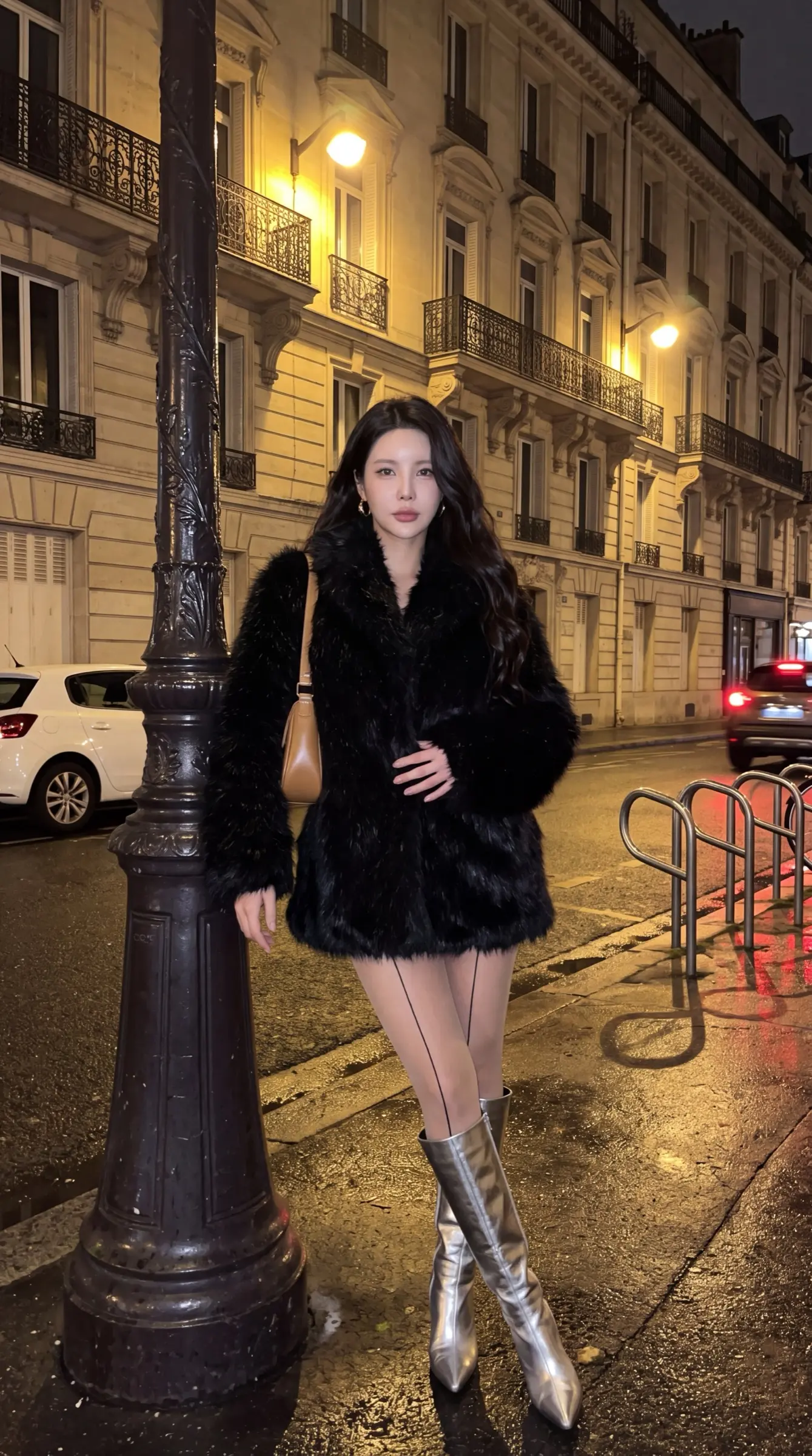
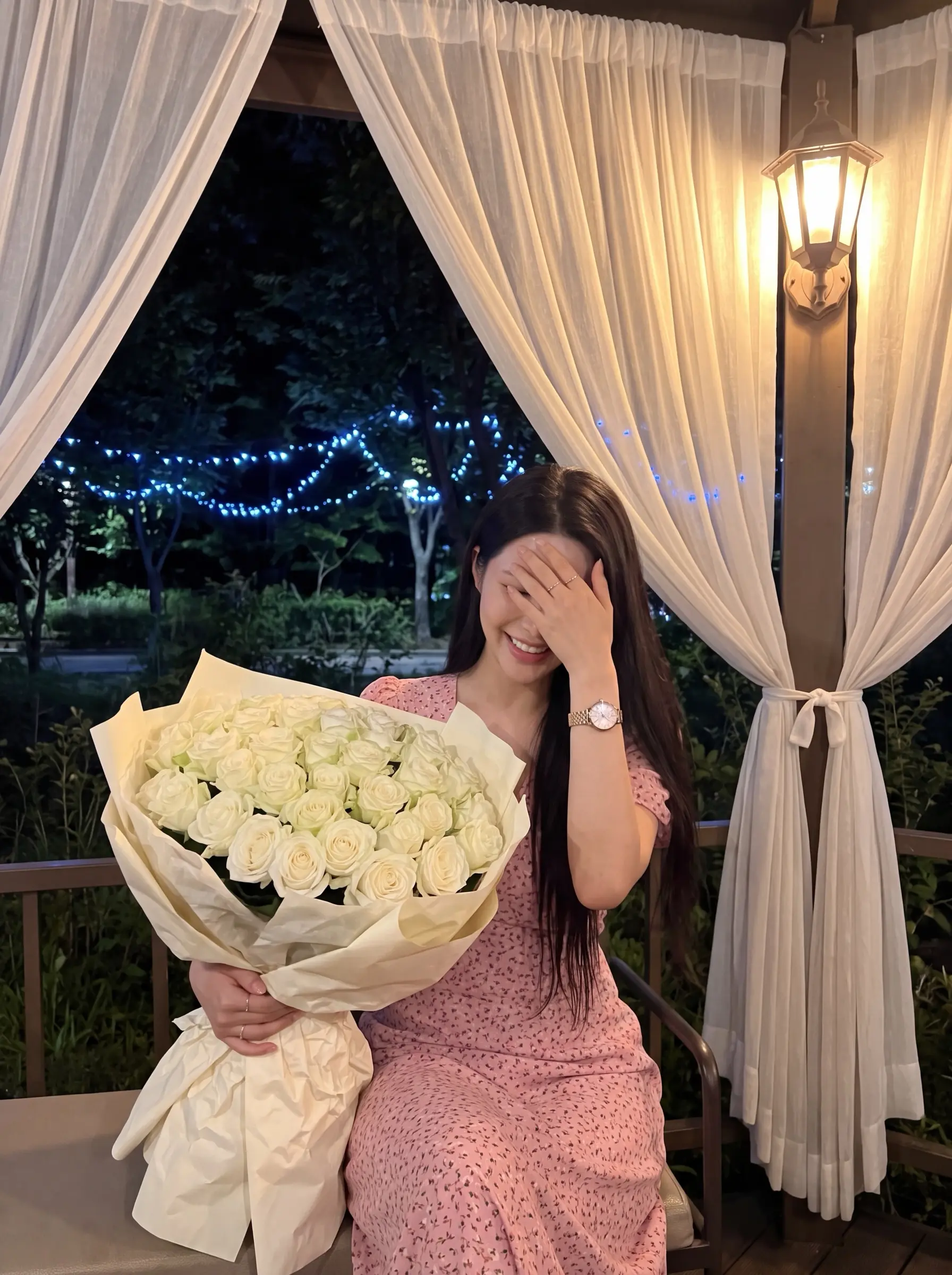
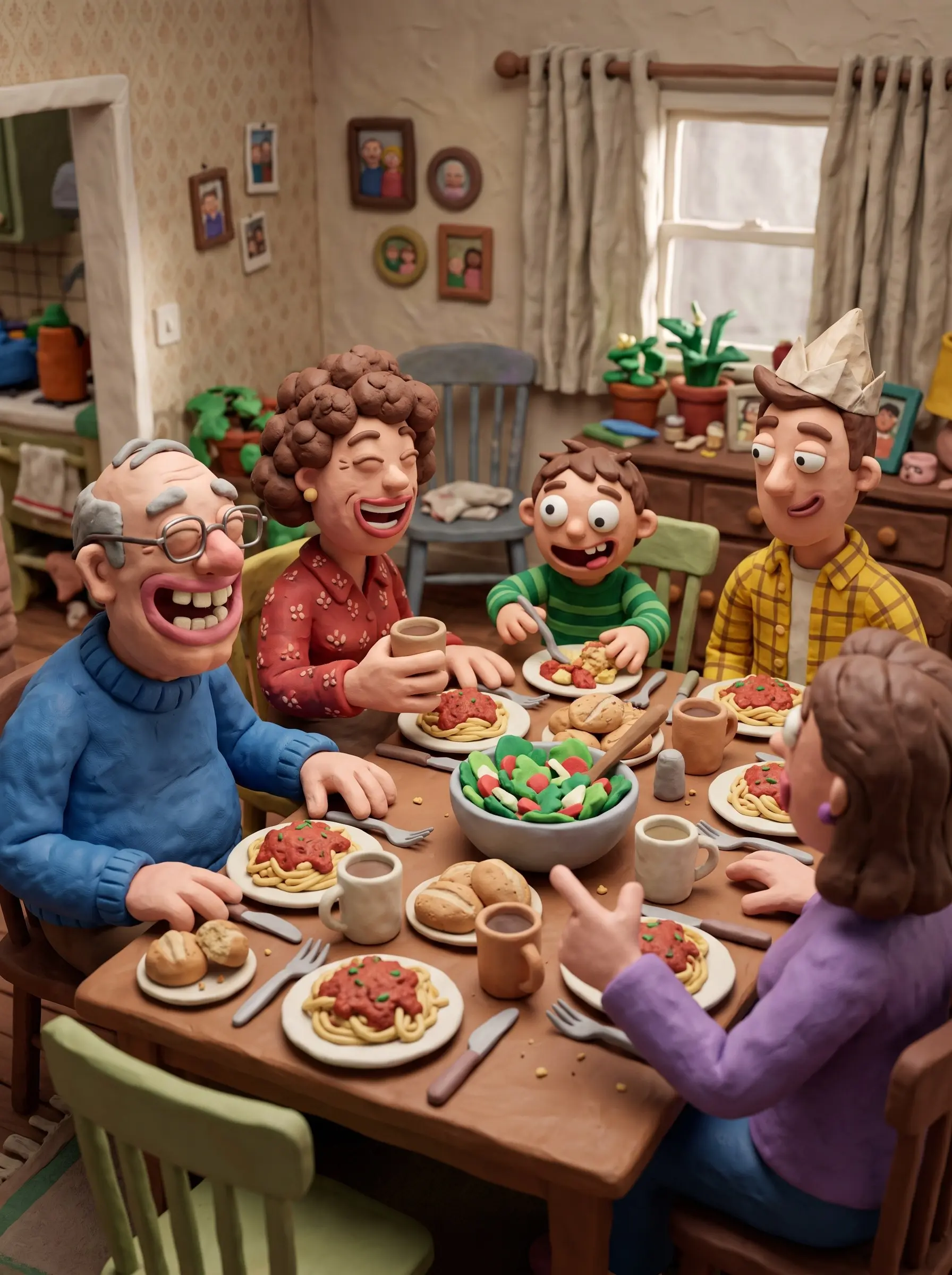
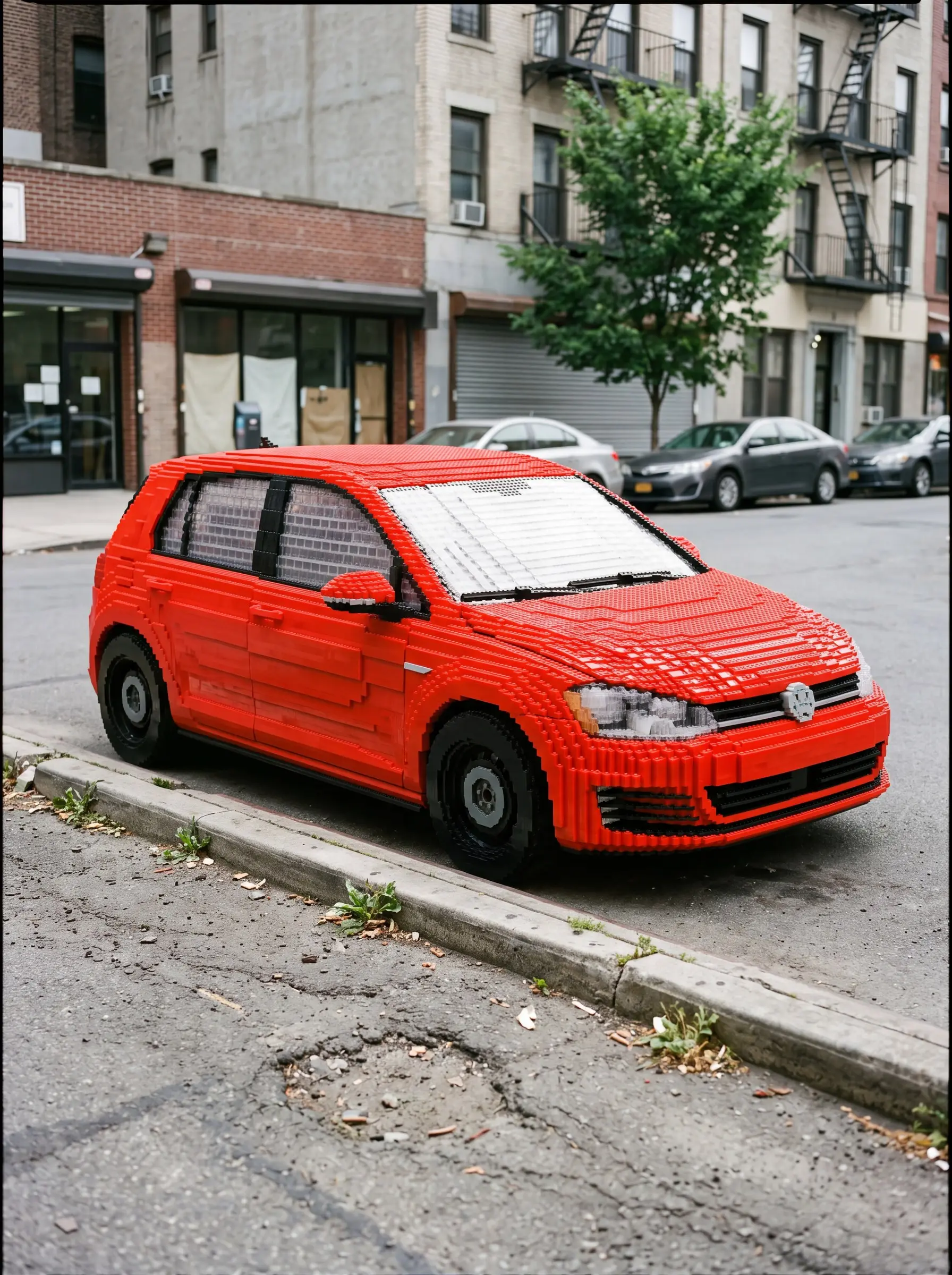
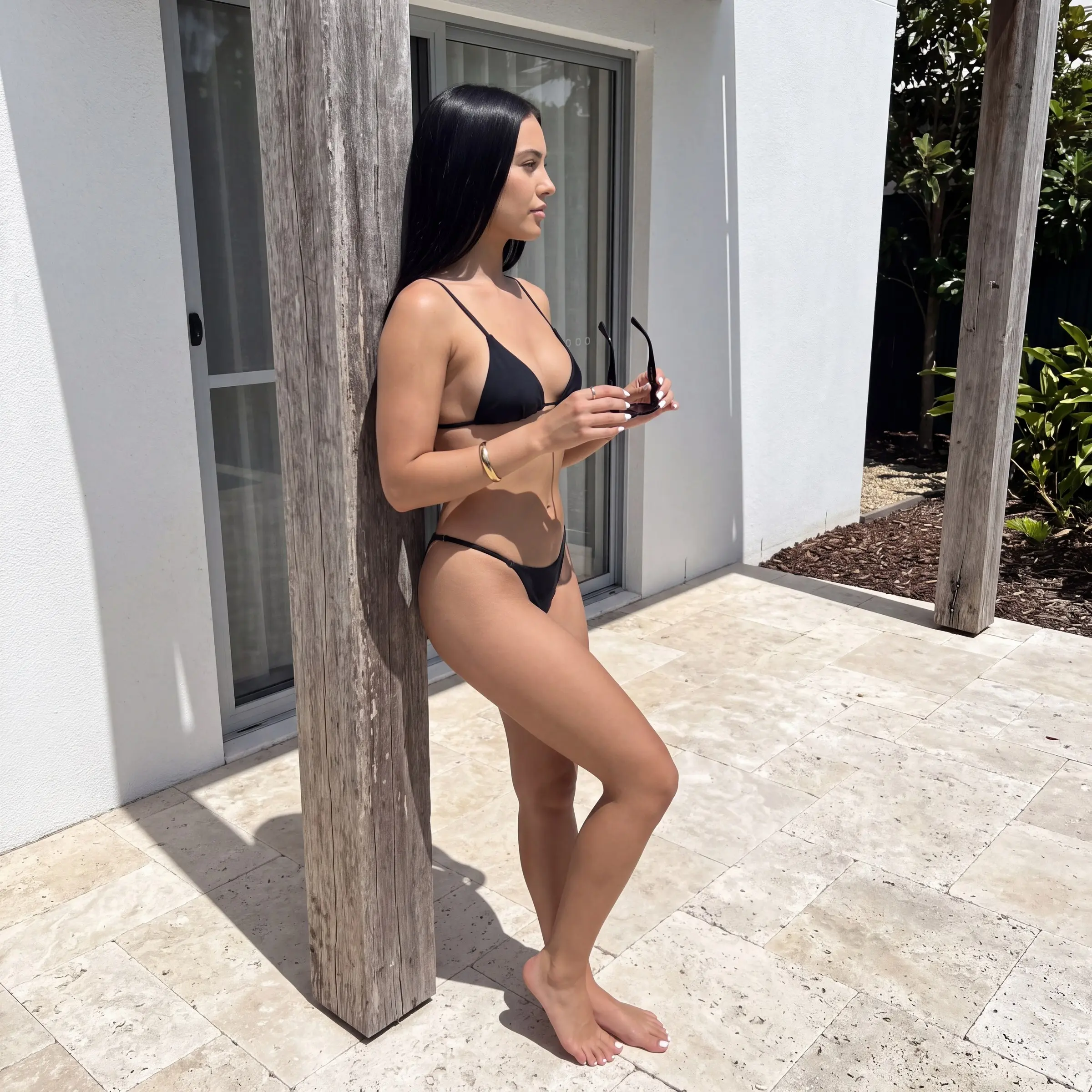
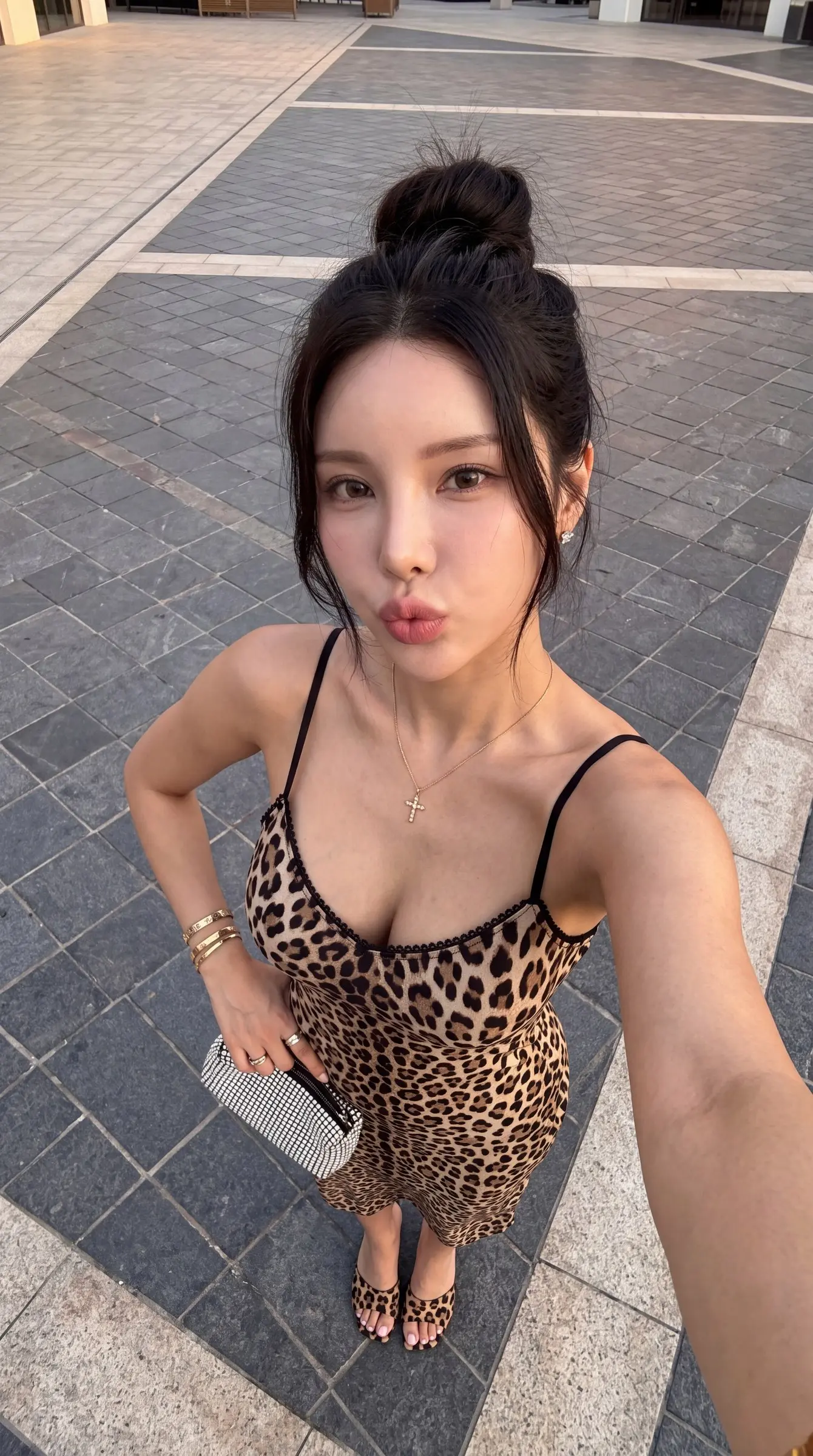
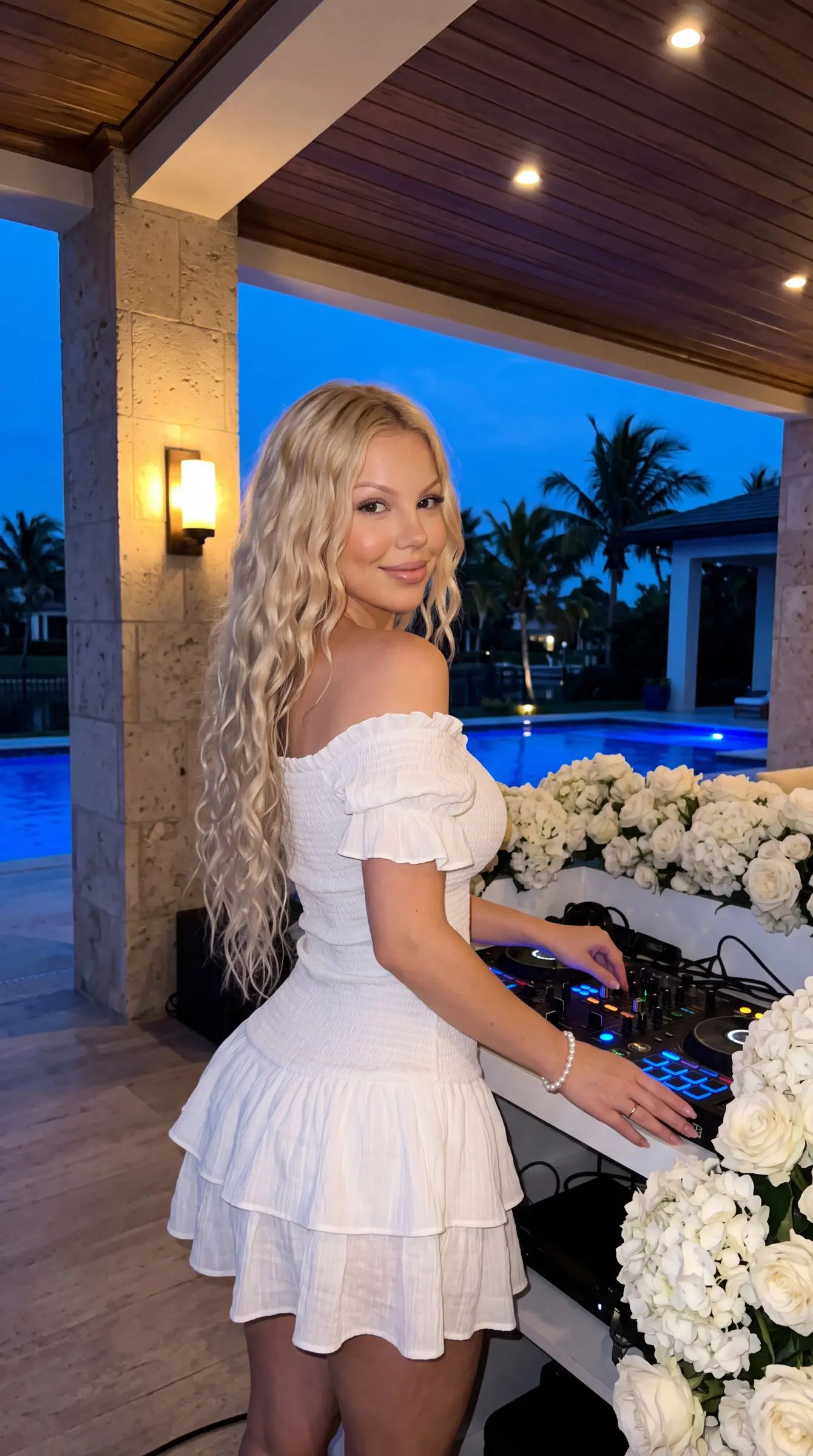
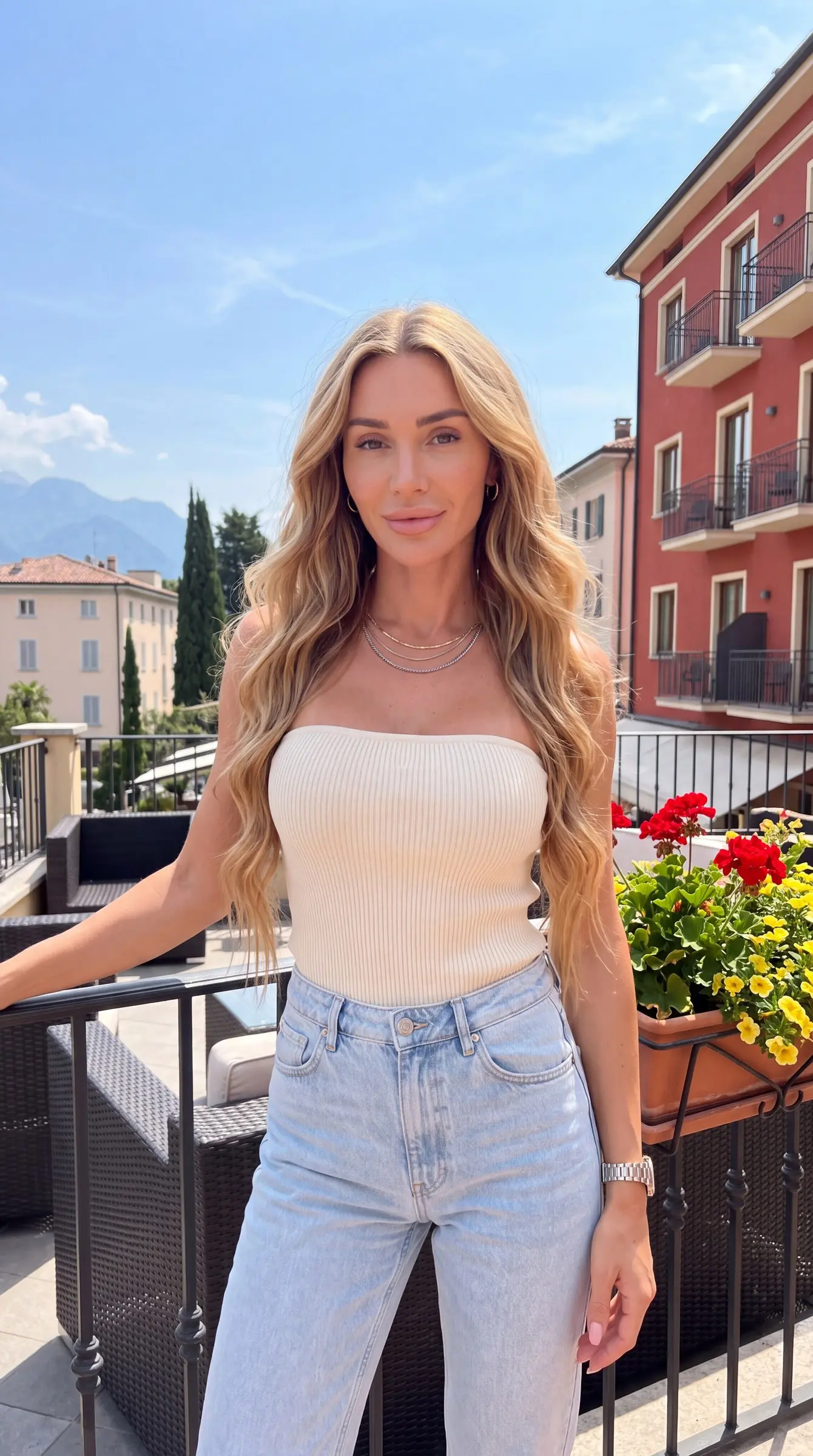
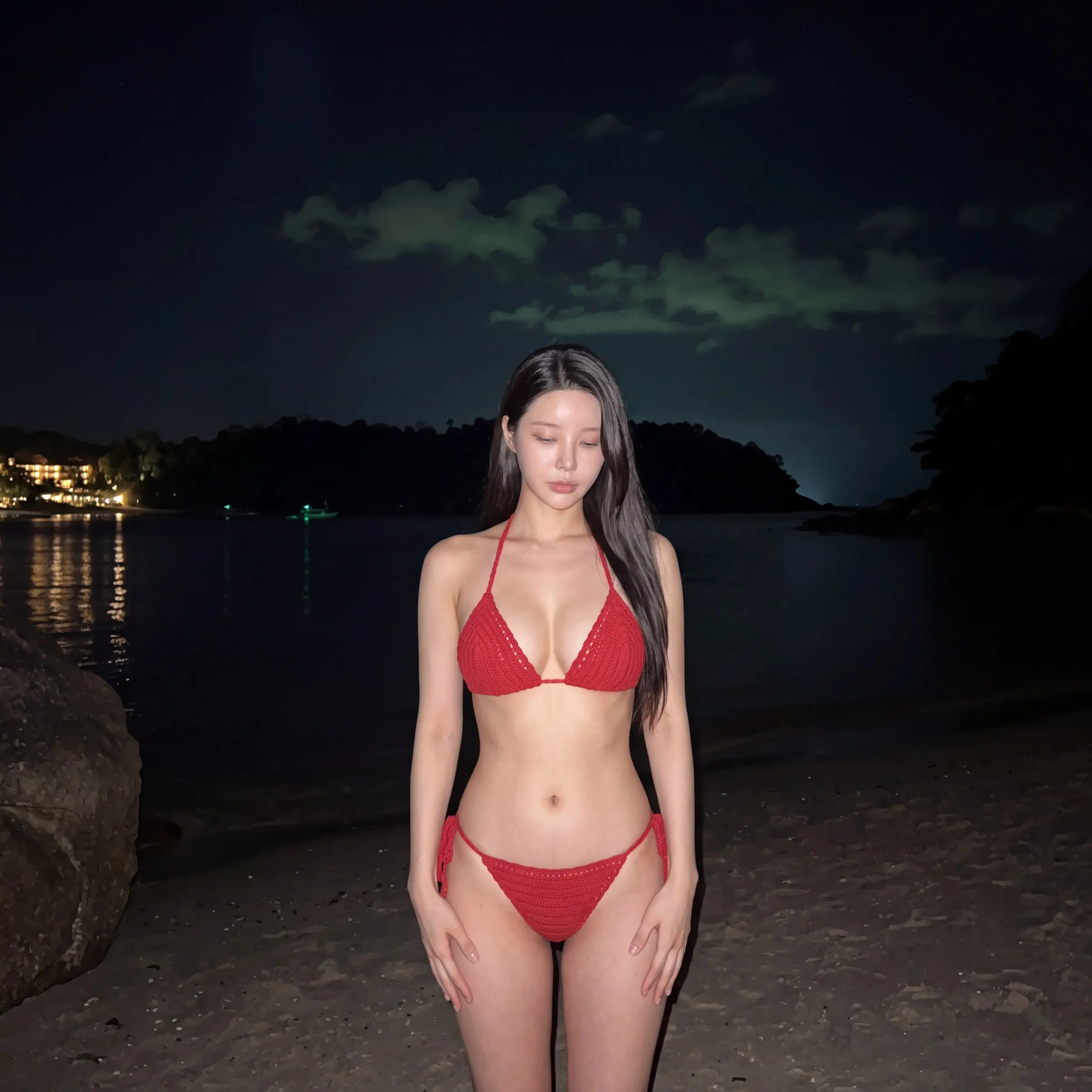
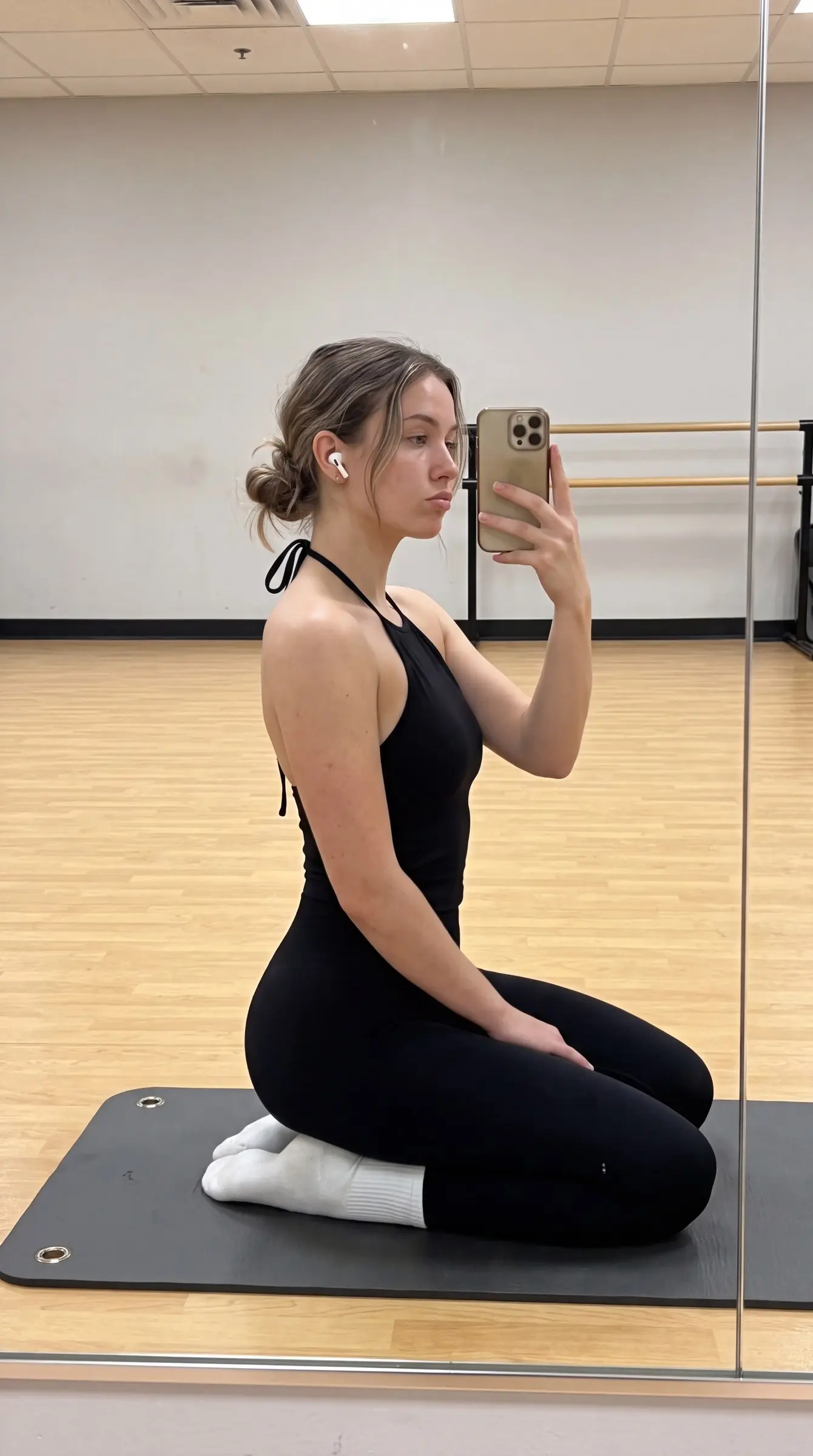
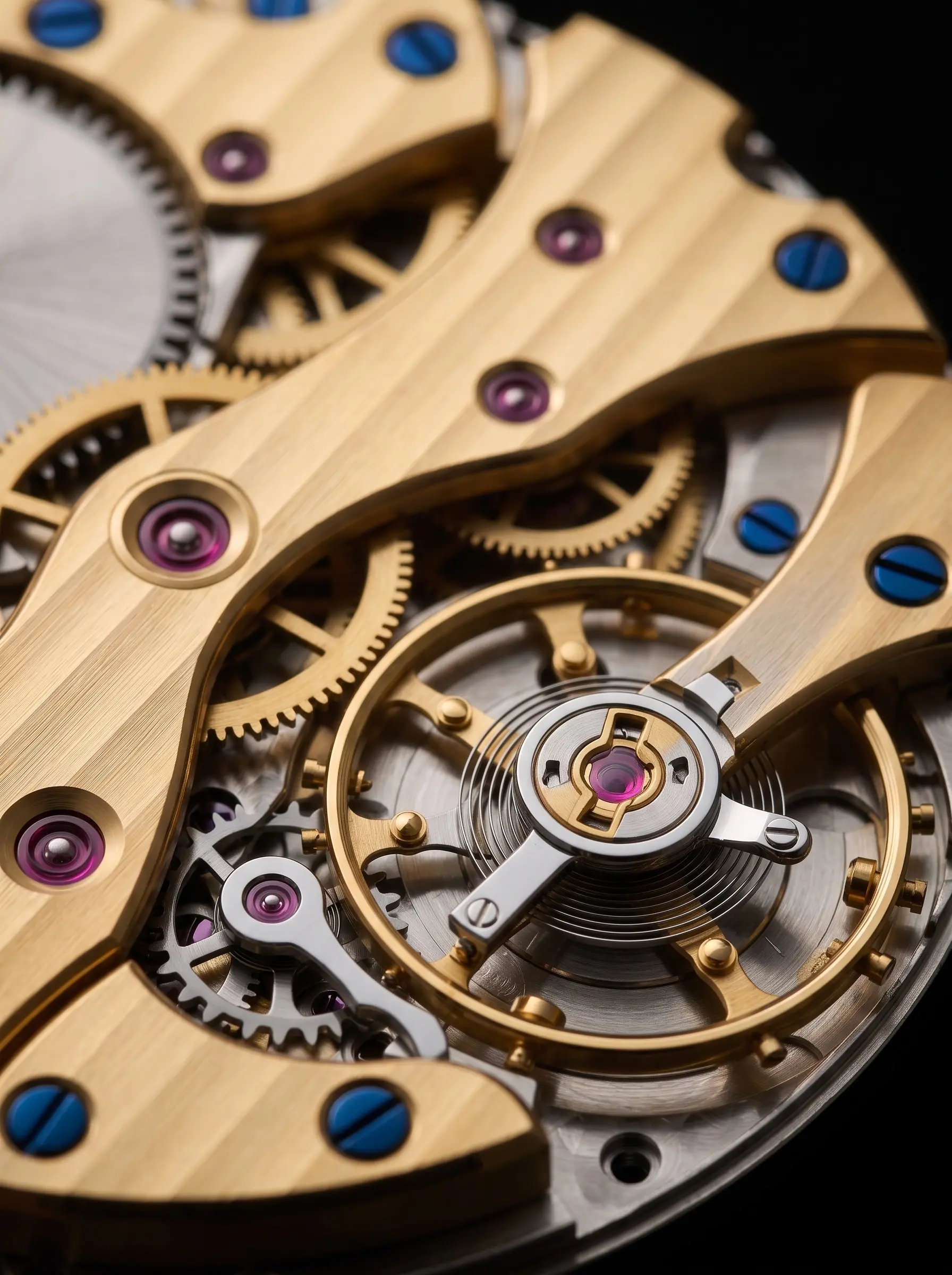
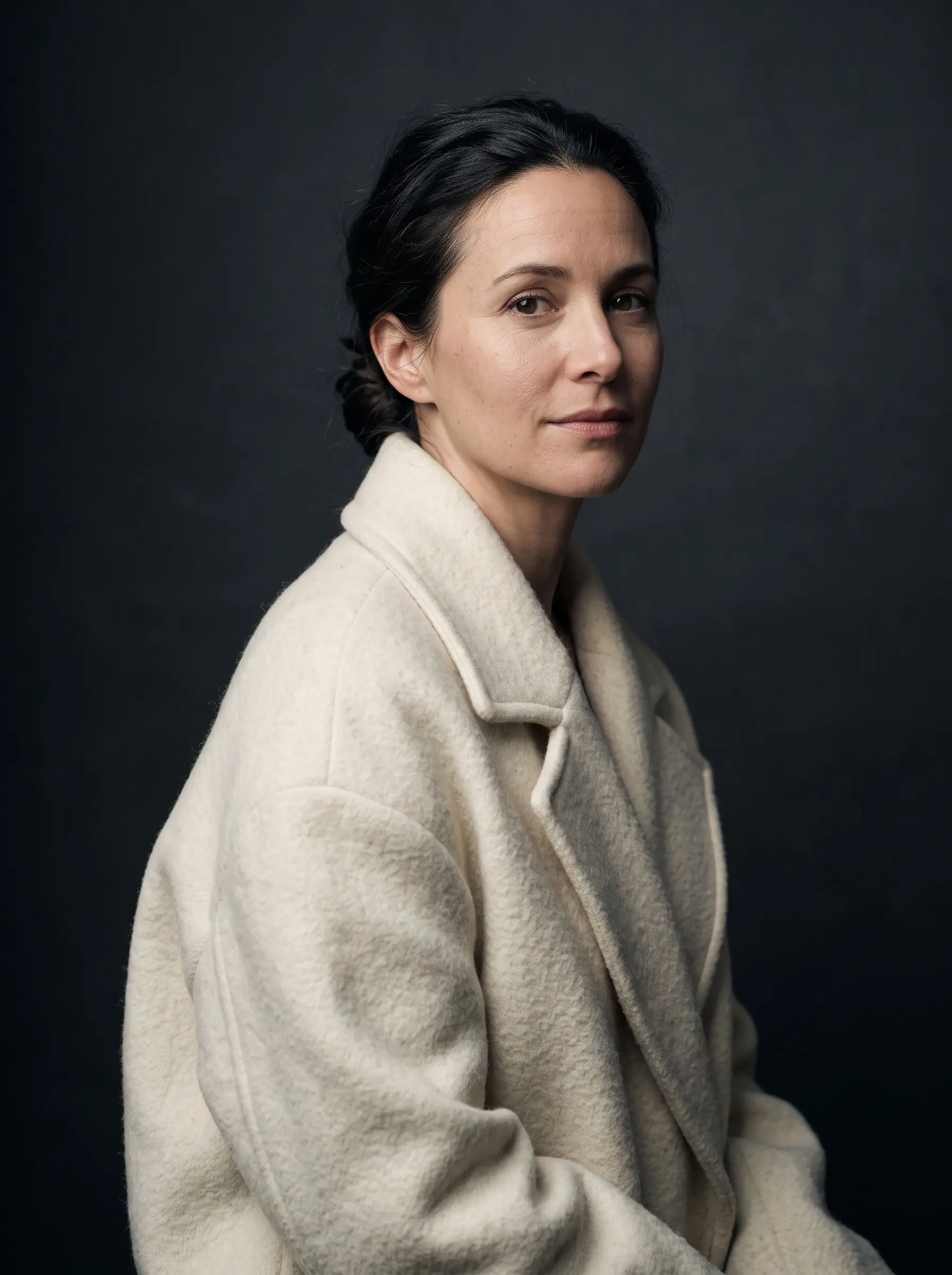
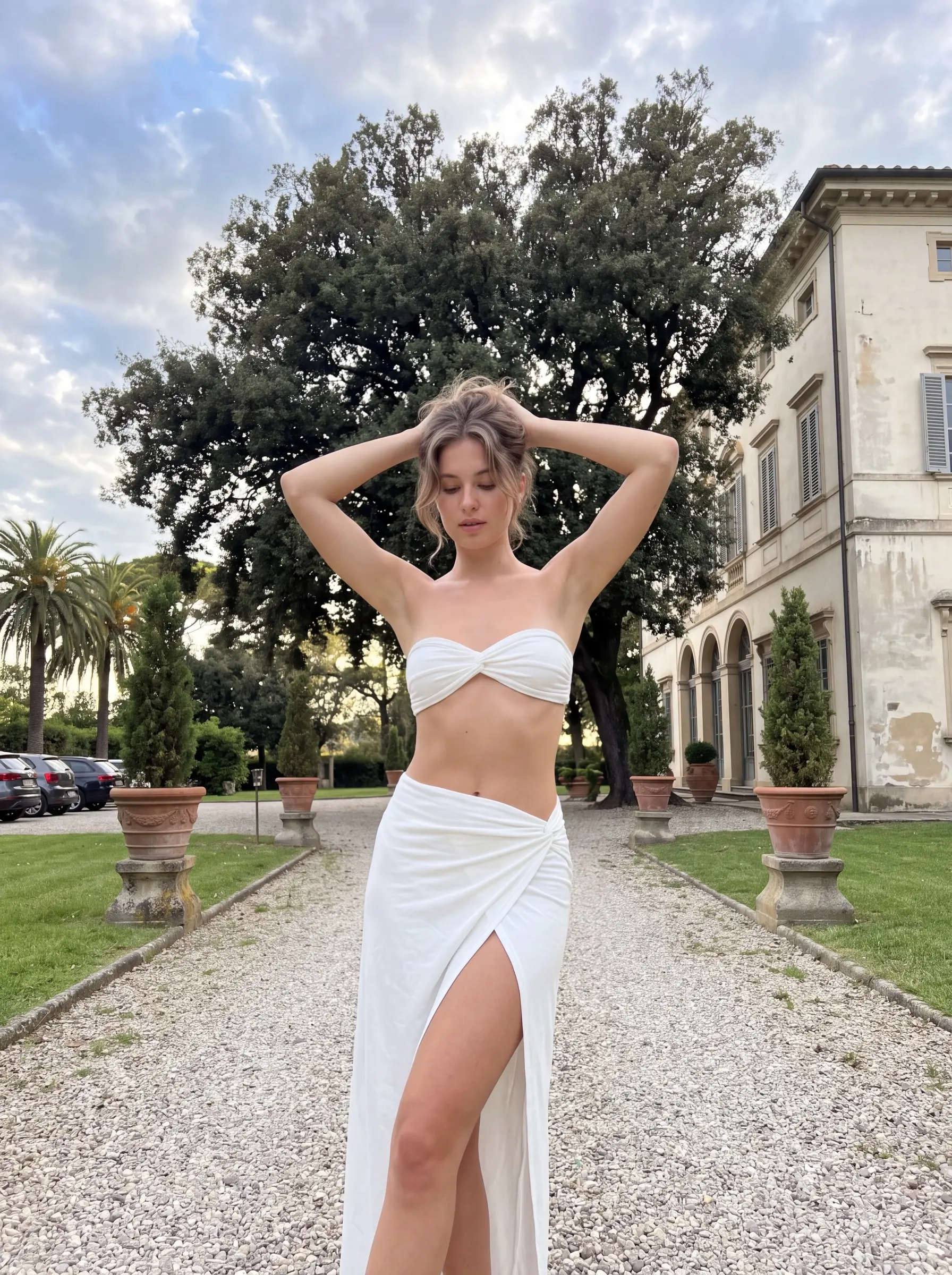
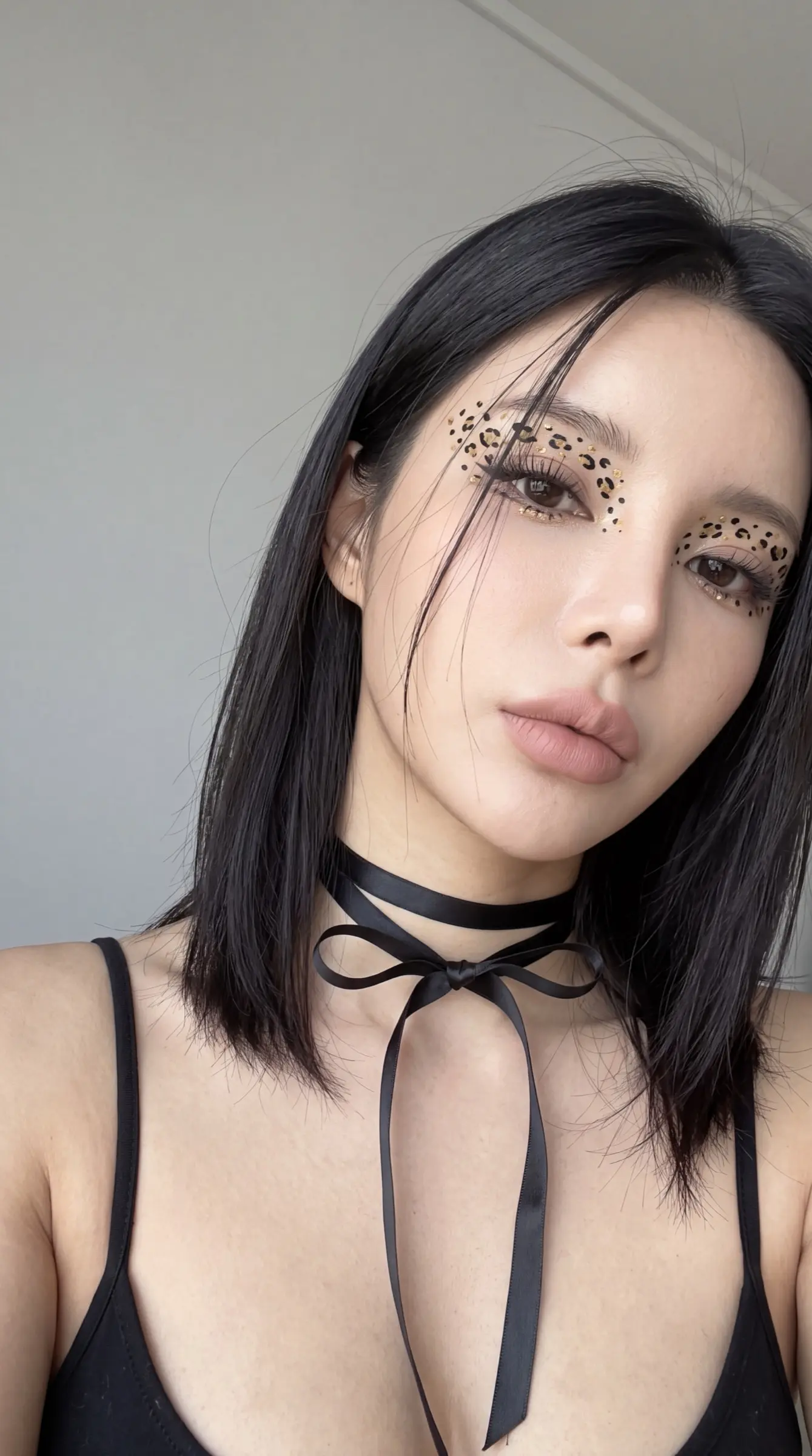
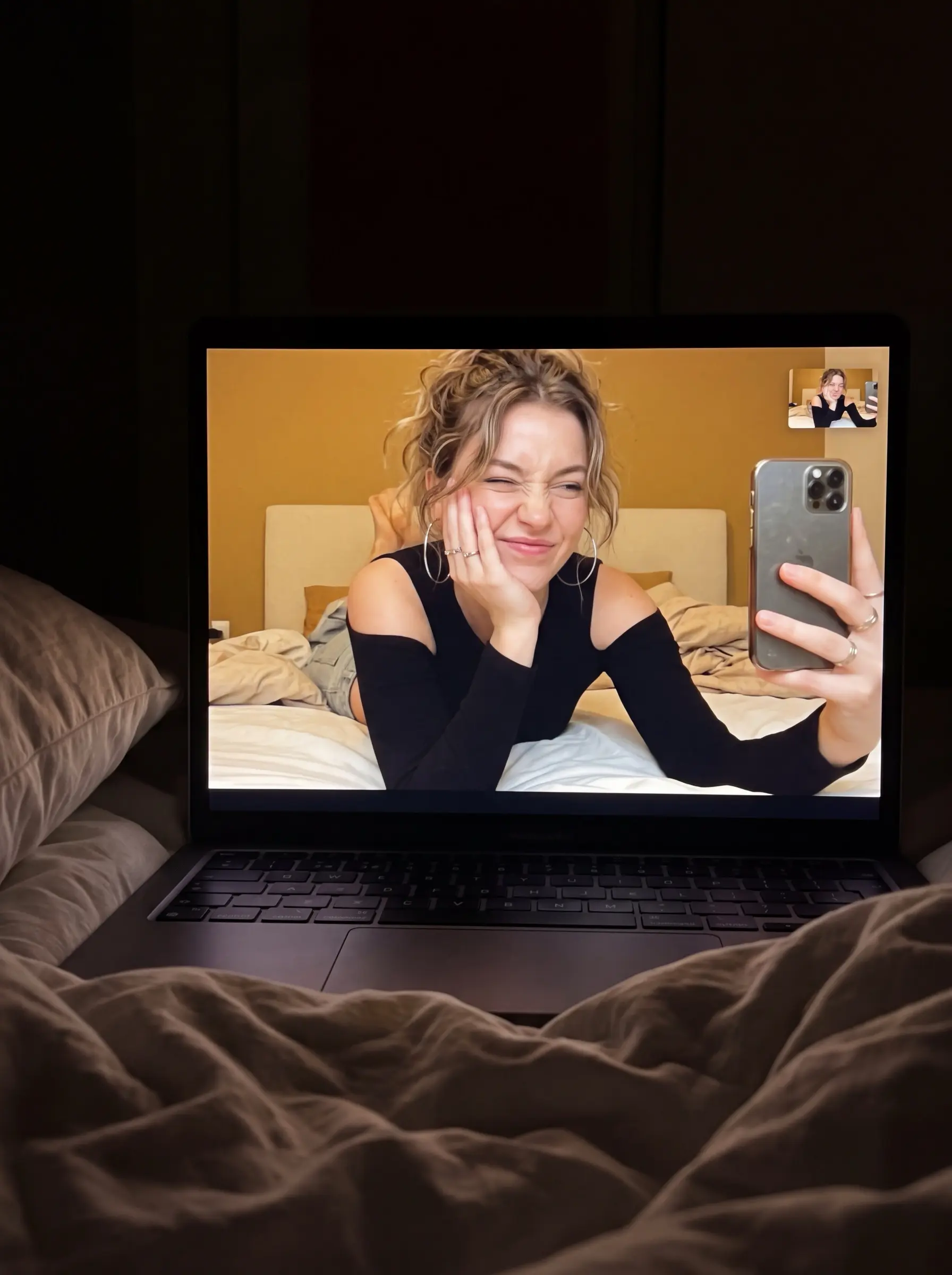
The images on the cards are real outputs. Choose the one whose light, framing or texture is closest to what you want — a different subject is fine, because the subject is usually the part you swap. Check the platform label too: a prompt performs best in the tool it was written for.
2. Fill the variables, keep the skeleton
Bracketed fields such as [subject] or [background] are left open for you. The rest — light, camera and style sentences — is what gives the result its look, so leave it alone on the first run. Keep your variables short and concrete.
3. Adjust one thing at a time
If the first output misses, change a single detail and generate again instead of rewriting everything; you will see which sentence controls what. Save the version that works. Reusing one skeleton across subjects is the easiest way to build a consistent series.