본문으로 건너뛰기

Midjourney 프롬프트

0 프롬프트

Prompts tested in Midjourney, parameters included. Copy them whole and swap only the subject.

Midjourney에서 열기

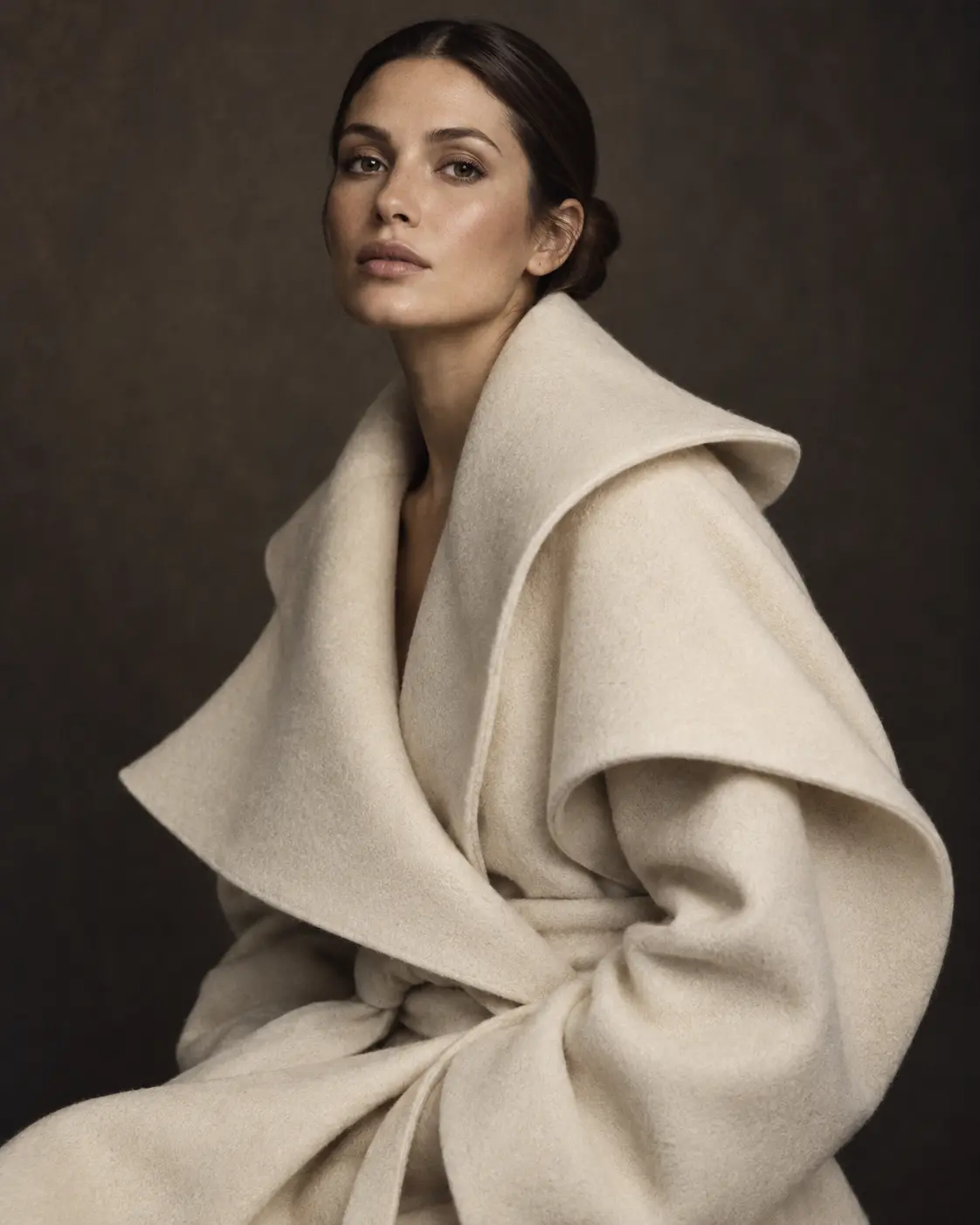
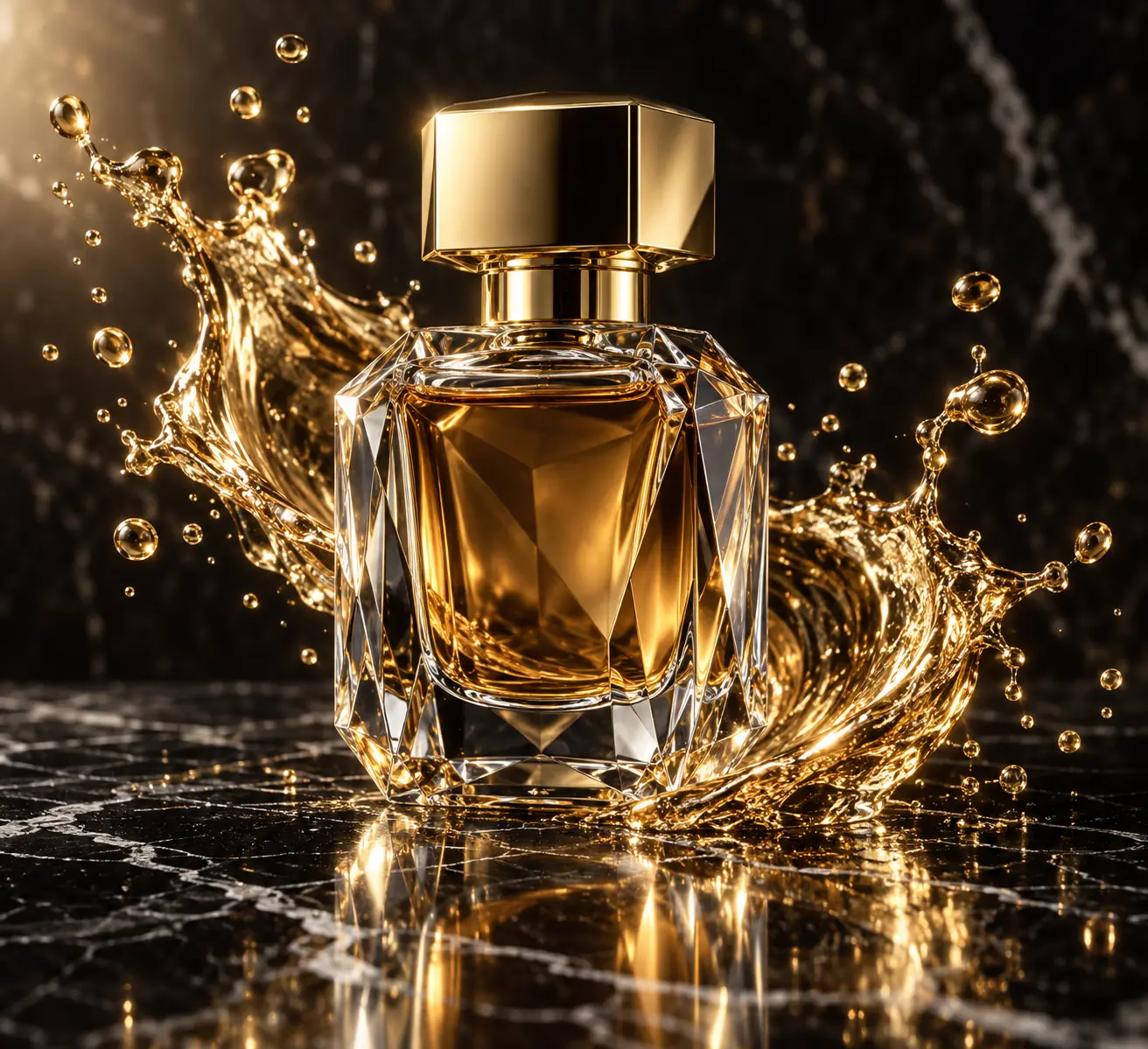
Midjourney is known for its strong aesthetic defaults: painterly light, rich texture and cinematic framing. The prompts in this list were tested in recent Midjourney versions and keep the parameters that shaped the result, so you can copy them as-is and only swap the subject.

가이드

Getting consistent results from Midjourney prompts

PeekPrompt 에디터

1. Lead with the subject

Midjourney weighs the start of a prompt most. Put the subject and the medium first — “editorial portrait, medium format” — then add light, lens and mood.

2. Keep the parameters

Aspect ratio, stylize and version flags at the end are part of the look. Leave them in place on the first run, then change one at a time.

3. Use references deliberately

Style and character references are powerful but strong. Start with a low weight and raise it until the result follows the reference without copying it.
Which Midjourney version were these tested on?

Each card lists the version used. Prompts usually carry over to newer versions, though stylize values may need a small adjustment.

Can I use these prompts in Discord and on the web app?

Yes. Paste the full prompt including the parameters at the end into either interface.

Why does my result look different?

Midjourney is not deterministic. Generate a few variations, and keep the original parameters before changing the wording.

답을 찾지 못하셨나요?복사 할당량과 요금제는 요금제 페이지에 있어요. 그 밖의 문의는 저희에게 보내 주세요.

관련 가이드

가이드 →