本文へ移動
活用例 · 画像

LinkedInprofile photoprompts

A professional portrait that looks like you, from your own photo. Copy a prompt, type your outfit and backdrop, generate.

prompts
96
platforms
3
Reserve prompts
22

Portrait prompts that work with a reference photo, for corporate, creative and academic profiles. Every result on a card was made with that prompt; add your own photo and fill in the variables.

ステップごとの手順:how to make a profile photo

4 つのステップ。どのプラットフォームでも同じ考え方です。
  1. 01

    Choose a good reference

    Pick an unfiltered photo taken in daylight where your whole face is visible. If you wear glasses, use a shot with them on; a wide-angle selfie distorts your features.

  2. 02

    Copy a matching prompt

    Choose a style close to your field: corporate, creative or academic. The prompt text is never shown on the page; press Copy and it lands on your clipboard.

  3. 03

    Fill in the variables

    Write [outfit] and [backdrop] for yourself. Leave the light and framing part as it is and the result stays professional and natural.

  4. 04

    Generate and verify

    Get a few results and pick the one that really looks like you. If your features changed, add the reference again and strengthen the "keep the face exactly" instruction.

良いプロンプトの構造

5 つのパーツ。それぞれに役割があります。
プロンプトの例EN · パーツ 5 個 · 変数 2 個

1SubjectProfessional headshot of the person in the reference photo, wearing [outfit], facial features kept exactly the same, 2Lightsoft diffused window light from the left, subtle fill, natural skin texture, 3Camera85mm portrait lens at f/2.8, eye level, head and shoulders framing, 4Backdrop[backdrop] background, gently out of focus, 5Styleconfident relaxed expression, realistic corporate photography, 1:1 square, no heavy retouching.

First who, then how. Variables live only in the outfit and the backdrop; while light and framing stay fixed, everyone on the team page looks like they came out of the same shoot.
パーツ
  1. 1SubjectSays who it is, what they wear and that the face must be kept.
  2. 2LightSoft light keeps skin natural and the expression warm.
  3. 3Camera85mm at eye level keeps facial proportions true.
  4. 4BackdropA plain, blurred backdrop keeps attention on the face.
  5. 5StyleSets expression, realism and the square format.

変数ひとつで、結果は 4 通り

Framing, lens and backdrop stay fixed; only [light] changes.
固定の骨組みProfessional headshot of the person in the reference photo, [light], 85mm portrait lens, head and shoulders, plain backdrop, natural skin texture, 1:1
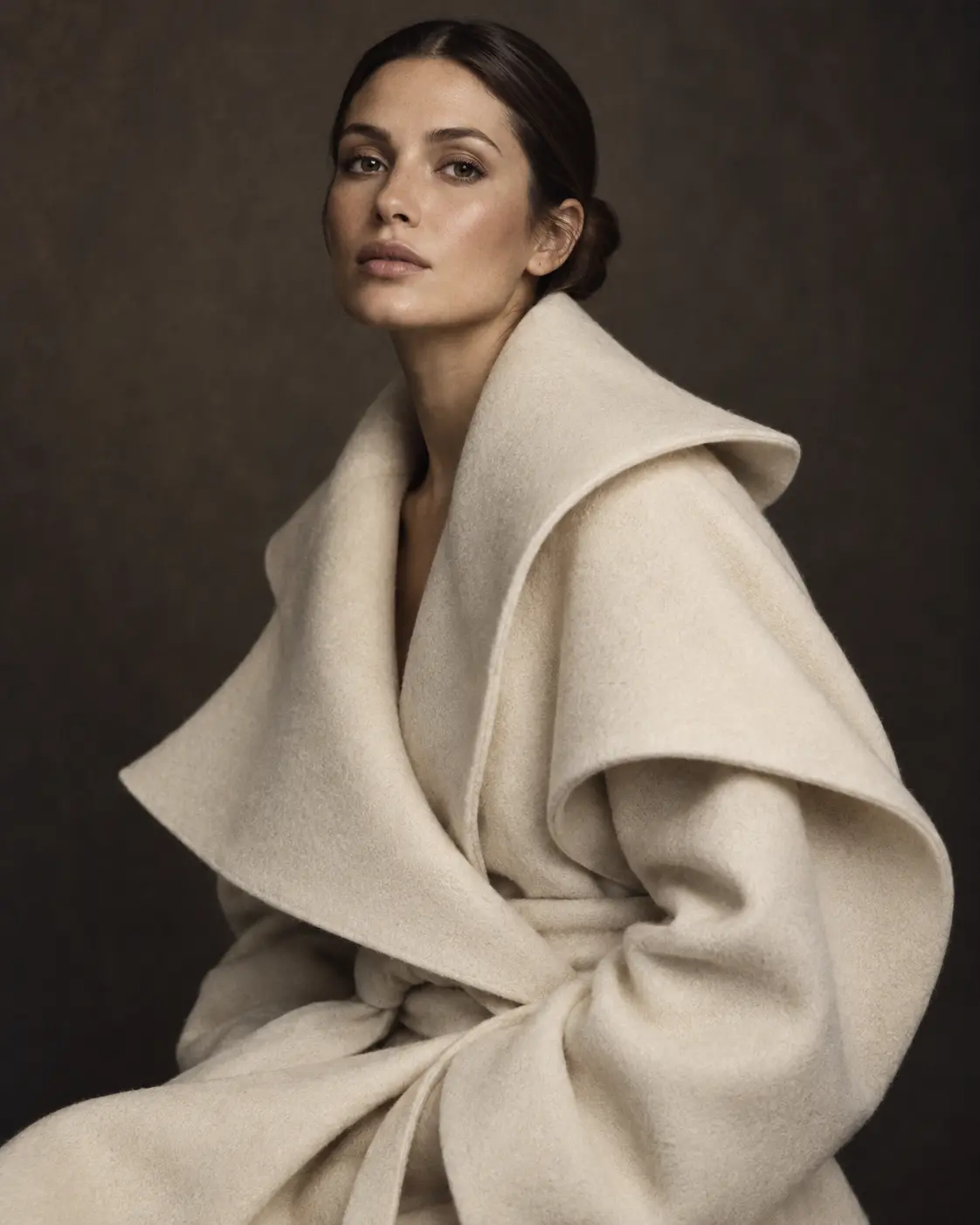
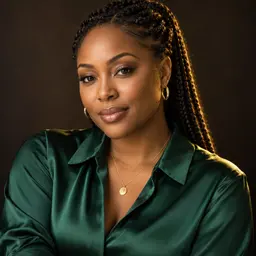
Editorial portrait in soft window light on a charcoal backdrop
[light] =“soft north window light”
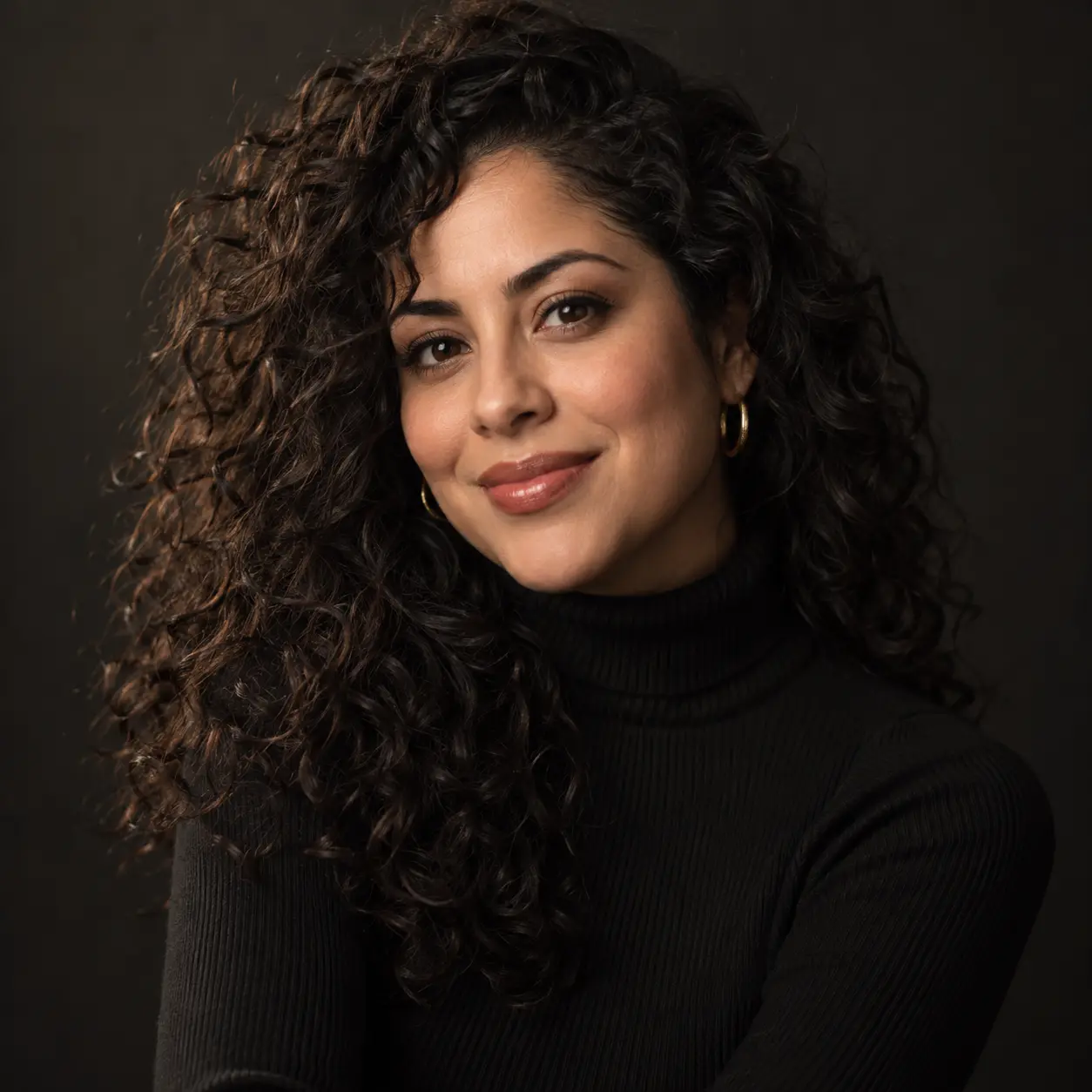
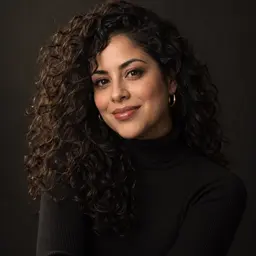
Portrait of a woman with curly hair in warm studio light
[light] =“warm studio light”
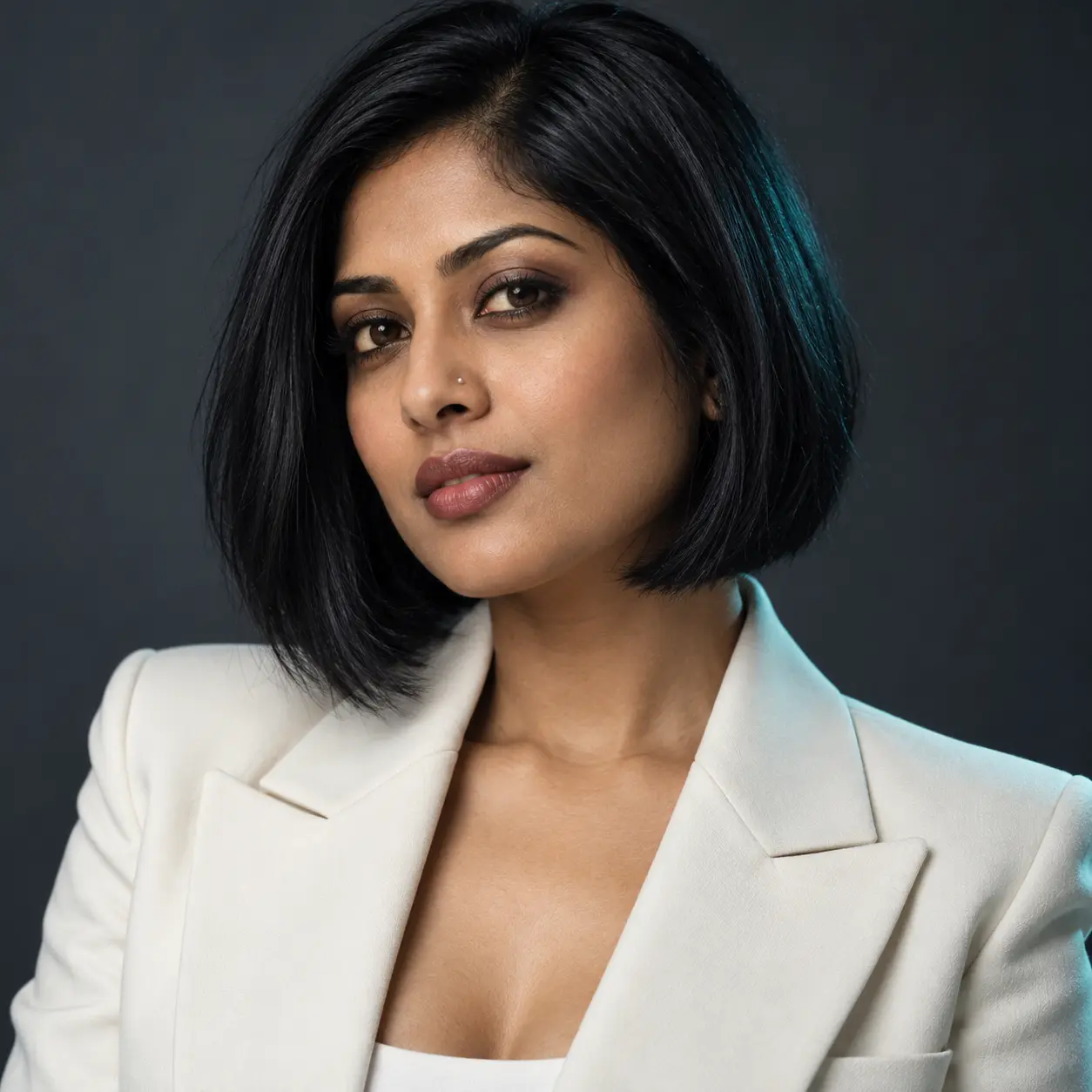
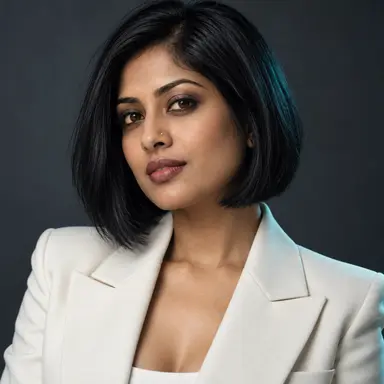
Portrait of a woman with a bob haircut in neutral light
[light] =“neutral, flat light”
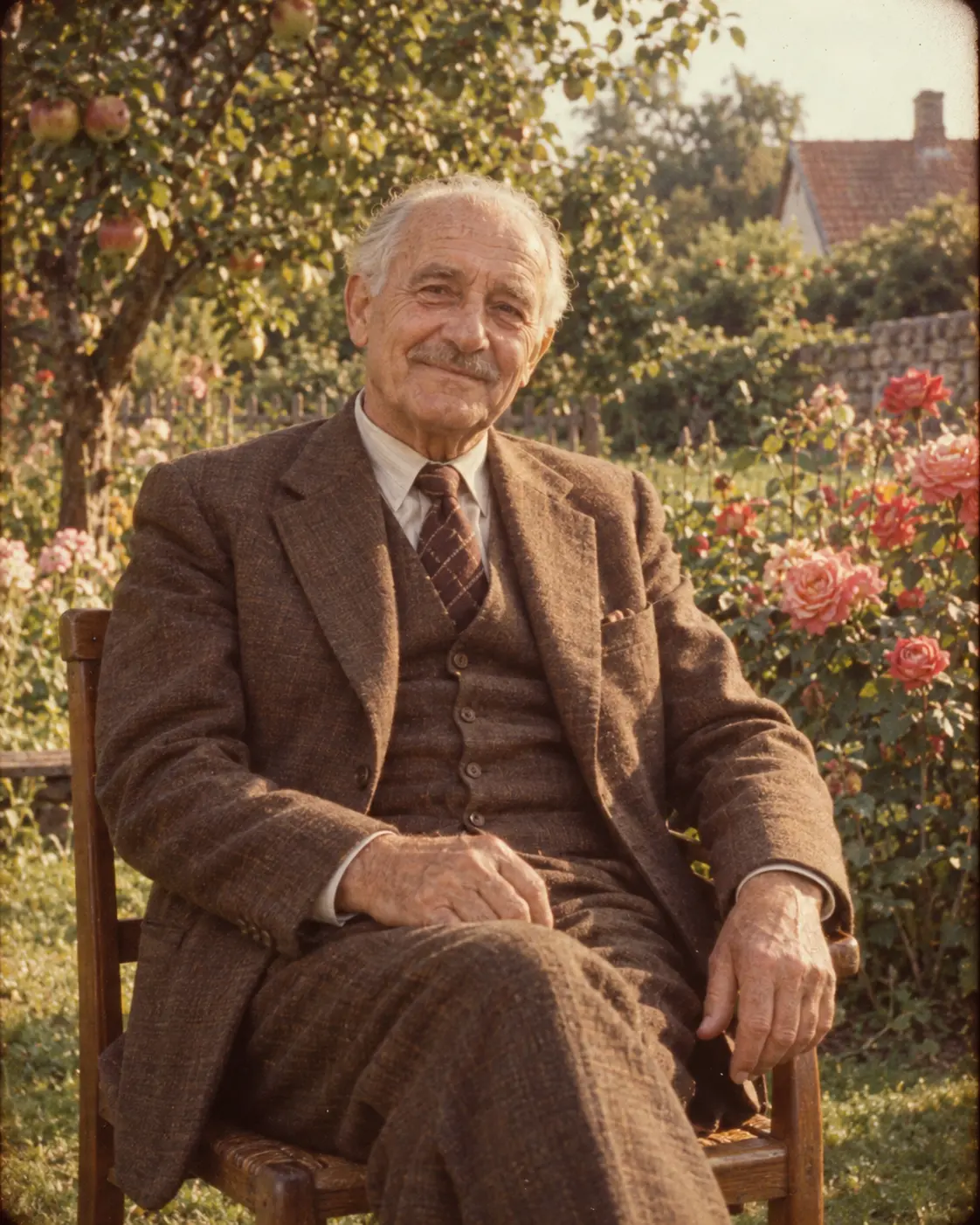
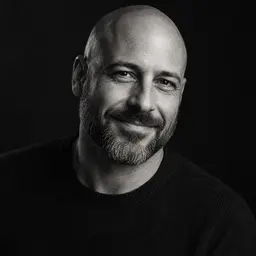
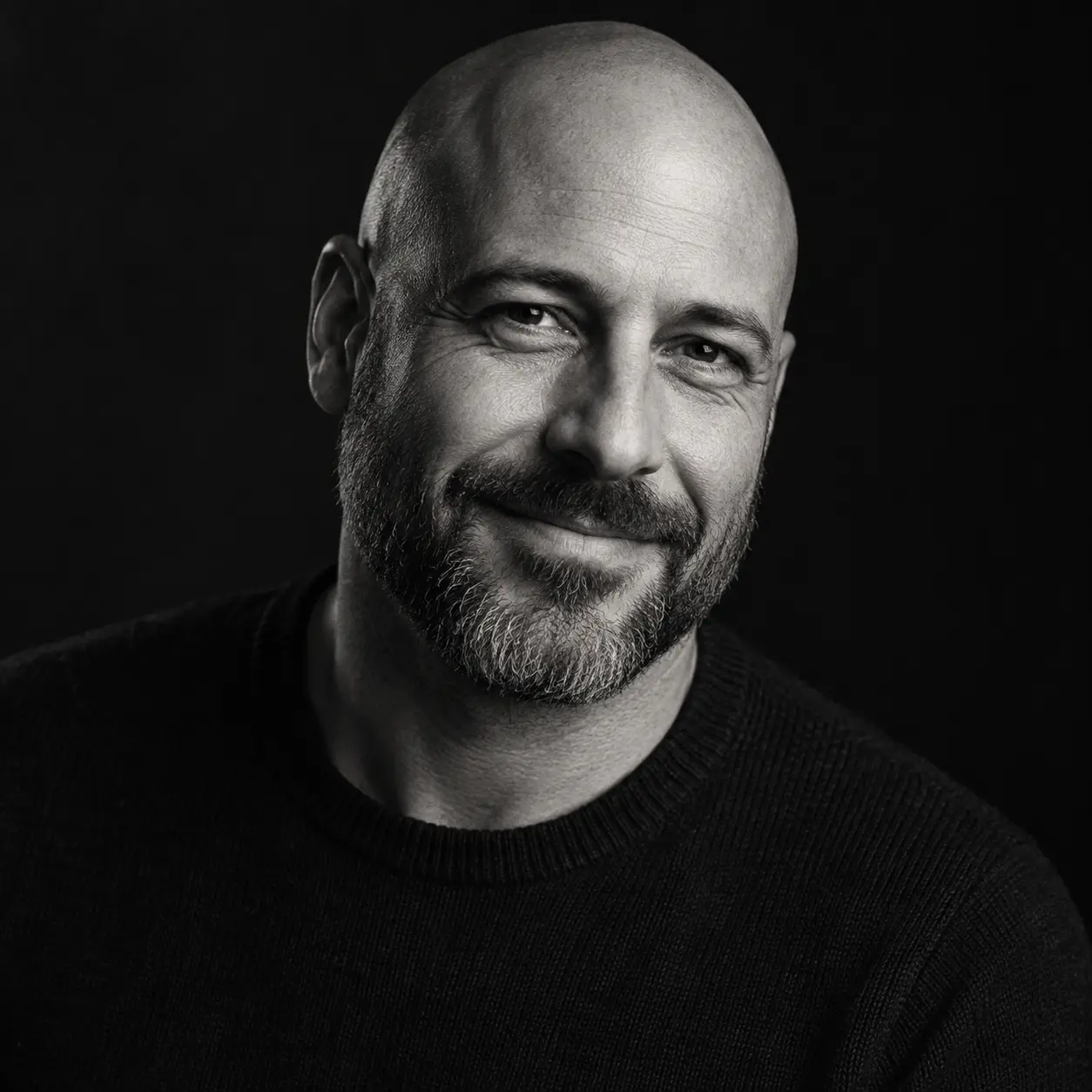
Black and white side-lit portrait of a man
[light] =“black and white, hard side light”

どのプラットフォームで?

Likeness or atmosphere? The choice depends on that.

ChatGPT Image

この活用例のプロンプト 41 件
得意分野Corporate portraits from your own photo with a new outfit and backdrop
  • Edits your uploaded photo step by step on instruction
  • Understands "change this, keep the rest" requests well
  • Lets you handle outfit, backdrop and light separately

Can soften facial features; always check the likeness.

ChatGPT Image のプロンプト
Midjourney

この活用例のプロンプト 19 件
得意分野More artistic, magazine-style portraits for creative fields
  • Cinematic results in light and color tone
  • Tries the same face in different scenes with a reference image
  • --ar 1:1 gives a LinkedIn-ready frame

The hardest option for exact likeness; be careful for corporate use.

Midjourney のプロンプト

Nano Banana

この活用例のプロンプト 36 件
得意分野Quick outfit and backdrop tries that keep your likeness
  • Keeps the person in the reference recognizable
  • Produces variations fast; fine-tune in conversation
  • Can combine several photos as reference

Can flatten the light too much; state the light direction in the prompt.

Nano Banana のプロンプト
ガイド

How to write a LinkedIn profile photo prompt

PeekPrompt 編集部2026年10月13日 更新 · 読了 5 分

Your profile photo is the first thing someone sees before they know you. Making a professional portrait with AI is possible, but the goal is not to look like a prettier someone else; it is to look like you on your best day. This guide explains how to build the prompt for a natural, trustworthy result, and the same principles explain how the portrait prompts on this page were built.

Being recognizable comes first

Someone who meets you on a video call or at an event should recognize the face in the photo right away. So instead of describing a face from scratch, use your own photo as reference and start the prompt with a clear instruction like "keep the facial features, hairline and skin tone exactly the same". Make the reference a daylight, unfiltered shot where your whole face is visible; its quality directly decides the result.

Framing: head and shoulders, at eye level

LinkedIn shows your profile photo inside a small circle. For your face to sit centered and large enough in that circle, write "head and shoulders framing, eye level" and ask for a square (1:1) format. Naming a portrait lens like 85mm prevents the nose and chin distortion of a wide angle. Shoulders slightly turned to the camera and a direct gaze leave a warmer impression.

Let outfit and backdrop speak for your field

In fields like finance or law, a dark jacket and a neutral grey backdrop build trust; in creative fields, a more relaxed outfit and a lightly textured backdrop show personality. Always keep the backdrop plain and blurred: an office interior, a bookshelf or a concrete wall work, but busy scenes pull attention away from the face. Prefer solid colors over patterns in clothing.

Stay natural, avoid heavy retouching

Smooth, plastic-looking skin is the most obvious sign of an AI-generated portrait. Add "natural skin texture, light retouching" to the prompt and avoid words like "flawless" or "perfect". Show the result to someone who knows you well: if they see a lookalike rather than you, change the reference and generate again. Use the one closest to reality on your profile.

Make a small series instead of a single shot

Getting several results from the same prompt makes it easier to pick the most natural one. Change only one variable at a time: first the light, then the outfit, finally the backdrop. That way you can see exactly which change improved the result. Keep the skeleton you find; you can make new photos with the same structure for a conference speaker page, a company website or a press release. If you use it as a team, share the same skeleton and only change the outfit line per person; the team page looks like it came out of a single shoot day.

よくある質問

Is an AI LinkedIn photo appropriate?

Yes, as long as it really looks like you. The goal is a better photo, not a different face; a portrait changed beyond recognition costs trust with the person who meets you face to face for the first time.

Which photo should I upload as reference?

A sharp, unfiltered photo taken in daylight where your whole face is visible. If you wear glasses, choose a shot with them on.

What format should the photo be?

Generate it in a square (1:1) format. LinkedIn shows the photo inside a circle, so your face should be centered and fill most of the frame.

What if the result doesn't look like me?

Try a clearer reference, add a keep-the-face instruction at the start of the prompt and cut down on style words. If needed, switch to a platform that is strong at keeping likeness.

How many prompts can I copy per day?

Free plan 1, Pro 10, Elite 30 copies. The prompt text is never shown on the page; each copy takes 1 from your daily allowance, which resets every night at 00:00.

What do [outfit] and [backdrop] mean?

They are variables. Before copying you type your own outfit and the backdrop you want; light and framing stay the same.

答えが見つかりませんでしたか?詳しくはガイドに掲載しています。それ以外のことは、お問い合わせください。
すべての活用例

関連ガイド

すべてのガイド
Reserve

Every locked portrait prompt, in one membership.

The 22 Reserve prompts on this page, the weekly Reserve pick and every video template. 10 copies a day on Pro, 30 on Elite; your copies reset every night at 00:00.

  • 無料1 / 日
  • Pro300 / 月
  • Elite900 / 月